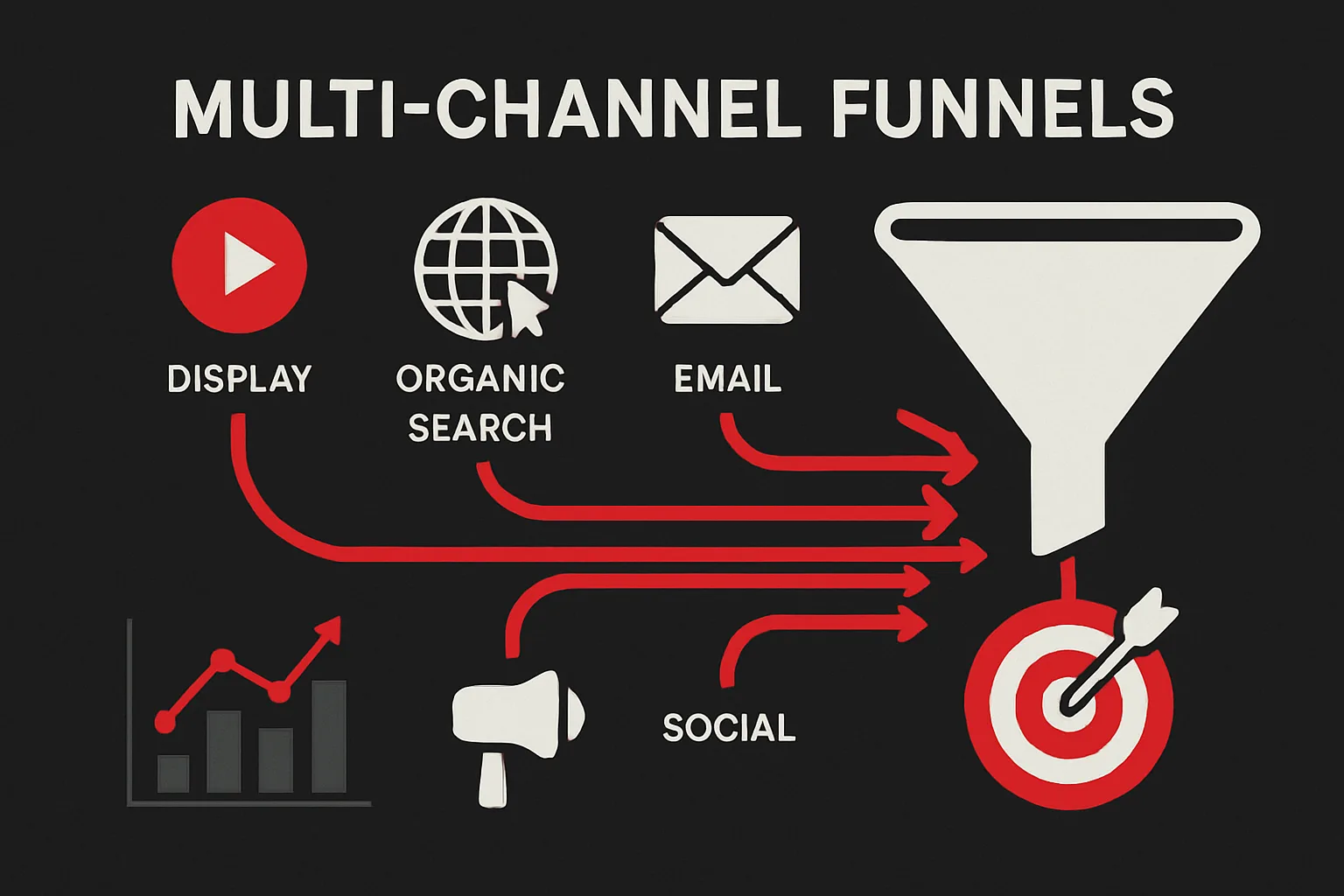
Every marketing channel exists within a system — it interacts with, supports, and depends on the other channels in your mix. A customer who converts after clicking a Google search ad may have first seen your brand in a YouTube video, retargeted on Instagram, and read a review on G2 before finally searching your brand name. Last-click attribution assigns 100% of the credit to the search ad and zero to everything else. Multi-channel funnel analysis tells a different and more accurate story.
Why Single-Channel Metrics Are Misleading
When you evaluate each channel in isolation — this channel has a 3x ROAS, that channel has a 2x ROAS — you are measuring what each channel reports for itself, not what each channel actually contributes to overall revenue. Channels do not operate in parallel universes. They interact constantly:
- Paid social raises awareness that later converts via branded search
- Email nurtures prospects that were originally acquired via paid search
- Content marketing builds consideration that enables retargeting to convert
- YouTube brand campaigns reduce cost-per-click on Google Search by increasing brand familiarity
Pausing any channel based on its self-reported metrics often reveals these interactions in the worst way — performance across multiple channels drops simultaneously, because the channel you paused was providing the awareness and consideration that the others depended on.
Reading Multi-Channel Funnel Reports in GA4
GA4 provides multi-channel funnel analysis through its Advertising workspace and the Path exploration report. Key things to look for:
- Channel combinations that appear frequently: If the path Paid Social → Organic Search → Direct appears in 30% of your conversions, that sequence is load-bearing. Removing paid social disrupts all of those conversions, not just the ones attributed to it.
- Channels that dominate initiation: Which channels most often appear as the first touchpoint in a converting user journey? These channels are building the top of your funnel. Their contribution is invisible in last-click models.
- Time between touchpoints: Long gaps between touchpoints indicate a longer consideration cycle and suggest that nurture content, retargeting, or email may be able to accelerate the journey.
- Channels that dominate closing: Which channels most often appear as the last touchpoint? These are your converters — effective at driving the final decision but dependent on other channels having done the upstream work.
Practical Attribution Models for Multi-Channel Analysis
No single attribution model captures the complete truth, but different models illuminate different aspects of channel contribution:
- First-click attribution: Shows which channels are best at generating new audience — useful for evaluating awareness campaigns.
- Linear attribution: Distributes credit equally across all touchpoints — useful as a starting point for understanding channel breadth of contribution.
- Time-decay attribution: Gives more credit to recent touchpoints — useful for channels with long nurture cycles where later touchpoints genuinely do more work.
- Data-driven attribution (GA4 default): Uses machine learning to assign credit based on actual conversion patterns in your data. Requires sufficient conversion volume (roughly 300+ conversions per month) to be reliable.
Building a Channel Interdependency Map
A practical exercise for any marketing team: build a channel interdependency map by answering three questions for each channel in your mix. First, which channels feed this one by providing the awareness and consideration that make its conversions possible? Second, which channels does this one feed — whose conversions depend on this channel having run upstream? Third, what happens to overall conversion volume if this channel is paused?
This map will quickly reveal which channels are load-bearing infrastructure for your marketing system and which are more self-contained. It also reveals the true cost of pausing any channel — not just the direct conversions lost, but the downstream impact on every channel that depended on it.
Need expert tracking setup?
Our Google Tag Manager experts have delivered 500+ tracking setups with a 98% success rate.
Get a Free Consultation →