What Are Item-Scoped Custom Dimensions?
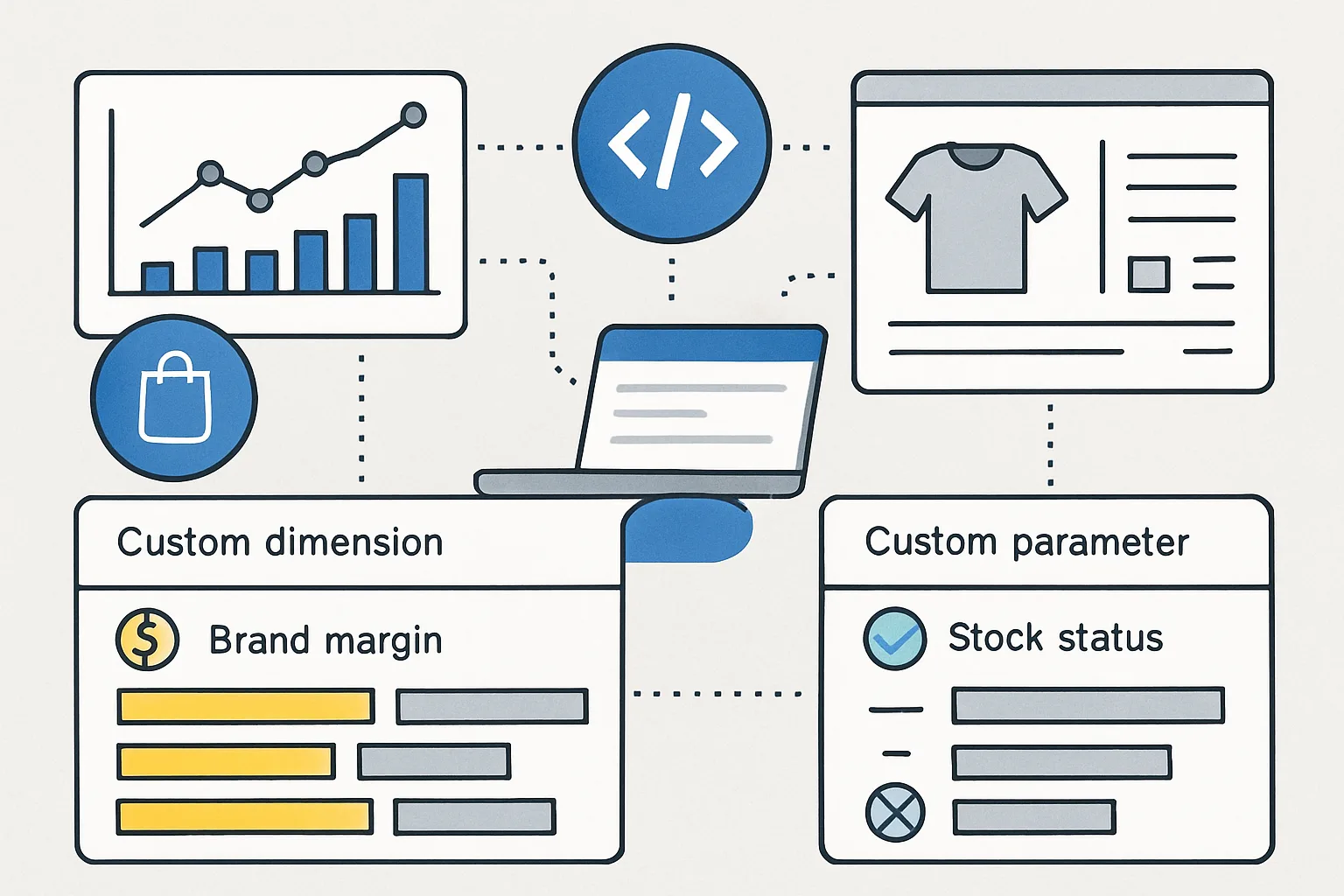
GA4 allows you to define custom dimensions at three scopes: user, session, and item. Item-scoped custom dimensions attach additional attributes to products in your ecommerce events — attributes that are specific to your business and not covered by GA4's standard item parameters.
Standard GA4 item parameters include: item_id, item_name, price, quantity, item_brand, item_category, item_variant. Custom dimensions extend this with any business-specific attribute.
Setting Up Item-Scoped Custom Dimensions
- Admin then Custom Definitions then Custom Dimensions
- Create Dimension
- Scope: Item
- Event parameter: the name you will use in the items array
- Dimension name: the human-readable label for reports
Useful Item-Scoped Dimensions for Ecommerce
Margin Tier
Pass a product's margin tier (high/medium/low) with every purchase event:
items: [{
  item_id: "SKU-001",
  item_name: "Blue Running Shoe",
  price: 89.00,
  quantity: 1,
  margin_tier: "high"  // custom dimension
}]
Registers the custom dimension "margin_tier" → Item scope → event parameter "margin_tier".
Analysis: filter purchases by margin_tier = "high" to see which channels, campaigns, and landing pages drive the most high-margin sales — not just the highest revenue.
Stock Status at Time of View
// In view_item event
items: [{
  item_id: "SKU-001",
  stock_status: "in_stock"  // or "low_stock", "pre_order"
}]
Analysis: compare add_to_cart rate for "in_stock" vs "low_stock" products. Does showing "Only 3 left!" increase conversion? Measure it.
Product Age or Season
items: [{
  item_id: "SKU-001",
  product_season: "SS26",  // Spring/Summer 2026
  days_since_launch: 14
}]
Analysis: do new products (low days_since_launch) have higher or lower conversion rates than established products? Does product age affect return rates?
Supplier or Brand (If You Carry Multiple Brands)
Use item_brand (standard parameter) for the brand, but use a custom dimension for supplier_id if you need to track supply chain performance. Margin per supplier is particularly useful for marketplace or multi-brand retailers.
Important Limitations
- GA4 standard properties support up to 50 custom dimensions (combined across scopes)
- Custom dimensions apply only to data collected after the dimension is created — no retroactive data
- High-cardinality item-scoped dimensions (hundreds of unique values like product SKUs) can create very large reports — use categories/tiers rather than raw values
Summary
Item-scoped custom dimensions in GA4 are how you bring business-specific product intelligence into your analytics. Margin tier, stock status at view time, product season, and supplier performance are all valuable dimensions that GA4 cannot capture without custom implementation. Add them to your items arrays in all relevant ecommerce events and register them in GA4 Admin to unlock product-level analysis that connects analytics to commercial performance.
See our Enhanced Ecommerce Tracking service for custom dimension implementation.
Need custom dimensions configured? Contact Adslytics.
Need expert tracking setup?
Our Google Tag Manager experts have delivered 500+ tracking setups with a 98% success rate.
Get a Free Consultation →