Why SPAs Break Standard Page Tracking
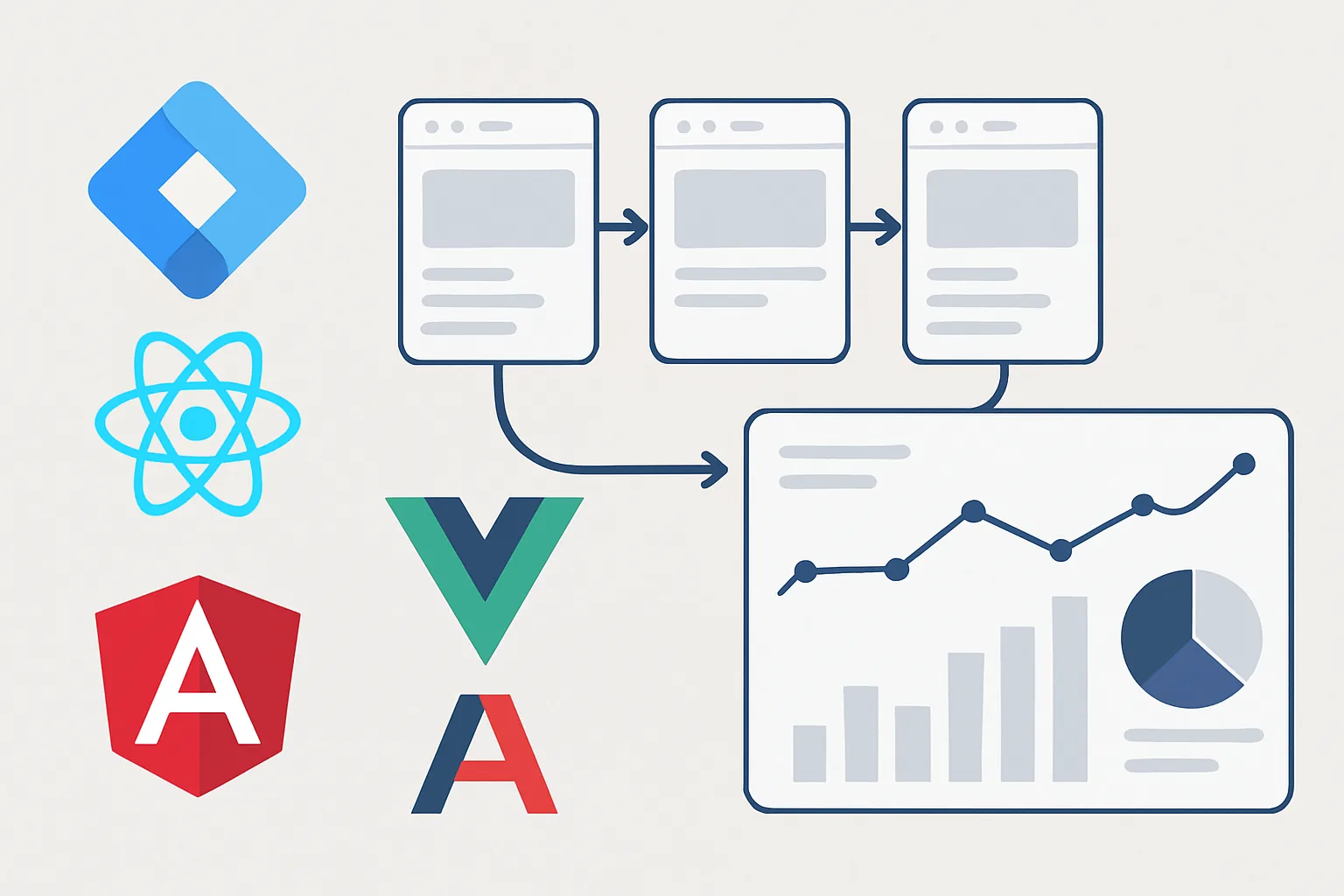
Traditional websites reload the full page with every navigation. Each reload triggers a new page view in Google Tag Manager, firing your analytics and conversion tags. Single Page Applications (SPAs) built with React, Vue, or Angular work differently — navigation changes the URL and content without a full page reload. The browser never fires the events that GTM normally uses to detect navigation.
The result: your SPA appears to have one enormous "first page" session, with all subsequent navigation invisible to your tracking tags. Users browse through your app, visit your pricing page, reach your sign-up flow — and none of it fires.
The Solution: Virtual Pageviews via the Data Layer
The most reliable solution is to push a custom event to the data layer every time your SPA navigates to a new view. This is called a "virtual pageview" — not a real browser page load, but an event your app explicitly signals to GTM.
In your React, Vue, or Angular router, add a data layer push on every route change:
// React (react-router)
import { useEffect } from 'react';
import { useLocation } from 'react-router-dom';
function TrackPageViews() {
  const location = useLocation();
  useEffect(() => {
    window.dataLayer = window.dataLayer || [];
    window.dataLayer.push({
      event: 'virtual_page_view',
      page_path: location.pathname,
      page_title: document.title
    });
  }, [location]);
  return null;
}
In GTM, create a Custom Event trigger for event name "virtual_page_view" and attach your GA4 page_view event tag to it.
The History Change Trigger Alternative
GTM has a built-in History Change trigger that fires when the browser's history API is used — which is exactly what SPAs do when navigating. Enable it in Variables then Configure, then create a trigger of type History Change.
Pros: no code changes needed on the SPA itself — GTM detects route changes automatically.
Cons: the History Change event fires before the new page's content has fully rendered. If your page title or other data comes from the new route's content (loaded after navigation), the tag may fire too early and capture stale values.
For SPAs that update the document title and other page data synchronously during navigation, the History Change trigger works well. For SPAs that fetch content asynchronously after navigation, the explicit data layer push approach is more reliable because you control exactly when it fires.
Configuring GA4 for SPA Page Views
If you are using GA4 with Enhanced Measurement, GA4 tries to automatically detect page view events. In SPAs, this can result in duplicate page views — GA4's automatic tracking plus your custom tracking both firing.
Resolution: in GA4 Data Streams then Enhanced Measurement, disable "Page views" under enhanced measurement. Then rely entirely on your custom GA4 Page View tag in GTM triggered by your virtual pageview event.
Tracking Conversions on SPAs
Conversion tracking on SPAs requires the same approach: instead of relying on a thank-you page URL, your application code pushes a custom event to the data layer when a conversion action is confirmed:
// After form submission confirmed by API
window.dataLayer.push({
  event: 'lead_form_confirmed',
  form_type: 'contact',
  user_data: { email: submittedEmail }
});
Your Google Ads conversion tag is then triggered by this custom event, not by a page URL. This gives you precise, server-confirmed conversion tracking regardless of the URL structure.
Summary
SPA tracking requires either explicit data layer pushes from your router or GTM's History Change trigger. For reliable conversion tracking on SPAs, always use explicit data layer events from your application code — they fire at the right moment, carry the right data, and are immune to race conditions between navigation and content rendering.
See our Google Tag Manager Setup and Audit service for SPA-specific tracking setup.
Tracking broken on your React or Vue app? Contact Adslytics.
Need expert tracking setup?
Our Google Tag Manager experts have delivered 500+ tracking setups with a 98% success rate.
Get a Free Consultation →