What List Tracking Reveals
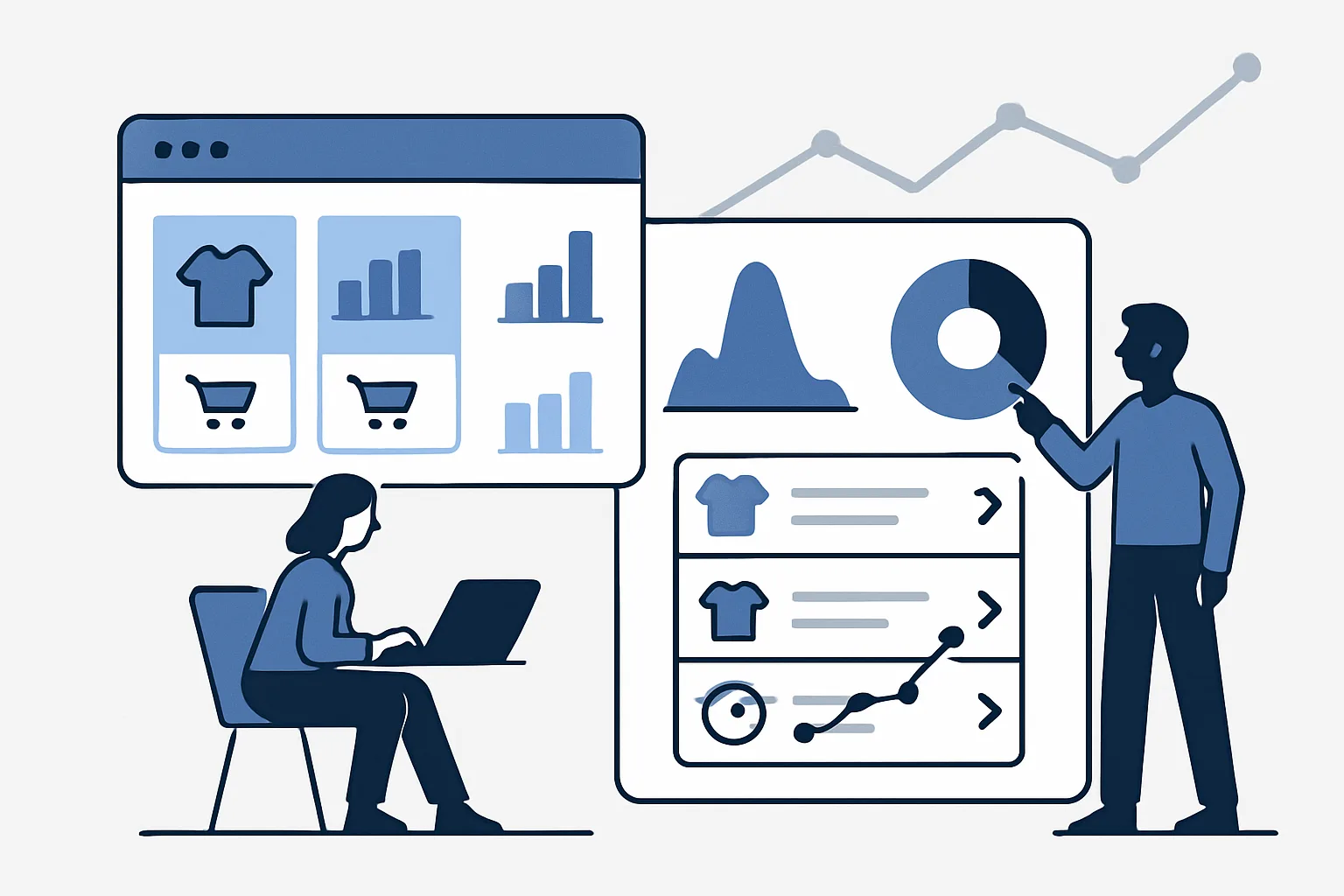
Product list tracking in GA4 answers a question most ecommerce stores cannot currently answer: which product placement drives the most revenue? Is the homepage featured section driving more purchases than the category page? Does "Customers Also Bought" drive more add-to-carts than "Recently Viewed"?
GA4 list performance tracking uses the view_item_list and select_item events with consistent item_list_name values to attribute downstream conversions to specific product lists.
The Two Events That Enable List Attribution
view_item_list: fires when products are displayed in a list — category pages, homepage carousels, recommendation widgets, search results. Each product visible in the list is included in the items array with its position (index) and the list_name.
select_item: fires when a user clicks a product from within a list. The item and list_name from the click are stored and carried forward to attribute subsequent events (view_item, add_to_cart, purchase) to that list.
Implementation: Consistent Item List Names
The key to useful list attribution is consistent, descriptive item_list_name values across your site:
- Category page: "Category - Running Shoes"
- Homepage featured: "Homepage - Featured Products"
- Recommendations widget: "PDP - Customers Also Bought"
- Search results: "Search Results"
- Sale page: "Sale - Summer Collection"
If you use generic names ("product-list" for everything), all lists will be attributed together and the analysis will be meaningless.
GTM Implementation
In GTM, implement view_item_list using a Custom Event trigger on the "view_item_list" data layer event. The data layer push from the developer should include the complete items array with item_list_name on each item:
dataLayer.push({ ecommerce: null });
dataLayer.push({
  event: "view_item_list",
  ecommerce: {
    item_list_name: "Category - Running Shoes",
    items: [
      {item_id:"SKU-001", item_name:"Blue Runner", price:89.00, index:0, item_list_name:"Category - Running Shoes"},
      {item_id:"SKU-002", item_name:"Red Runner", price:79.00, index:1, item_list_name:"Category - Running Shoes"}
    ]
  }
});
Reading List Performance Reports in GA4
List performance data appears in GA4 at: Reports then Monetisation then Ecommerce purchases. Add "Item list name" as a dimension to see which lists drive the most:
- Item list clicks (select_item events)
- Items added to cart after list interaction
- Items purchased after list interaction
- Item list purchase revenue
Pagination and Dynamic Loading
If your category pages load more products as the user scrolls (infinite scroll) or paginate, fire a new view_item_list event for each new set of products that appears. Include the correct index values (products on page 1 are index 0-19, page 2 are index 20-39) to maintain position data.
Summary
List tracking enables attribution of conversions to the specific product placement that started the purchase journey. The two events (view_item_list and select_item) work together with consistent item_list_name values to show which lists drive revenue — information that is invisible without this implementation and essential for optimising product placement and recommendation strategies.
See our Enhanced Ecommerce Tracking service for list tracking implementation.
Need product list tracking set up? Contact Adslytics.
Need expert tracking setup?
Our Google Tag Manager experts have delivered 500+ tracking setups with a 98% success rate.
Get a Free Consultation →