Why Plan Before You Build
Most GA4 implementation problems start before a single tag is configured — they start when people skip the planning stage and jump straight into GA4's interface. Without a measurement plan, you end up with a GA4 property that tracks what was convenient to track rather than what the business actually needs to measure.
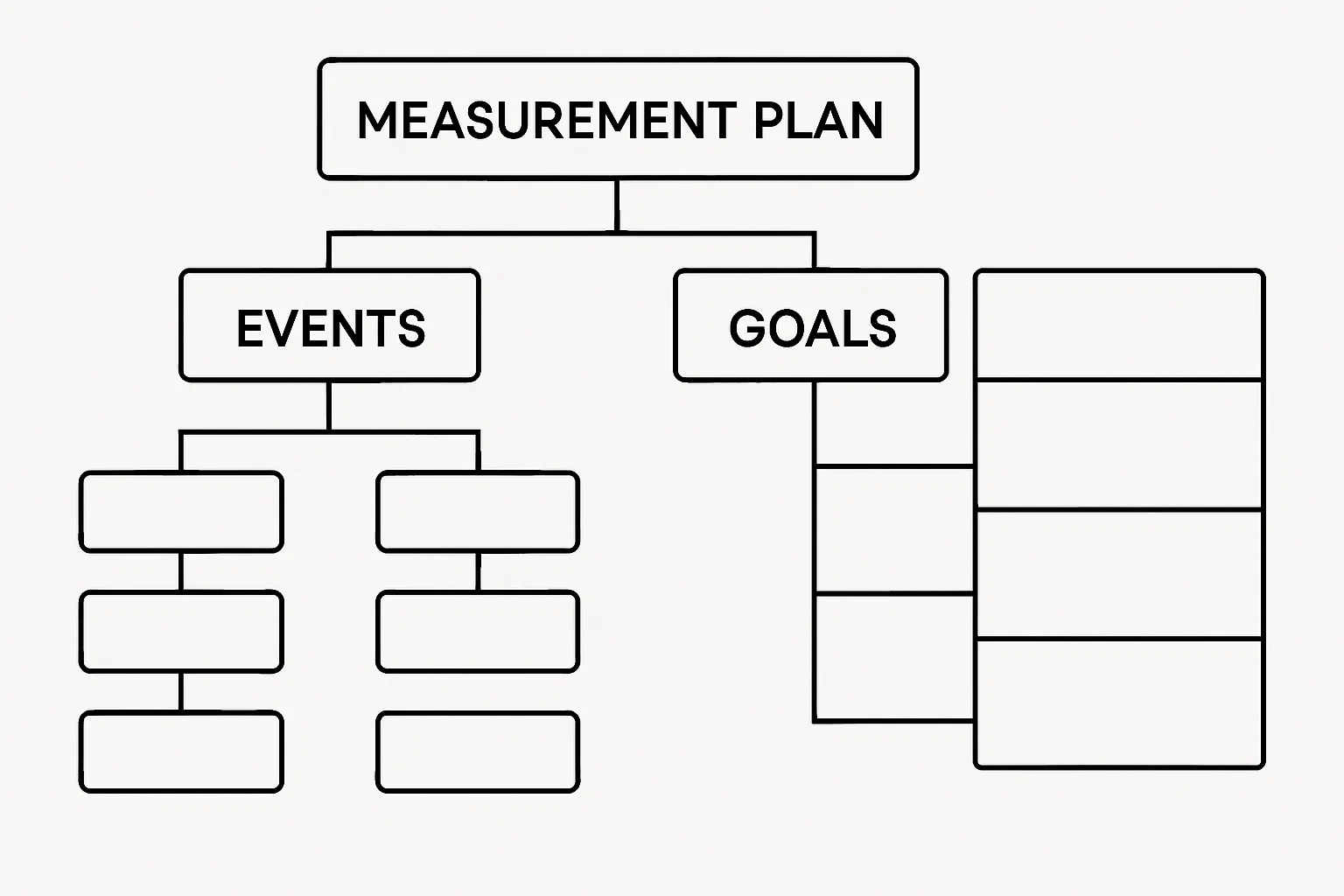
A measurement plan is a structured document that answers: what business questions do we need to answer, what events and dimensions will answer them, and how will we implement them? It takes 2-4 hours to write and prevents weeks of remediation later.
Step 1: Define Business Objectives
Start with business questions, not analytics features. List 3-5 questions the business needs data to answer:
- "Which marketing channels drive the highest-LTV customers?"
- "Where in the checkout funnel are we losing the most customers?"
- "Does reading our blog increase conversion probability?"
- "Which landing page converts best for paid traffic?"
These questions drive every tracking decision. If a proposed event does not help answer one of these questions, it probably does not need to be tracked.
Step 2: Map User Actions to Events
For each business question, identify the user actions that provide the data to answer it. Create a table:
| User Action | Event Name | Parameters | Priority |
|---|---|---|---|
| Completed purchase | purchase | transaction_id, value, currency, items | Critical |
| Submitted contact form | generate_lead | form_name, lead_source | Critical |
| Viewed pricing page | pricing_page_view (custom) | plan_viewed | High |
| Scrolled 75% of blog post | scroll (enhanced measurement) | page_title, page_location | Medium |
Step 3: Define Custom Dimensions Needed
List the business-specific context that standard GA4 parameters do not capture:
- Plan tier (free/pro/enterprise) — user-scoped
- Customer type (new/returning) — user-scoped
- Content category (product/blog/landing) — event-scoped
- Lead source from form (utm-captured value) — event-scoped
Step 4: Define Key Events (Conversions)
Explicitly list which events will be marked as Key Events and why. Include estimated values for each conversion type:
- purchase: Key Event — actual transaction value
- generate_lead: Key Event — £50 estimated value (average lead-to-customer × average order value)
- phone_call_click: Key Event — £25 estimated value
- content_download: NOT a Key Event — engagement signal only
Step 5: Document Implementation Notes
For each event, note:
- Where it fires: which page, which component, which user interaction
- Implementation method: GTM trigger, direct code, Enhanced Measurement
- Who is responsible: developer, analytics team, GTM admin
- Testing method: how will you verify this event fires correctly
Step 6: Get Stakeholder Sign-Off
Share the measurement plan with business stakeholders (marketing director, product team, leadership) before implementation. The plan makes the tracking decisions visible and reviewable — avoiding the common problem of implementing tracking based on technical feasibility rather than business need.
Summary
A GA4 measurement plan transforms implementation from "track everything we can" to "track what we need to answer specific business questions." Write it before opening GA4. Review it with stakeholders. Update it quarterly as business questions evolve. It is the single most important document in your analytics programme.
See our GA4 Setup & Audit service for measurement plan development.
Need a GA4 measurement plan for your business? Contact Adslytics.
Need expert tracking setup?
Our Google Tag Manager experts have delivered 500+ tracking setups with a 98% success rate.
Get a Free Consultation →