What Reporting Identity Controls
GA4 Reporting Identity determines how the system counts users when the same person has multiple identifiers — different browser cookies, a User ID from your auth system, and Google Signals from their Google account. The three options represent different trade-offs between user count accuracy and data availability.
Option 1: Blended (Default)
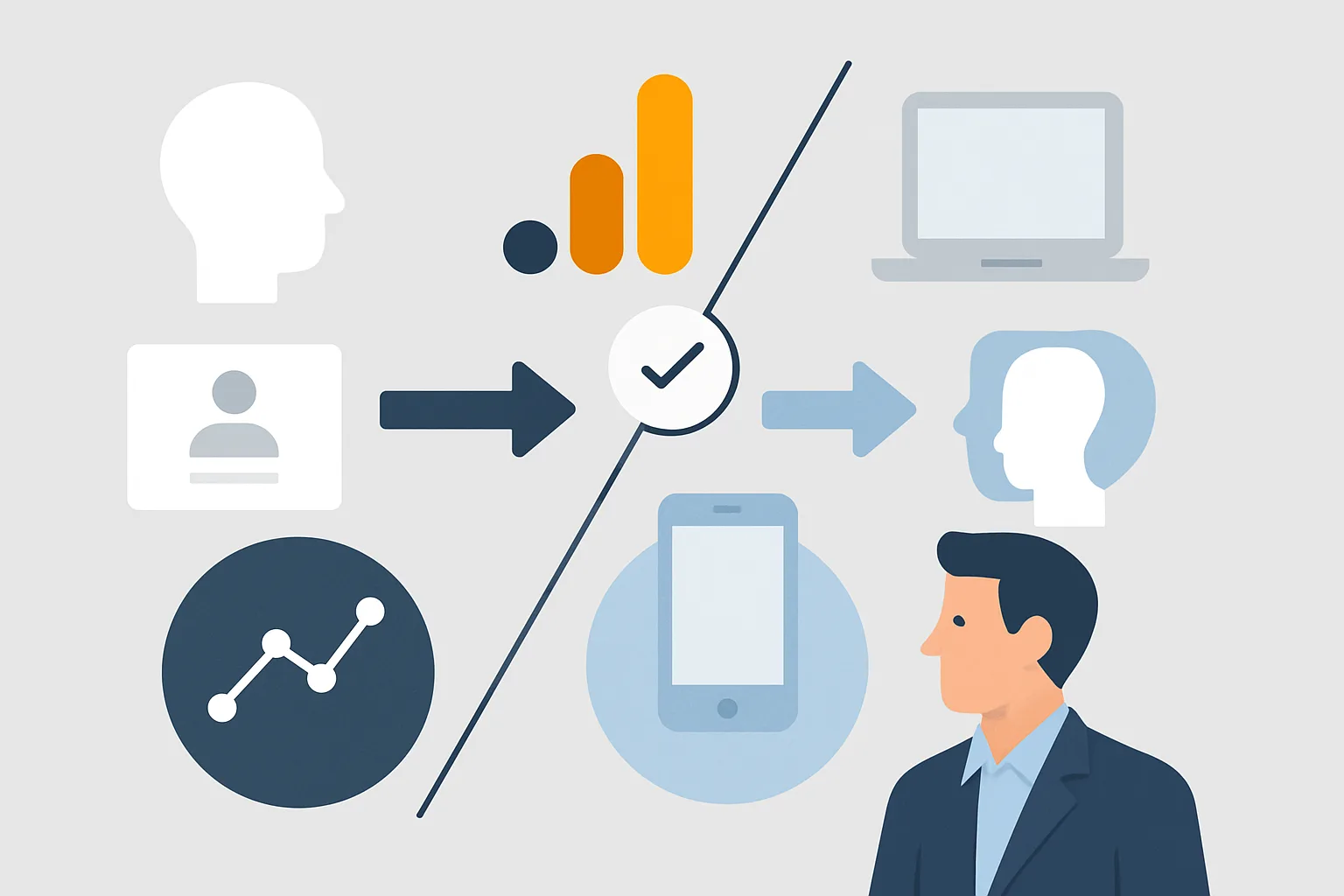
Blended identity uses all available identity signals to count users: User ID (if implemented), Google Signals (for Google-signed-in users), and Device ID (cookie-based). GA4 uses the highest-priority signal available for each session:
- If User ID is available: use it (most persistent, most accurate)
- If no User ID but Google Signals is available: use the Google Signals identifier
- If neither: fall back to Device ID (cookie)
Result: the most accurate user count possible, especially for cross-device journeys. But using Google Signals introduces thresholding (low-volume rows are hidden from reports).
Use when: cross-device user counting is important for your business and thresholding on low-volume segments is acceptable.
Option 2: Observed
Observed uses User ID (if implemented) and Google Signals for identity — but only when these signals are actually observed, not modelled. It does not use Device ID for stitching when signals are not available.
This option still uses Google Signals, so thresholding still applies. The difference from Blended is subtle and primarily affects how users are counted when signals are available for only some of their sessions.
Use when: you want Google Signals data in reports but a more conservative identity stitching approach.
Option 3: Device-Based
Device-based identity uses only Device ID (the cookie-based client_id). No User ID stitching, no Google Signals. Each browser/device is counted as a separate user.
Result: the same user on laptop + phone + tablet = 3 users in GA4. User counts are higher and less accurate for cross-device journeys. But thresholding does not apply — all rows appear in reports regardless of size.
Use when: thresholding is blocking important data in your reports (small segment sizes disappear under Blended/Observed) and you are willing to accept less accurate user counting in exchange for complete reporting.
How to Change Reporting Identity
- Admin (in GA4)
- Reporting Identity (under Data Settings)
- Select your option
- Save
Changing the setting retroactively changes how all historical data is reported — it is not just applied to future data.
Practical Decision Guide
- Using User ID implementation + have 500+ users in key segments → Blended
- Not using User ID + EU audience (high consent decline, Signals opt-out) → Device-based
- Running detailed segment analysis that thresholding is hiding → Device-based
- Want demographics data without User ID → Blended or Observed with Signals enabled
Summary
Blended is the most accurate counting method for cross-device journeys but introduces thresholding. Device-based avoids thresholding but counts cross-device users separately. Most businesses should start with Blended and switch to Device-based only if thresholding is materially affecting specific analyses they need.
See our GA4 Setup & Audit service for reporting identity configuration.
Need help configuring GA4 correctly? Contact Adslytics.
Need expert tracking setup?
Our Google Tag Manager experts have delivered 500+ tracking setups with a 98% success rate.
Get a Free Consultation →