GA4's Three-Level Hierarchy
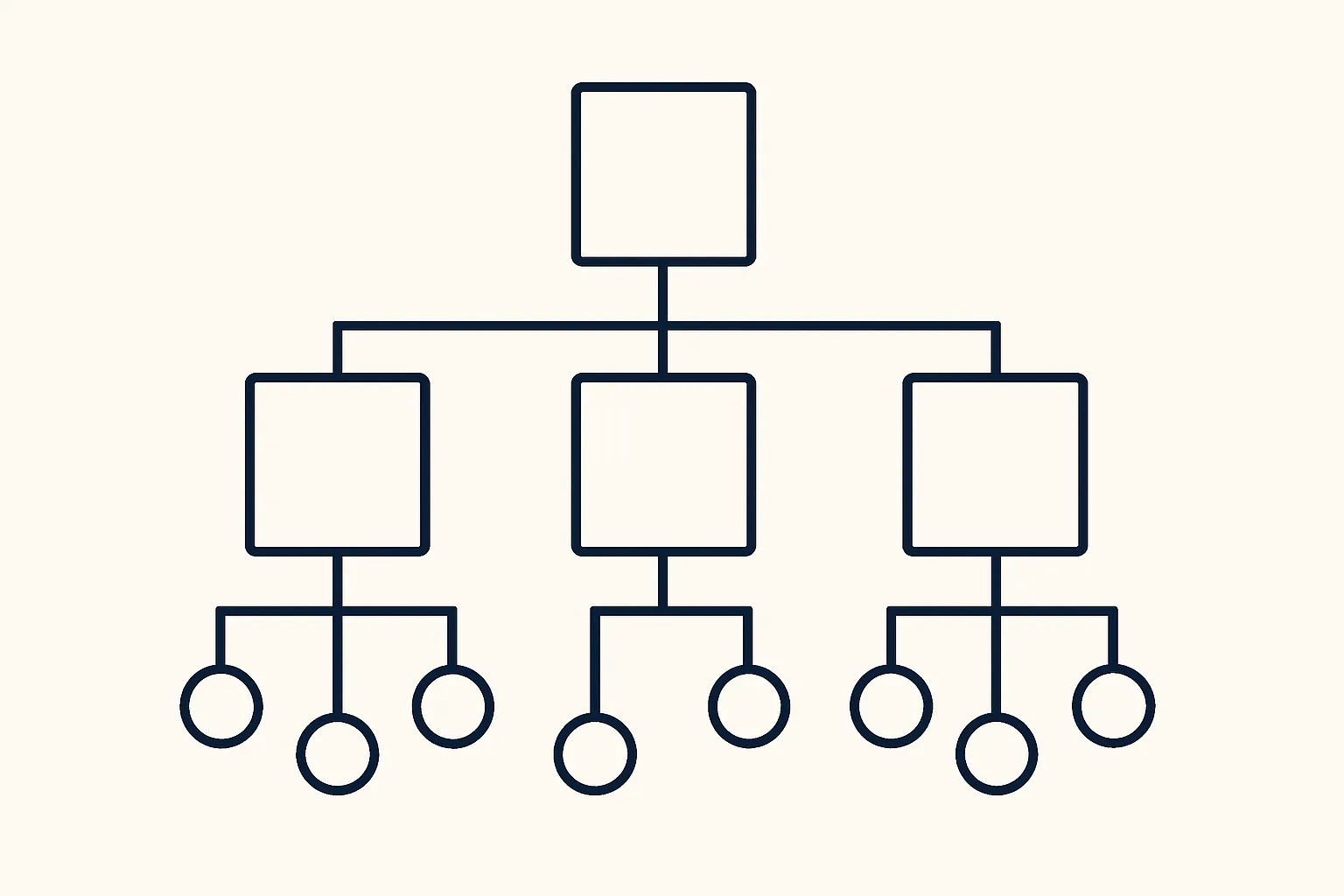
Google Analytics 4 organises data in three levels:
- Account: the top-level container, typically one per business or organisation. Contains multiple properties.
- Property: the reporting unit, similar to a GA4 property in UA. Reports are scoped to one property. Contains data streams.
- Data Stream: the source of data — a specific website or app. One property can have multiple data streams.
The key change from UA: in GA4, different data sources (your website AND your iOS app AND your Android app) can all feed into one property, giving you a unified view of your users across platforms.
One Property vs Multiple Properties
The central decision for multi-site businesses: should different websites be different properties or different data streams in the same property?
Use one property with multiple data streams when:
- The websites are the same brand serving the same audience (English and French versions of the same site)
- You want a unified view of users across the sites
- The sites share conversion events and business objectives
Use separate properties when:
- The websites serve completely different audiences and have different KPIs
- Different teams manage the analytics for each site with separate reporting needs
- The businesses are separate brands (even within the same company)
- You need different data retention settings or privacy configurations per site
Web + App in One Property
GA4's major architectural advantage over UA: you can combine website and mobile app data into one property. This enables cross-device reports showing the complete user journey (discovery on web, conversion on app, or vice versa). Each platform is a separate data stream within the same property:
- Web data stream: your website with its GA4 Measurement ID
- iOS data stream: your iOS app via Firebase SDK
- Android data stream: your Android app via Firebase SDK
Account Structure for Agencies
Digital agencies managing analytics for multiple clients should use separate GA4 accounts (or separate properties within a client's account) for each client — never mix client data into a single property. The recommended structure:
- Each client owns their own Google Analytics account (not the agency)
- Grant the agency "Editor" or "Analyst" role on the client's property
- Never create properties you own on behalf of clients — they own the data
Multi-Domain: Property or Subdomains?
For businesses with a main site (brand.com) and separate microsites (offer.brand.com, campaign.brand.com):
- Same root domain subdomains: use one data stream with cross-domain referral exclusions
- Completely different TLDs (brand.com and brand.co.uk): can use one property with two data streams — but cross-domain tracking is needed to stitch sessions together
Data Stream Configuration Checklist
For each web data stream:
- Enhanced Measurement: review and enable/disable appropriate events
- Configure tag settings: internal traffic definition, referral exclusions, cross-domain setup
- Verify Measurement ID is correctly placed on the website
Summary
GA4's account/property/data stream hierarchy gives businesses more flexibility than UA. The key decisions are: one property or multiple properties (determined by whether audiences and KPIs are shared), and how to handle web+app (use one property with multiple streams). Structure decisions made now affect reporting forever — plan carefully before creating properties.
See our GA4 Setup & Audit service for property structure planning.
Need help structuring your GA4 property? Contact Adslytics.
Need expert tracking setup?
Our Google Tag Manager experts have delivered 500+ tracking setups with a 98% success rate.
Get a Free Consultation →