GA4's Four Event Categories
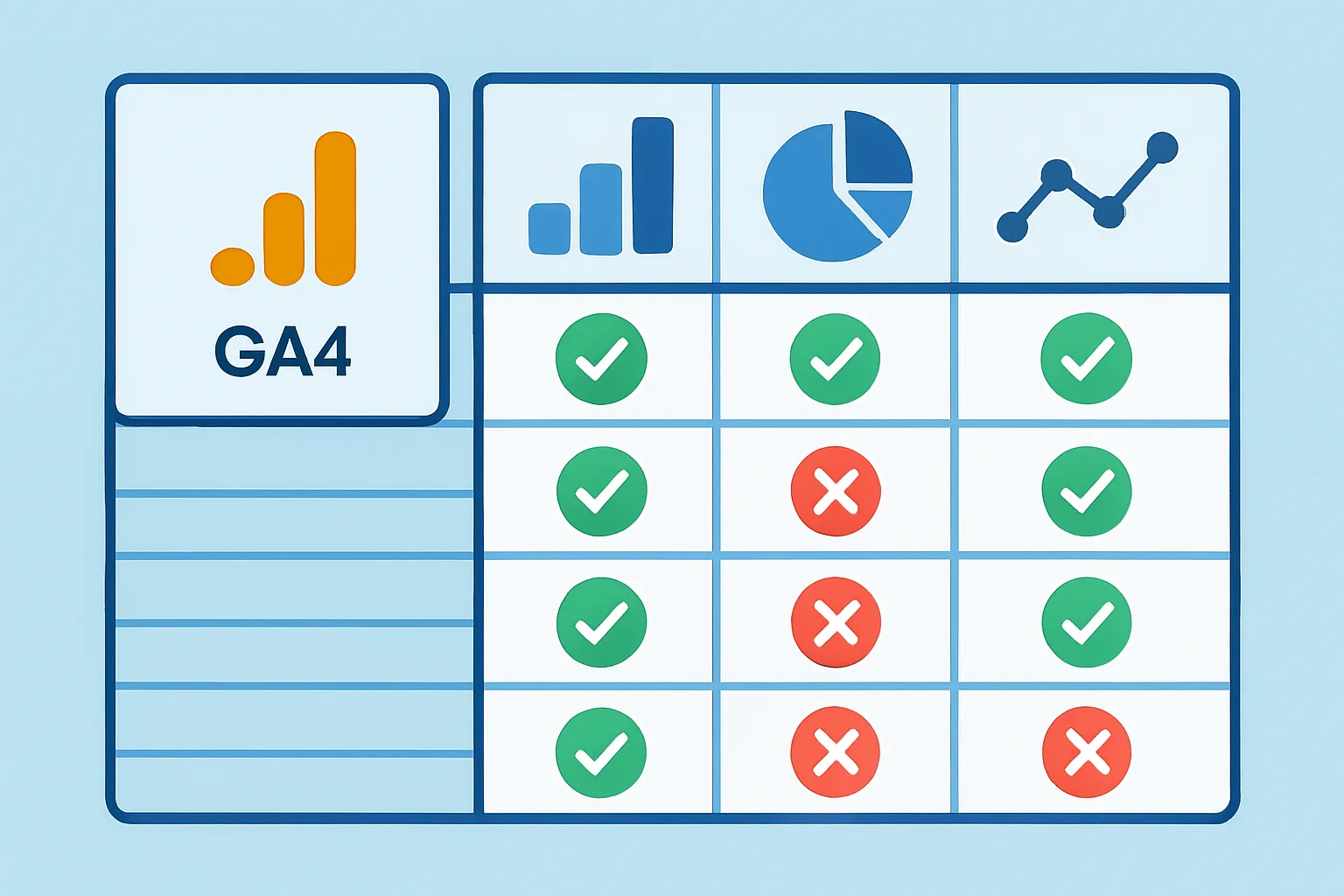
Google Analytics 4 collects events in four distinct categories, each collected differently and with different customisation options. Understanding which category an event falls into determines how it is implemented and how reliable it is.
1. Automatically Collected Events
These events fire without any configuration on your part. GA4 collects them as soon as the GA4 tag is installed:
first_visit: first time a user opens your website or appsession_start: beginning of a new sessionuser_engagement: when a page has focus for at least one secondpage_view: every page navigation (in web)
These events are useful for basic reach and session metrics but generally should not be marked as conversions (Key Events) because they fire so frequently.
2. Enhanced Measurement Events
Enabled with a toggle in GA4 (Admin then Data Streams then Enhanced Measurement), these events are collected automatically from the page without custom code:
scroll: when a user reaches 90% scroll depth on a pageclick: outbound link clicks (leaving your domain)view_search_results: when a user performs a site searchvideo_start/progress/complete: for embedded YouTube videosfile_download: when a user clicks a file download linkform_start/submit: experimental form interaction tracking
Enhanced Measurement events are convenient but less reliable than custom events — they depend on page structure and can misfire. For critical conversions like form submissions, implement a dedicated custom event instead.
3. Recommended Events
Google defines recommended event names and parameter schemas for common action types. Using the recommended names enables automatic features in GA4 reports (like the Ecommerce reports, which only populate when you use the correct event names).
Key recommended events:
purchase: completed transaction (requirestransaction_id,value,currency,items)add_to_cart: product added to cartbegin_checkout: user starts checkout processgenerate_lead: form submission or lead generationsign_up: user account creationlogin: user login event
Always use recommended event names where applicable — custom names for standard actions lose the built-in report integrations.
4. Custom Events
Events you define yourself for business-specific actions not covered by the recommended events. Examples:
video_play_hero: user plays the hero video on the homepagecalculator_used: user interacts with a pricing calculatortab_clicked_pricing: user clicks the pricing tabchatbot_opened: user opens the live chat widget
Custom events appear in GA4 reports but do not automatically populate any standard reporting views. They are best used for tracking micro-conversions and engagement signals that are specific to your business.
Event Naming Rules
All GA4 event names (including custom events) must follow these rules:
- Maximum 40 characters
- Only letters, numbers, and underscores (no spaces, no hyphens)
- Must start with a letter
- Case-sensitive:
Purchaseandpurchaseare different events - Cannot use reserved names (e.g.
ad_click,app_update, etc.)
Summary
Use automatically collected events for basic metrics. Enable enhanced measurement for passive page behaviour tracking. Use recommended event names for all standard e-commerce and lead gen actions. Add custom events for business-specific engagement signals. The combination of all four gives you a complete picture of user behaviour in GA4.
See our GA4 Setup & Audit service for proper event implementation.
Need help implementing GA4 events correctly? Contact Adslytics.
Need expert tracking setup?
Our Google Tag Manager experts have delivered 500+ tracking setups with a 98% success rate.
Get a Free Consultation →