X Advertising Pixel Overview
X (formerly Twitter) Ads uses a pixel called the "X Pixel" for website conversion tracking and audience building. While X's advertising platform is smaller than Meta or Google, B2B companies and news-focused brands often find strong ROI from X advertising. The X Pixel is necessary for measuring that ROI.
Creating an X Pixel
- X Ads Manager → Tools → Conversion Tracking → Create new website tag
- Name the tag and click "Generate website tag code"
- Note the Pixel ID (found in the base code as "twq('init', 'PIXEL_ID')")
GTM Installation
- GTM → New Tag → Tag Type: Custom HTML
- Paste the X Pixel base code with your Pixel ID
- Trigger: All Pages
- Name: "X Pixel - Base Code"
A GTM community template for X Pixel is also available in the GTM Template Gallery.
Conversion Events
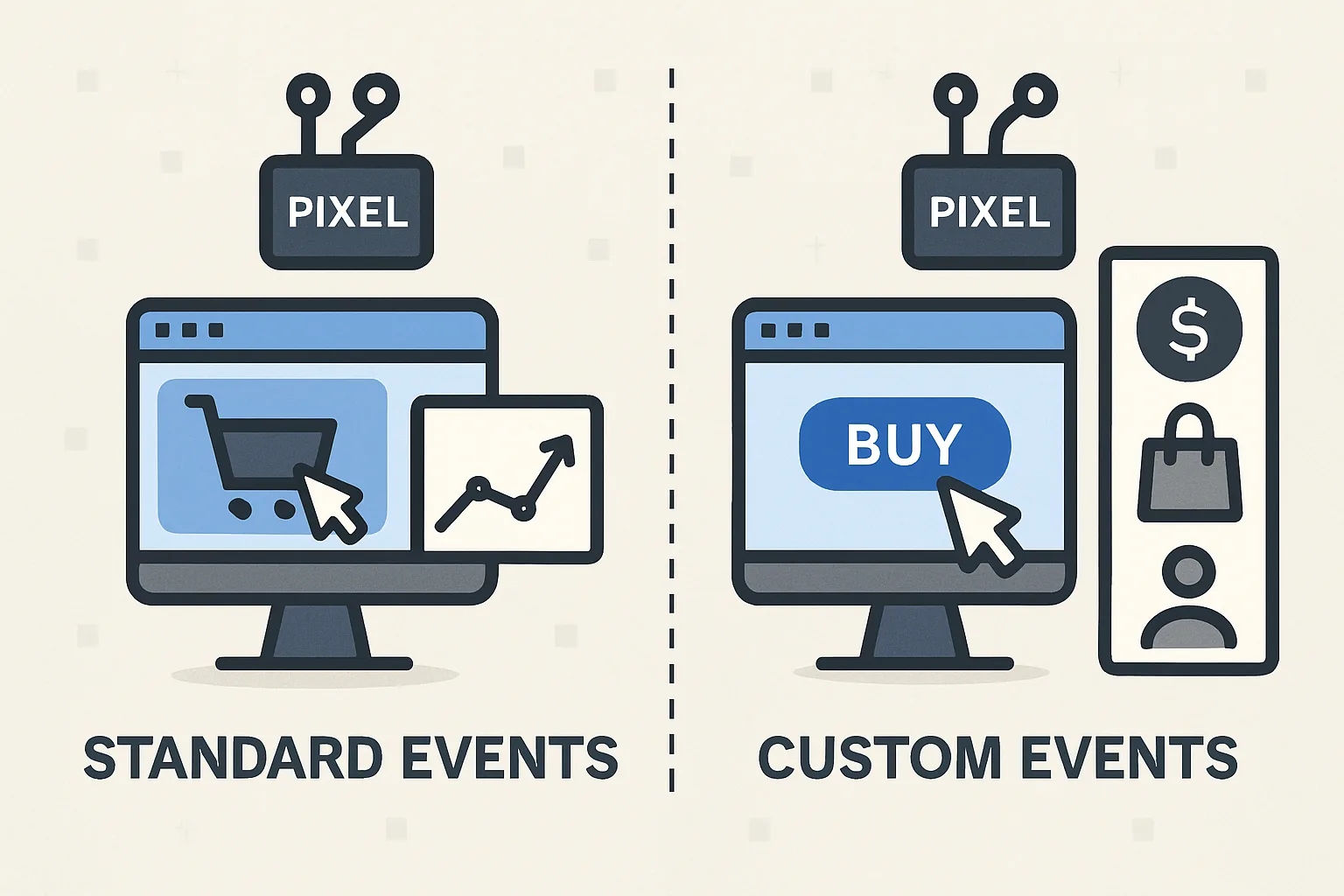
X Pixel standard events:
- Purchase:
twq('event', 'tw-PIXEL-ID-purchase', {value: amount, currency: 'USD', num_items: qty, content_ids: [productId]}); - Lead:
twq('event', 'tw-PIXEL-ID-lead', {}); - Page view: automatic with base code
Each conversion event has a unique event ID that you define in X Ads Manager → Tools → Conversion Tracking → Add conversion event.
X Audience Building
The X Pixel builds website visitor audiences for retargeting:
- X Ads → Tools → Audiences → Create new audience → Website visitors
- Define based on pages visited or events triggered
- Minimum audience size: 100 users for campaign targeting
Verification
Verify in X Ads Manager → Tools → Conversion Tracking → your tag should show "Active" status and recent pixel fires. Browser DevTools → Network tab → filter for "analytics.twitter.com" to see pixel requests in real time.
Summary
X Pixel installation via GTM: base code as Custom HTML on All Pages, then separate conversion event tags for Purchase and Lead events. Events are identified by their unique event IDs created in X Ads Manager. Verify via Network tab filter for "analytics.twitter.com" and the Ads Manager conversion tracking status. While X's targeting is less sophisticated than Meta or Google, correct pixel implementation ensures any campaign spend is measured accurately.
See our Marketing Pixel Setup service for X Pixel configuration.
Need X Pixel installed and configured? Contact Adslytics.
Need expert tracking setup?
Our Google Tag Manager experts have delivered 500+ tracking setups with a 98% success rate.
Get a Free Consultation →