Why Deduplication Is Critical
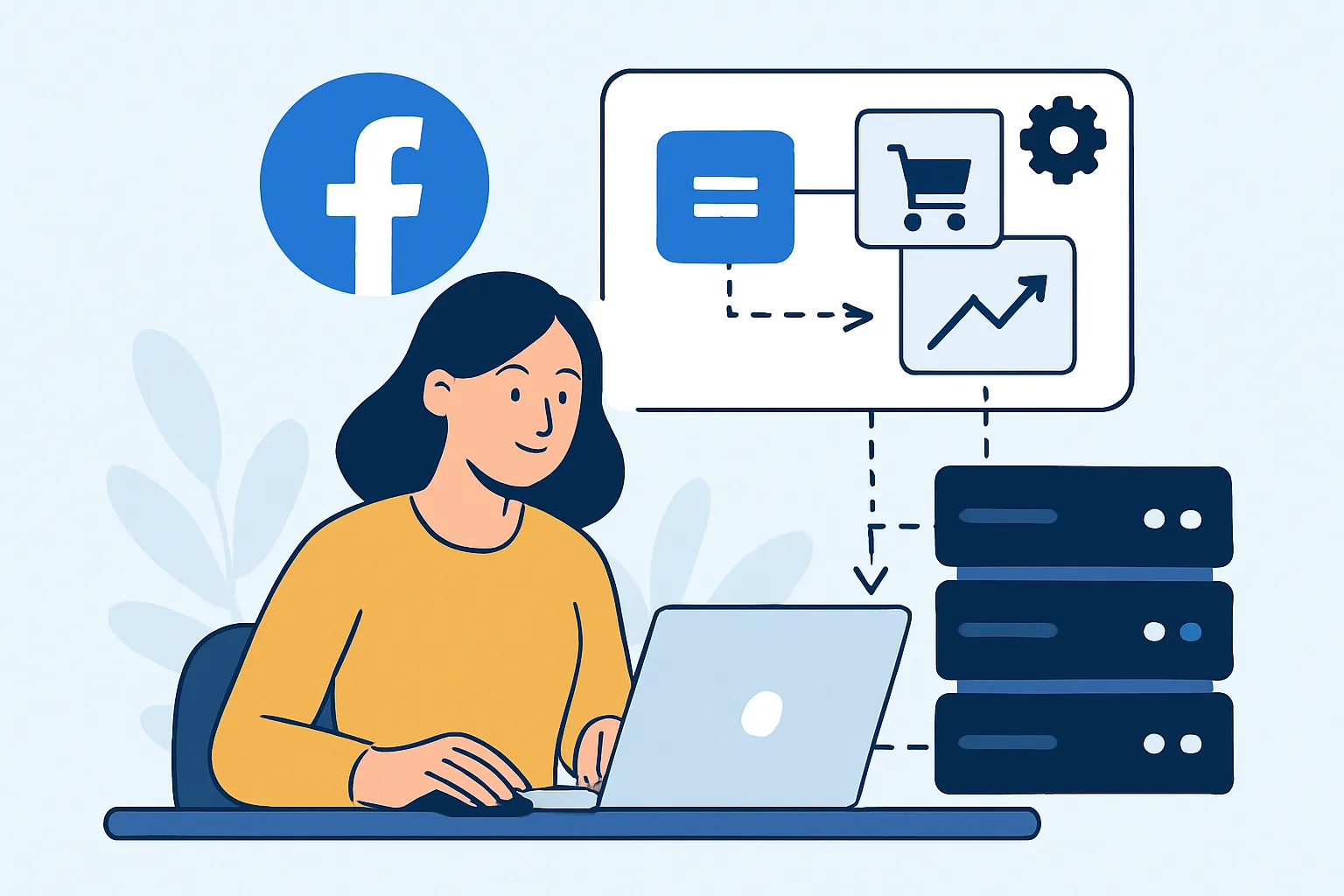
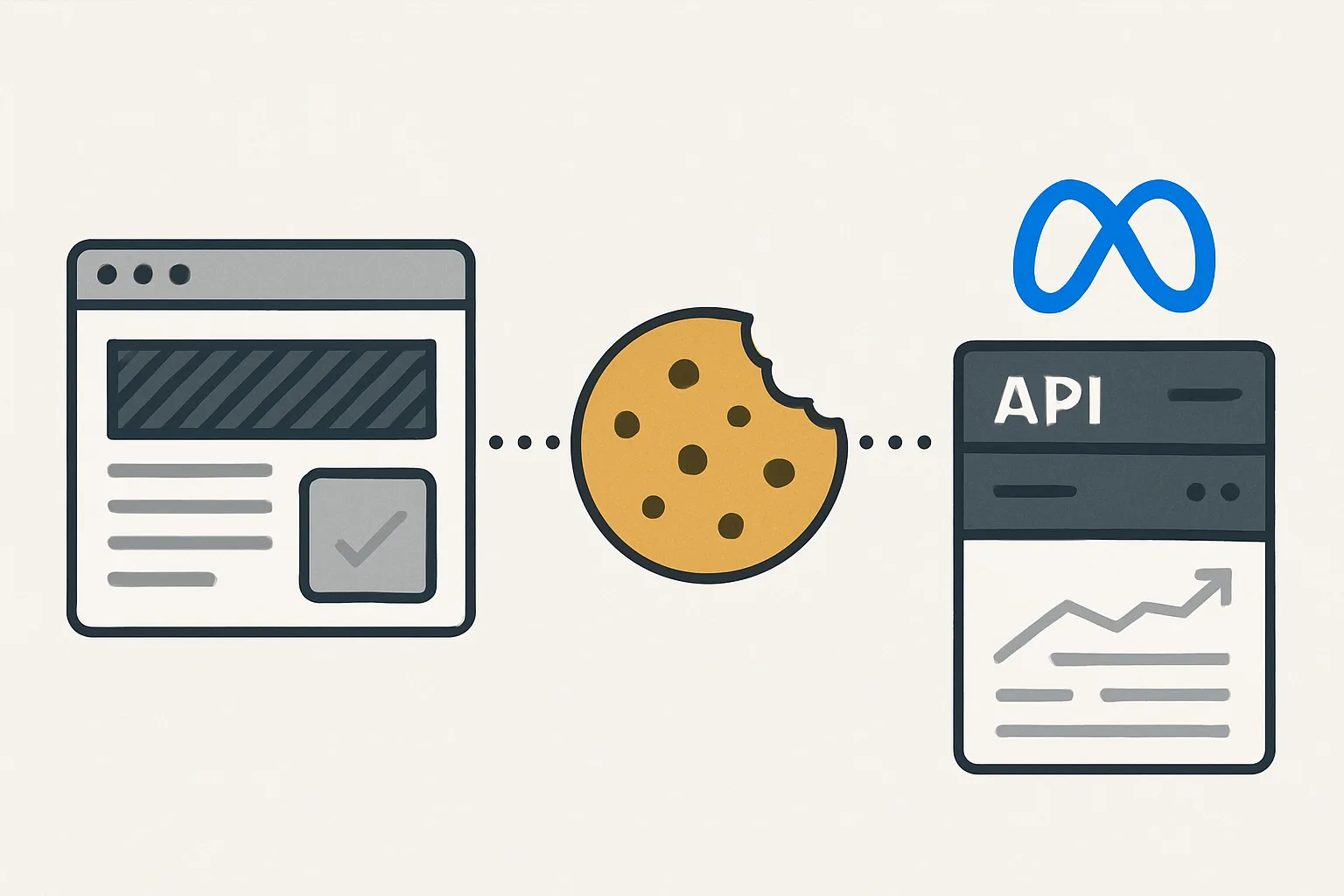
When you run both the Facebook Pixel (browser-side) and the Conversions API (server-side) simultaneously — which is the recommended configuration — Meta receives two events for every user action. Without deduplication, Meta counts every action twice, doubling your reported conversions and making your ad delivery optimisation data unreliable.
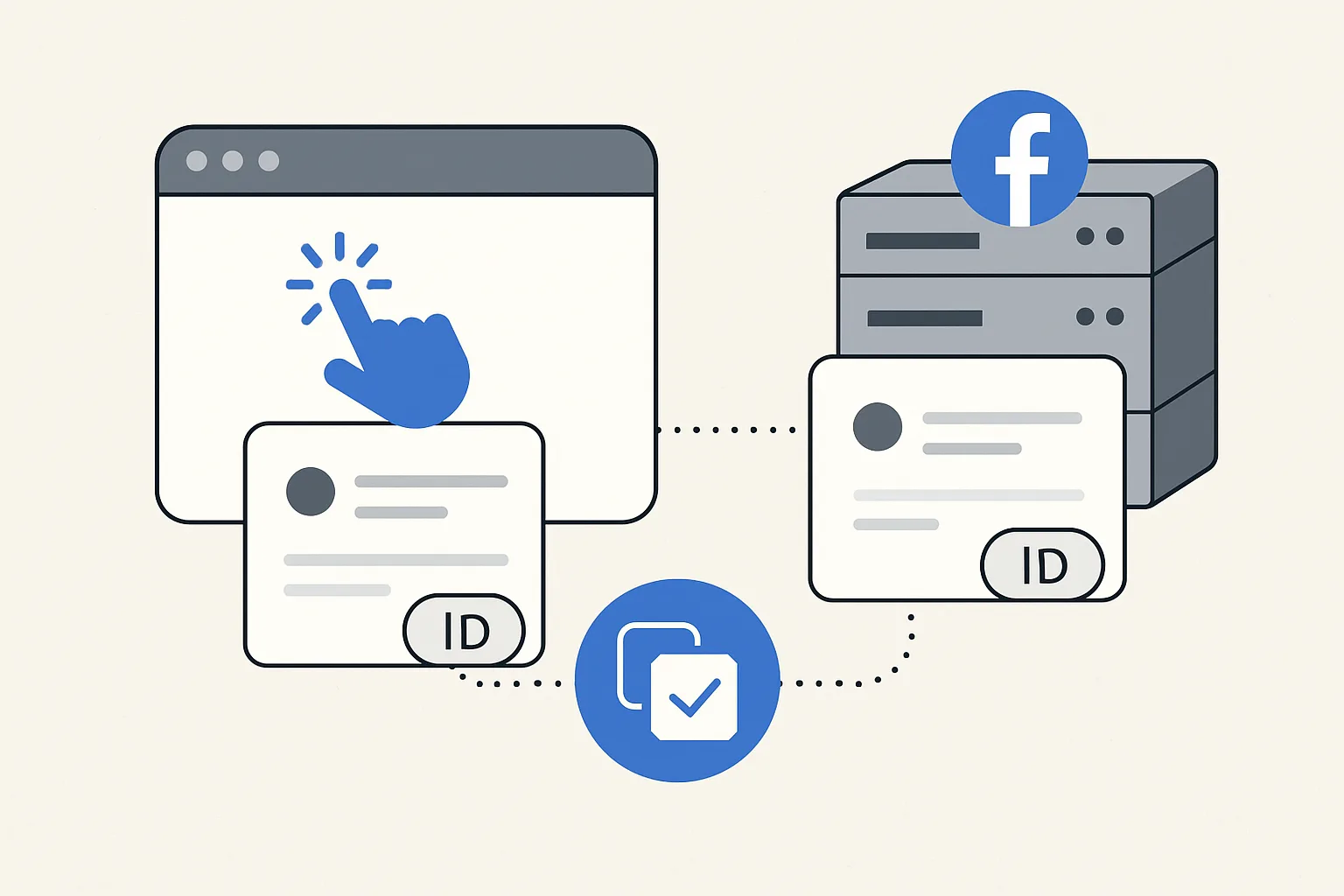
The deduplication mechanism: both the Pixel event and the CAPI event carry the same event_id. When Meta receives two events with the same event_id for the same event_name within 48 hours, it deduplicates — keeping one and discarding the duplicate. This is the only reliable deduplication method.
What Makes a Good event_id
The event_id must be:
- Unique per event instance: each specific action gets a unique ID (two different purchases have two different event_ids)
- Consistent: the Pixel and the CAPI event for the same action must use the exact same event_id string
- Stable: the same ID must not be reused for different events
Good event_id values:
- For purchase events: use the order ID.
event_id: "ORDER-12345" - For page views: use a combination of session ID + timestamp + page path.
event_id: "sess_abc123_1735682400_homepage" - For lead form submissions: use the form submission ID from your database
Implementing event_id on the Browser Pixel
// Purchase event with event_id
fbq('track', 'Purchase', {
  value: 89.00,
  currency: 'GBP',
  contents: [{id: 'SKU-001', quantity: 1}],
  content_type: 'product'
}, {
  eventID: 'ORDER-12345'  // The second argument object carries event metadata
});
The second argument to fbq('track', ...) is the event data; the third argument (the one with eventID) carries event metadata for deduplication and other purposes.
Implementing event_id on the CAPI Side
// CAPI API payload
{
  "data": [{
    "event_name": "Purchase",
    "event_time": 1735682400,
    "event_id": "ORDER-12345",   // Must match the Pixel event_id exactly
    "event_source_url": "https://yourstore.com/order-confirmation",
    "user_data": {
      "em": ["hashed_email"],
      "ph": ["hashed_phone"],
      "client_ip_address": "203.0.113.45",
      "client_user_agent": "Mozilla/5.0...",
      "fbc": "_fb_cookie_value",
      "fbp": "_fbp_cookie_value"
    },
    "custom_data": {
      "value": 89.00,
      "currency": "GBP",
      "contents": [{"id": "SKU-001", "quantity": 1}],
      "content_type": "product"
    }
  }]
}
Where event_id Gets Generated
The event_id must be generated before either event fires. For purchase events: use the order ID from your backend, which exists before both events fire. For the browser Pixel: include the order ID on the confirmation page's server-rendered HTML so JavaScript can read it. For CAPI: your server uses the same order ID when sending the CAPI event.
For non-purchase events (page views, lead submissions before they hit your database): generate a random ID in the browser and pass it to your server via the API call that triggers the CAPI event.
Verifying Deduplication in Events Manager
In Meta Events Manager, the Diagnostics tab shows "Deduplicated events." If this count is 0 and you are running both Pixel and CAPI, deduplication is not working. If the count matches your browser Pixel event count, deduplication is working correctly.
Summary
Event deduplication requires the same event_id on both the browser Pixel event and the CAPI event. For purchases, use the order ID. For other events, generate a random ID in the browser and pass it through to the server-side CAPI call. Verify deduplication is working in Events Manager — without it, all conversions are double-counted and ad optimisation data is unreliable.
See our Facebook CAPI Setup service for deduplication implementation.
Need CAPI deduplication set up correctly? Contact Adslytics.
Need expert tracking setup?
Our Google Tag Manager experts have delivered 500+ tracking setups with a 98% success rate.
Get a Free Consultation →