Snapchat Advertising and the Snap Pixel
Snapchat (Snap) reaches a young adult audience (18-34) effectively and is particularly strong for consumer apps, gaming, fashion, and entertainment brands. The Snap Pixel (also called the Pixel Tag) tracks website conversions from Snapchat ads and enables retargeting audiences. Without it, you cannot optimise Snapchat campaigns for website conversions.
Getting the Snap Pixel
- Snapchat Ads Manager → Assets → Pixels → Create Pixel
- Name the pixel and click Create
- Your Pixel ID is a UUID format string (e.g. xxxxxxxx-xxxx-xxxx-xxxx-xxxxxxxxxxxx)
GTM Installation
- GTM → New Tag → Search Gallery → "Snapchat" → Snap Pixel template (official template from Snap)
- Enter your Pixel ID
- Enable "Page View" event
- Trigger: All Pages
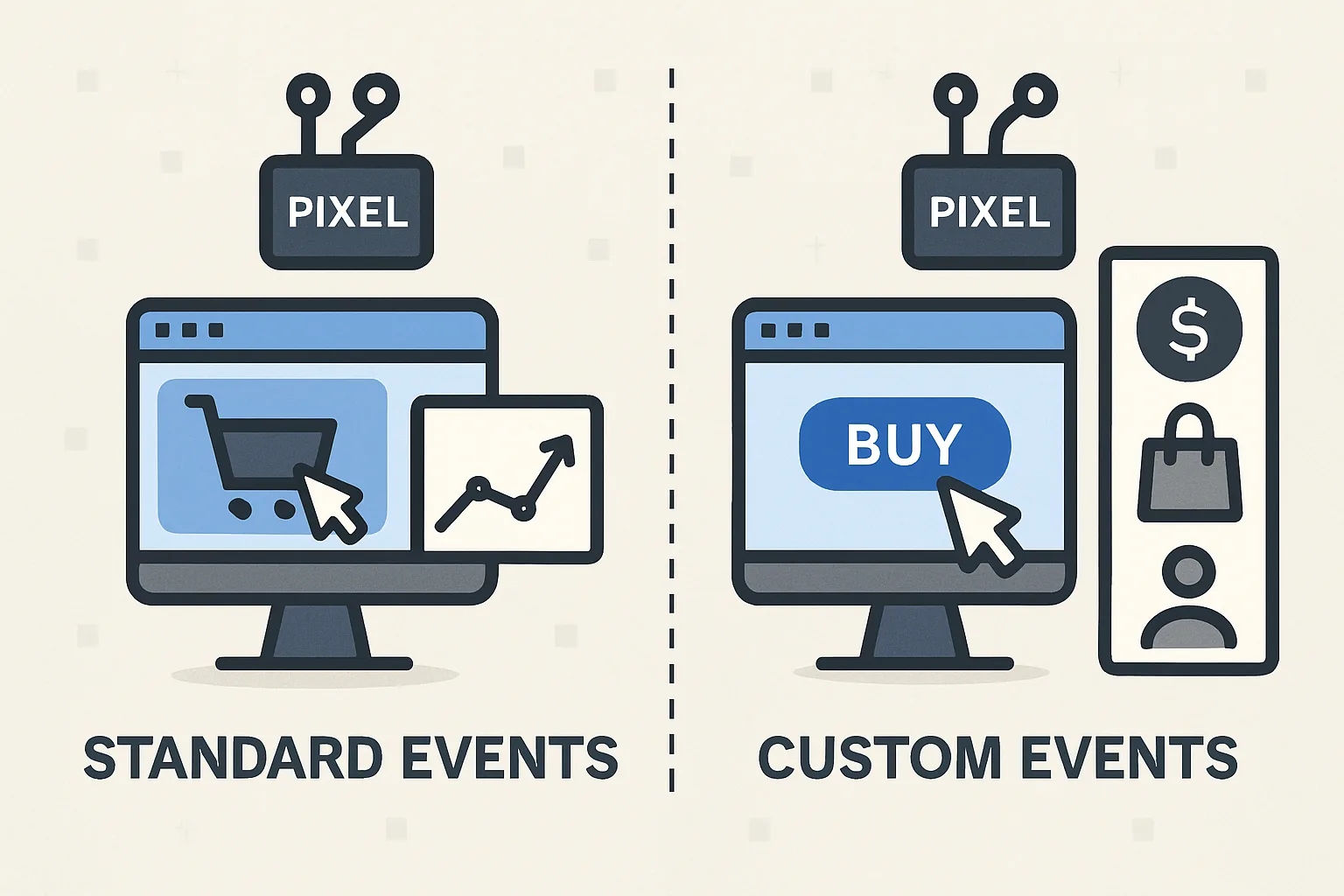
Standard Snap Events
Snap standard events for ecommerce and lead generation:
- PURCHASE: fires on confirmation page with price, currency, item_ids, transaction_id
- ADD_CART: fires on add to cart action
- VIEW_CONTENT: fires on product pages
- SIGN_UP: fires on account creation or newsletter signup
- PAGE_VIEW: fires automatically with base code
Snap Conversions API
Snap provides a server-side Conversions API for sending events without browser-side limitations. For purchase events, sending via both browser pixel and Conversions API with a client_dedup_id for deduplication provides the most complete conversion data for Snap's auction system.
Audience Targets
Snap Pixel powers retargeting audiences:
- Ads Manager → Audiences → New Audience → Snap Audience Match (email/phone upload) or Pixel Custom Audience (website visitors)
- Segment by events triggered: all visitors, cart abandoners, purchasers
Summary
Snap Pixel setup via GTM using the official Snap template from the community gallery. Add standard events (PURCHASE, ADD_CART, VIEW_CONTENT) as separate tags with appropriate triggers. For best results, implement Snap Conversions API alongside the browser pixel with client_dedup_id for deduplication. Snap's strong young adult audience makes it particularly valuable for consumer brands with that demographic.
See our Marketing Pixel Setup service for Snapchat pixel configuration.
Need Snap Pixel configured? Contact Adslytics.
Need expert tracking setup?
Our Google Tag Manager experts have delivered 500+ tracking setups with a 98% success rate.
Get a Free Consultation →