Why TikTok Pixel Matters
TikTok has grown into a major advertising platform for B2C businesses, particularly in fashion, beauty, food, and consumer products. The TikTok Pixel is TikTok's equivalent of the Meta Pixel — it tracks website actions by users who have seen or clicked your TikTok ads, enables conversion campaign optimisation, and builds retargeting audiences.
Getting Your TikTok Pixel
- TikTok Ads Manager → Assets → Events → Web Events → Manage → Create Pixel
- Choose: TikTok Pixel (browser-side) or Events API (server-side)
- Give the pixel a name and click Create
- Note your Pixel ID (a 19-digit number)
Installation via GTM
TikTok provides a GTM tag template in the GTM Community Template Gallery:
- GTM → Tags → New → Search Gallery → "TikTok" → select the TikTok Pixel template
- Enter your Pixel ID
- Leave "Page View Event" enabled (fires on all pages)
- Trigger: All Pages
- Publish
Alternatively, use a Custom HTML tag with the standard TikTok Pixel code snippet.
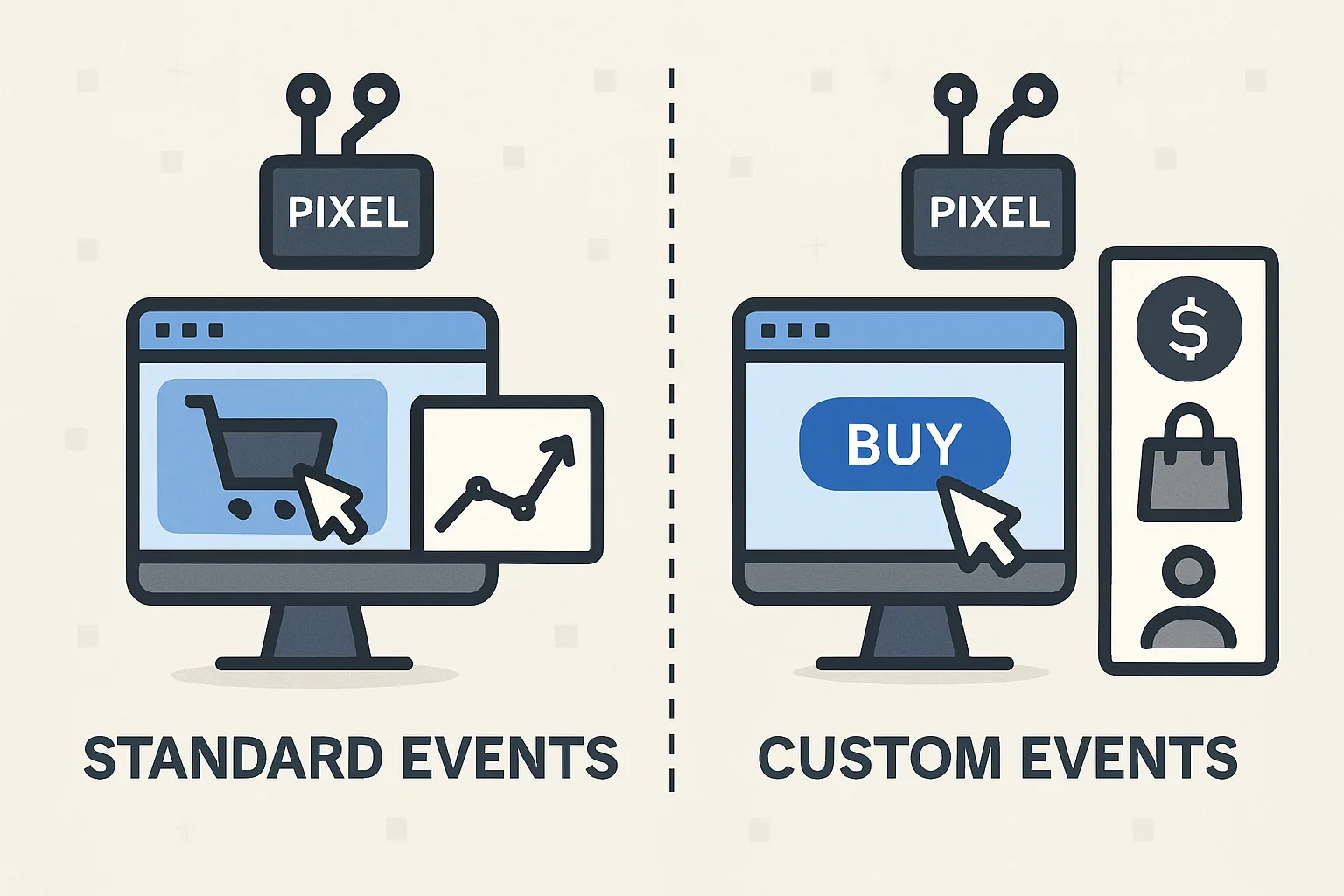
Standard Event Tags
TikTok standard events for ecommerce:
- Purchase: fires on order confirmation page with value and currency
- AddToCart: fires when product is added to cart
- ViewContent: fires on product detail pages
- InitiateCheckout: fires when checkout begins
- CompleteRegistration: fires on newsletter signup or account creation
Each event requires a separate GTM tag triggered by the corresponding data layer event or page URL condition.
Event Deduplication with TikTok Events API
Like Meta CAPI, TikTok provides an Events API for server-side event sending. When using both browser pixel and Events API simultaneously (recommended for higher data completeness), events must be deduplicated using an event_id parameter:
- Browser pixel sends:
ttq.track('Purchase', {event_id: 'order_123', value: 59.99, currency: 'USD'}); - Events API sends the same event with the same event_id
- TikTok deduplicates and counts the conversion once
Verification
Verify TikTok Pixel in TikTok Ads Manager → Assets → Events → Web Events → Test Events → enter your website URL. TikTok's test tool shows events fired in real time as you browse. Also check TikTok Pixel Helper (Chrome extension) to verify the pixel loads correctly on all pages.
Summary
TikTok Pixel setup: install the base pixel code (All Pages) via GTM using the TikTok template from the community gallery, then add standard event tags for Purchase, AddToCart, ViewContent, etc. Verify in TikTok's Test Events tool. For best data completeness, implement TikTok Events API alongside the browser pixel with shared event_id for deduplication. Accurate TikTok conversion data is essential for TikTok's automated bidding (oCPM, Value Optimization) to function correctly.
See our Marketing Pixel Setup service for TikTok Pixel configuration.
Need TikTok Pixel installed? Contact Adslytics.
Need expert tracking setup?
Our Google Tag Manager experts have delivered 500+ tracking setups with a 98% success rate.
Get a Free Consultation →