Why CAPI Errors Are Easy to Miss
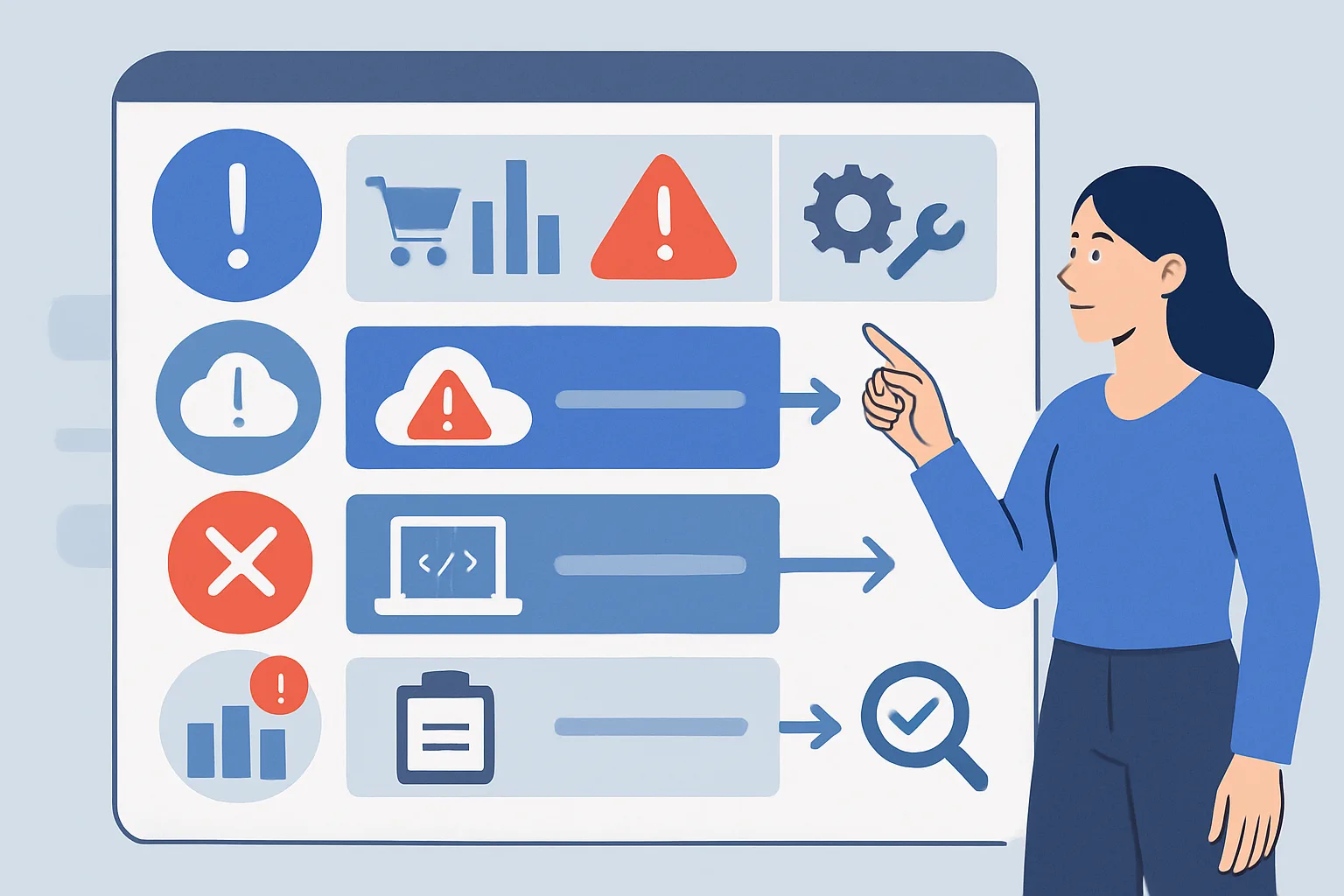
Facebook CAPI errors are often silent — the API may return a success response even when the event is not processed correctly by Meta. Unlike browser-side pixel errors (visible in browser DevTools), server-side CAPI errors require active monitoring to detect.
Error 1: Invalid Access Token
Symptom: API returns error 190 or "Invalid OAuth access token"
Fix: Regenerate the access token in Events Manager → your Pixel → Settings → Generate Access Token. Access tokens can expire if the connected user's account password changes or if app permissions are revoked.
Prevention: Use a System User access token (created in Business Settings → System Users) rather than a personal user token. System User tokens do not expire when individual user passwords change.
Error 2: Wrong Pixel ID
Symptom: API returns error 100 or "Invalid parameter" on the Pixel ID
Fix: Verify the Pixel ID in Events Manager → your Pixel. The ID is a 15-16 digit number, not the "Pixel Name." A common mistake is using the Ad Account ID instead of the Pixel ID.
Error 3: Invalid Hash Format
Symptom: Events are received but EMQ score is very low (2-3) despite passing email and phone
Diagnosis: Events Manager → Diagnostics tab → look for warnings about customer information parameters
Fix: Verify hashing is done correctly:
- Email: lowercase, trimmed, SHA256 hex digest — NOT base64, NOT MD5
- Phone: all non-numeric characters removed, country code included (no +), SHA256 hex digest
- Do not double-hash: hash once, not hash(hash(email))
Error 4: Missing action_source
Symptom: API returns error "action_source is required" or events not appearing in Events Manager
Fix: Add "action_source": "website" to every CAPI event payload. This field is required and tells Meta where the event originated.
{
  "event_name": "Purchase",
  "event_time": 1735682400,
  "action_source": "website",  // Required — add this
  "event_source_url": "https://yourstore.com/order-confirmation",
  ...
}
Error 5: event_time Out of Range
Symptom: Events appear in API response as successful but do not appear in Events Manager or in campaign attribution
Fix: The event_time must be a Unix timestamp within 7 days in the past and no more than 1 hour in the future. Check that your server's system clock is correct and that event_time is a Unix timestamp (integer seconds since epoch), not a formatted date string.
Error 6: Duplicate Events Without Deduplication
Symptom: Reported conversions in Ads Manager are approximately double your actual transaction count
Fix: Implement event_id deduplication. Both browser Pixel and CAPI events for the same action must carry the same event_id. For purchases, use the order ID in both the fbq() call and the CAPI payload.
Error 7: Events Not Being Attributed to Ads
Symptom: Events appear in Events Manager but show no ad attribution
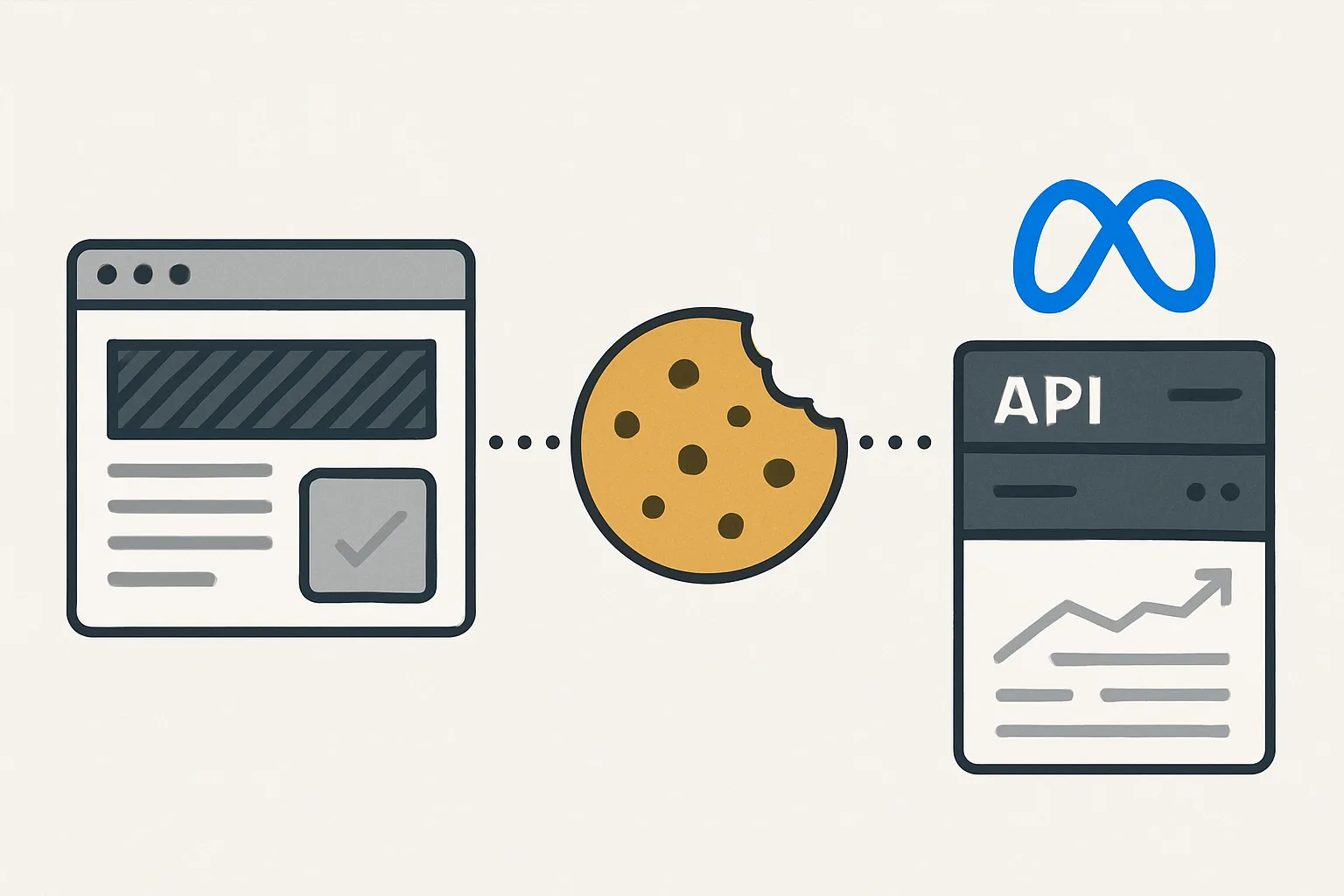
Fix: Check that fbp and/or fbc cookies are being sent. Without these, Meta cannot link the CAPI event to a Meta ad click. Capture _fbp cookie from the browser and pass it in the CAPI user_data. For traffic from Meta ads, also capture and pass the _fbc cookie (set when a user clicks a Meta ad link).
Summary
The most impactful CAPI errors to check: incorrect hashing format (lowercased email, numeric-only phone, SHA256 hex), missing action_source field, event_time being a formatted string instead of Unix timestamp, and missing event_id causing duplicate counting. Monitor Events Manager Diagnostics tab weekly — it surfaces data quality warnings that are not visible in API responses.
See our Facebook CAPI Setup service for error diagnosis and fixes.
CAPI not performing as expected? Contact Adslytics.
Need expert tracking setup?
Our Google Tag Manager experts have delivered 500+ tracking setups with a 98% success rate.
Get a Free Consultation →