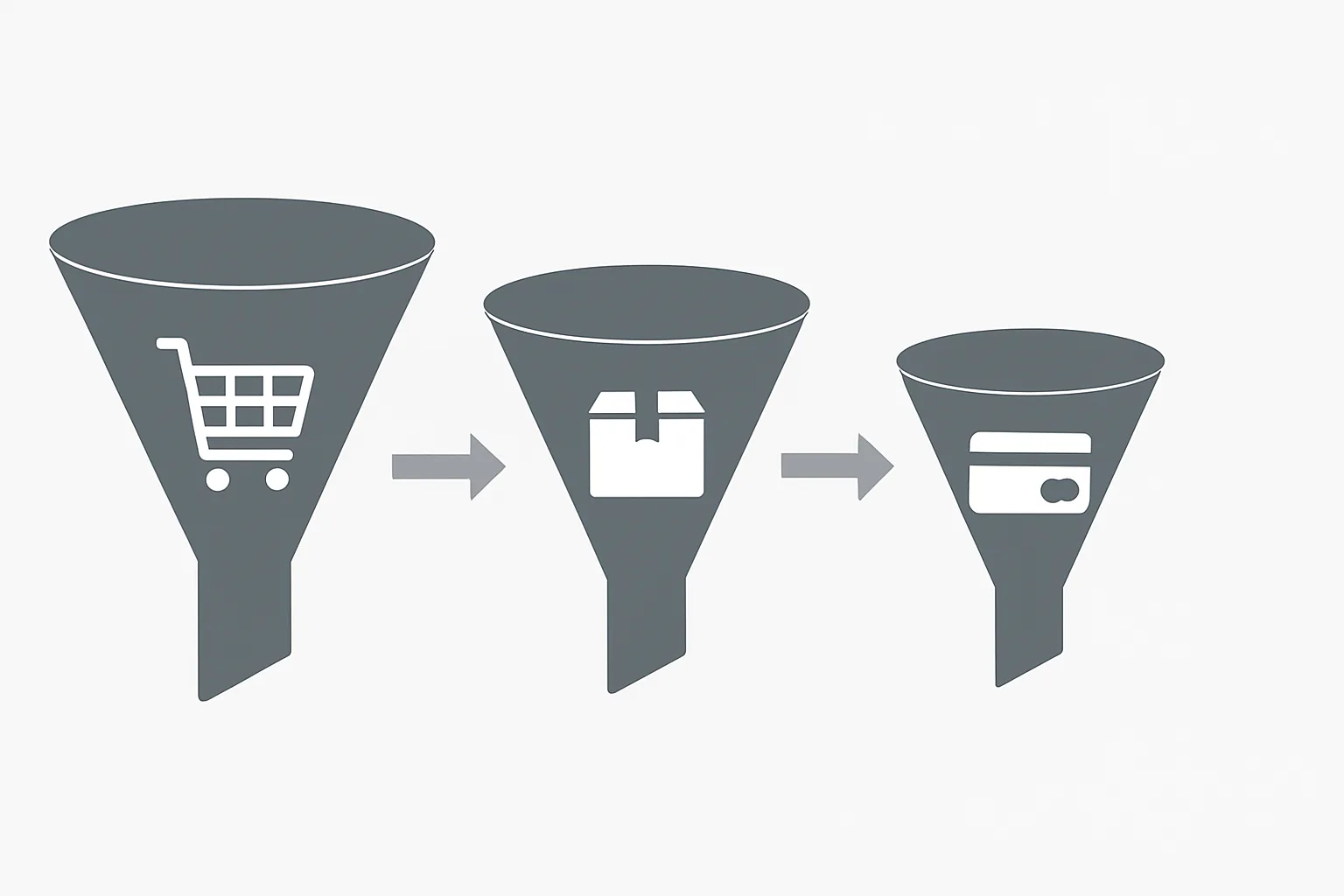
Why Checkout Funnel Events Are Often Missing
Most ecommerce stores track add_to_cart and purchase — but skip the intermediate checkout steps. This creates a massive blind spot: you know users added items and some purchased, but you have no visibility into whether they left at shipping selection (often from unexpected shipping costs) or at payment entry (trust issues, unavailable payment method).
The three GA4 checkout funnel events — begin_checkout, add_shipping_info, and add_payment_info — fill this gap. Combined with add_to_cart and purchase, they give you a complete step-by-step funnel.
begin_checkout
Fire this event when the user initiates the checkout process — typically when they click "Proceed to Checkout" or "Buy Now". Include the current cart contents in the items array.
dataLayer.push({ ecommerce: null });
dataLayer.push({
  event: "begin_checkout",
  ecommerce: {
    currency: "GBP",
    value: 89.00,
    coupon: "SUMMER10",  // If a coupon is applied to the cart
    items: [{
      item_id: "SKU-001",
      item_name: "Blue Running Shoe",
      price: 89.00,
      quantity: 1
    }]
  }
});
add_shipping_info
Fire this event when the user selects a shipping method and proceeds. The key additional parameter is shipping_tier — the name of the shipping option selected.
dataLayer.push({ ecommerce: null });
dataLayer.push({
  event: "add_shipping_info",
  ecommerce: {
    currency: "GBP",
    value: 89.00,
    shipping_tier: "Standard Delivery (3-5 days)",
    items: [{
      item_id: "SKU-001",
      item_name: "Blue Running Shoe",
      price: 89.00,
      quantity: 1
    }]
  }
});
The shipping_tier parameter is valuable for analysis — if users select "Standard" but then abandon, versus selecting "Express" and abandoning, these are different problems. Standard abandonment may indicate the delivery time is too long; Express abandonment may indicate the price is too high.
add_payment_info
Fire when the user selects a payment method and proceeds. The key parameter is payment_type.
dataLayer.push({ ecommerce: null });
dataLayer.push({
  event: "add_payment_info",
  ecommerce: {
    currency: "GBP",
    value: 89.00,
    payment_type: "Credit Card",
    items: [{
      item_id: "SKU-001",
      item_name: "Blue Running Shoe",
      price: 89.00,
      quantity: 1
    }]
  }
});
GTM Implementation Notes
In GTM, set up three Custom Event triggers: one for each checkout event name. Each trigger fires the GA4 event tag, reading ecommerce data from the data layer using the "ecommerce" variable (Data Layer Variable, version 2).
The items array is passed to GA4 via the "Items" parameter in the GA4 event tag, mapped to the data layer variable ecommerce.items. Additional parameters (shipping_tier, payment_type, coupon) are added as individual parameters in the tag.
Multi-Page vs Single-Page Checkout
Multi-page checkout (different URL for each step): fire each event on page load of the corresponding step. The URL change acts as a natural trigger point.
Single-page checkout (one URL, steps shown dynamically): fire events on the step completion action (button click confirming the step). Use GTM triggers on button clicks or form field changes that indicate step completion.
Summary
The three checkout funnel events (begin_checkout, add_shipping_info, add_payment_info) complete the GA4 ecommerce funnel picture. Implement them in order and ensure each carries the items array, currency, and value. The shipping_tier and payment_type parameters on their respective events provide actionable insight into where and why checkout abandonment occurs.
See our Enhanced Ecommerce Tracking service for checkout implementation.
Need checkout funnel tracking implemented? Contact Adslytics.
Need expert tracking setup?
Our Google Tag Manager experts have delivered 500+ tracking setups with a 98% success rate.
Get a Free Consultation →