The Watching-Without-Learning Trap
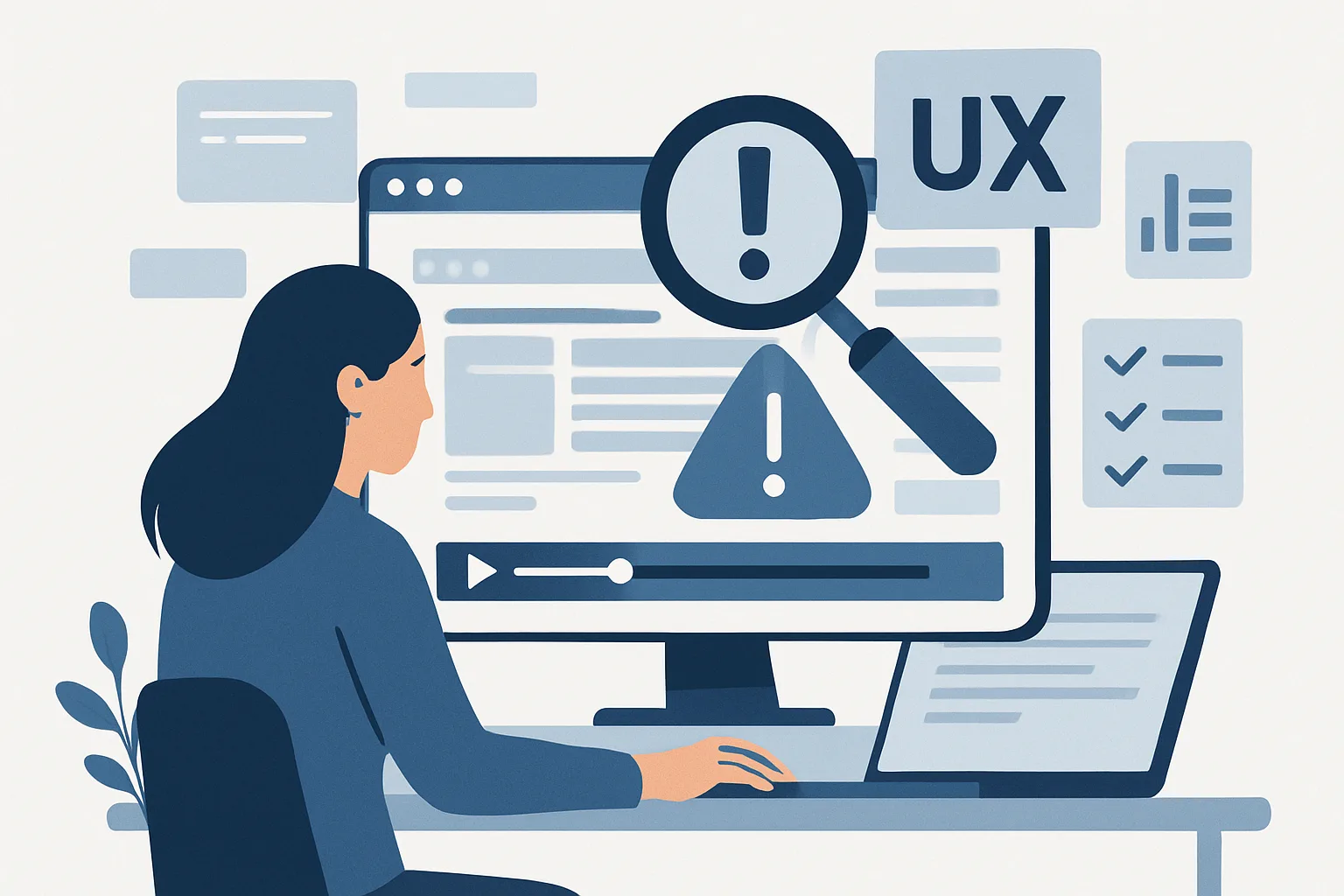
Session recordings are fascinating to watch. It's compelling to see real users navigate your site. But "watching interesting sessions" is not an analysis process — it's entertainment with a thin veneer of research.
Without a systematic approach, you'll spend hours watching recordings and come away with impressions rather than insights. Worse, you'll unconsciously select sessions that confirm existing beliefs (confirmation bias) rather than challenging them.
Our behavior analytics team uses the structured process below to extract reliable insights from session recordings.
Step 1: Define a Specific Research Question
Every recording review session should answer a specific question, not "let's see what users do." Examples:
- "Why are users abandoning the checkout form at the payment step?"
- "What do users who convert on the pricing page do differently from those who don't?"
- "Why is the mobile cart abandonment rate 40% higher than desktop?"
The question determines which recordings to filter for and what behaviors to observe.
Step 2: Create Your Segment and Filters
Based on your question, filter recordings to the relevant population:
For "Why do users abandon checkout at payment?"
- Filter: Users who reached the payment page
- Filter: Session ended without reaching the confirmation page
- Filter: Session duration > 30 seconds (eliminate bounces)
- Sort by: Rage clicks (prioritize frustrated users)
For "What do converting users do differently?"
- Segment A: Users who converted (have the conversion event)
- Segment B: Users who visited pricing page but didn't convert
- Review 25–30 sessions from each and compare
Step 3: Build a Standardized Observation Form
Before watching, create a simple form you fill in for every recording. This prevents selective memory and enables pattern analysis across many sessions. Include:
- Session ID and timestamp
- Device type
- Traffic source (if visible)
- Key observations (checkboxes for common behaviors you're looking for)
- Specific UX issues observed (free text)
- Most notable moment (timestamp in recording)
- Overall assessment: confused, smooth, frustrated, engaged
Step 4: Watch at Speed
Watch recordings at 1.5–2x speed. This keeps the process efficient without missing key behaviors. Slow to normal speed when you see an interesting interaction. Most sessions can be reviewed in 2–4 minutes at speed.
Aim for 50–100 sessions per research question before drawing conclusions. Fewer sessions = less reliable patterns.
Step 5: Analyze Observations for Patterns
After reviewing all sessions, analyze your observation forms:
- Which issues appeared in >20% of sessions? These are systematic problems worth fixing
- Which behaviors distinguished converters from non-converters? These reveal intent signals and friction points
- Which device types showed worse experiences? Mobile vs. desktop patterns often diverge significantly
Step 6: Convert Observations to Hypotheses
Transform patterns into testable CRO hypotheses:
- Observation: 30% of checkout abandoners scrolled down to see shipping cost, then immediately left
- Hypothesis: Showing free shipping threshold earlier in the flow will reduce checkout abandonment
- Test: A/B test showing shipping threshold on cart page vs. current (no mention until checkout)
Connect your hypotheses to GA4 funnel data to quantify the potential impact before prioritizing tests. Our CRO team combines this process with quantitative data for a complete conversion research framework.
Contact us to run a systematic session recording analysis on your most important conversion pages.
Need expert tracking setup?
Our Google Tag Manager experts have delivered 500+ tracking setups with a 98% success rate.
Get a Free Consultation →