Frustration Signals: What They Are
Modern behavior analytics tools (Microsoft Clarity, Hotjar, FullStory) automatically detect patterns that indicate user frustration. These "frustration signals" are quantifiable proxies for a bad user experience — and they point directly to where your conversion rate is leaking.
Our behavior analytics and CRO team uses frustration signals as the first filter when auditing new clients' websites. They surface the highest-impact problems fastest.
Rage Clicks
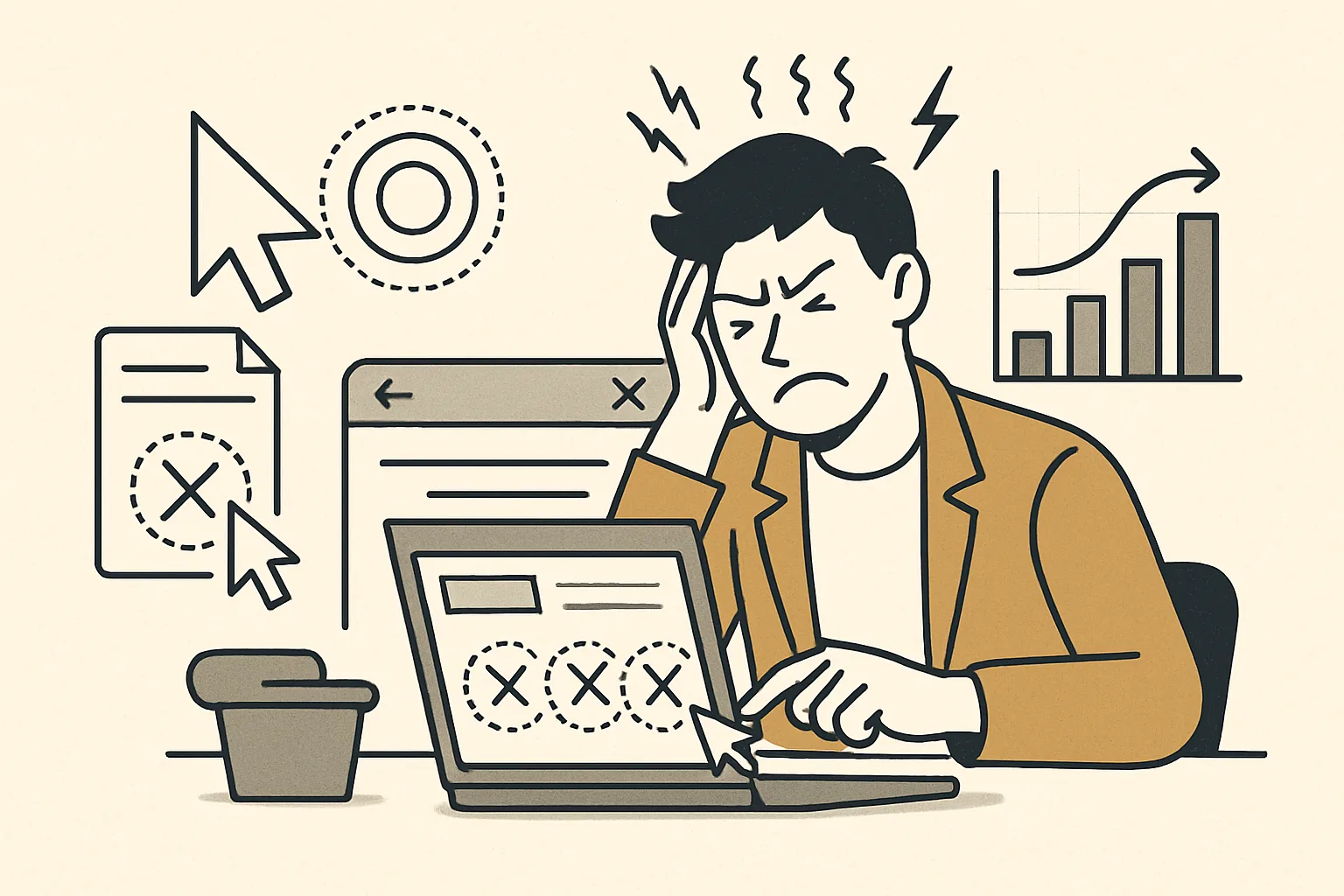
Definition: When a user clicks the same element multiple times in rapid succession — typically 3+ clicks within a short timeframe.
What it signals: The user expected something to happen when they clicked, and it didn't. They're clicking again hoping it will work this time.
Common causes:
- Broken JavaScript — button click handler isn't firing
- Slow loading — element appears clickable but nothing happens because the page isn't fully loaded
- Non-clickable element that looks clickable (underlined text, colored button-like element)
- Mobile tap targets too small — user misses and taps again
- Form submission that appears to do nothing (no feedback state)
How to investigate: Filter your session recordings for "rage click sessions." Watch 20–30 sessions to identify the exact element being rage-clicked and why it's not responding as expected. High rage click volume on a critical page element (checkout button, lead form submit) is an emergency — fix it before anything else.
Dead Clicks
Definition: Clicks on elements that have no click action — nothing navigates, opens, or changes when the user clicks.
Different from rage clicks: Rage clicks are repeated clicks on one element in frustration. Dead clicks are single clicks on non-interactive elements — the user expected a reaction that never came.
What it signals:
- Visual design is creating false affordances (things that look clickable but aren't)
- Users are looking for information or navigation options that don't exist where they expect them
- Users expect images to enlarge or navigate to a product page
High-value dead click patterns:
- Product images that users click expecting a detail view
- Pricing plan names users click expecting to see features
- Section headers users click expecting accordion expand
- Social proof logos users click expecting to navigate to case studies
Fix approach: Either make the element interactive (make the image open a lightbox, make the logo link to the case study) or remove the visual cue that suggests interactivity.
Quick Backs (Scroll Backs)
Definition: When a user arrives on a page, scrolls down partially, then rapidly scrolls back up to the top before leaving.
What it signals: The user scanned the page and decided they were in the wrong place or didn't find what they were looking for, then went back to look for a way out (navigation, back button).
Common causes:
- Message mismatch between the ad or link that brought them to the page and the page content
- The page took too long to load and they gave up
- No clear answer to "what is this page about?" in the hero section
- Wrong audience — the page content doesn't match their intent
Quick backs on a specific page: Pull the traffic sources for sessions with quick backs. If most come from one source (specific ad campaign, specific referring page), the message mismatch is between that source and this page.
Integrating Frustration Signals With Analytics
Frustration signals show you where the problems are. Connect them to GA4 conversion data to quantify their impact:
- Pages with high rage click rates → check if conversion rates on those pages are below average
- Sessions with quick backs → check if these sessions have zero pages per session and high bounce rate
- Dead click concentration → check if the "dead" areas are near your primary CTA and interfering with it
This analysis supports prioritization: fix the frustration signal problems on your highest-traffic, lowest-converting pages first. Contact us for a frustration signal audit on your key pages.
Need expert tracking setup?
Our Google Tag Manager experts have delivered 500+ tracking setups with a 98% success rate.
Get a Free Consultation →