Session Recordings as a CRO Tool
Session recordings capture what individual users did during their visit — mouse movements, clicks, scrolling, form interactions, navigation — replayed as a video. Unlike heatmaps (which aggregate thousands of sessions), recordings show one user's complete experience. The value is in finding the recurring patterns across many recordings: when the same problem appears in session after session, it's a reliable conversion opportunity.
How to Watch Sessions Efficiently
Don't watch random sessions. Filter to high-value segments:
- Sessions on your most important conversion pages (product pages, checkout, pricing page)
- Sessions that started a conversion flow but did not complete it (rage clicks before abandonment are often here)
- Sessions longer than 3 minutes on pages that should take under 1 minute to convert (users who are confused spend more time)
- Sessions from mobile devices (mobile UX problems are usually worse)
Use 2x playback speed. Skip inactive periods. You can review 20-30 relevant sessions in an hour and have a clear picture of the most common problems.
Signals to Watch For
- Rage clicks: Rapid repeated clicks on the same element, usually indicating user frustration with something not working
- U-turns: User scrolls down, then quickly back up — may indicate confusion, missed content, or reconsidering a decision
- Form abandonment patterns: The specific field where users stop filling out a form
- Zoom on mobile: Users pinching to zoom on mobile often signals text that's too small or content that's not mobile-optimised
- Tab switching pattern: Users leaving your page and returning (comparing with competitors) — happens before conversion decisions
Documenting Findings
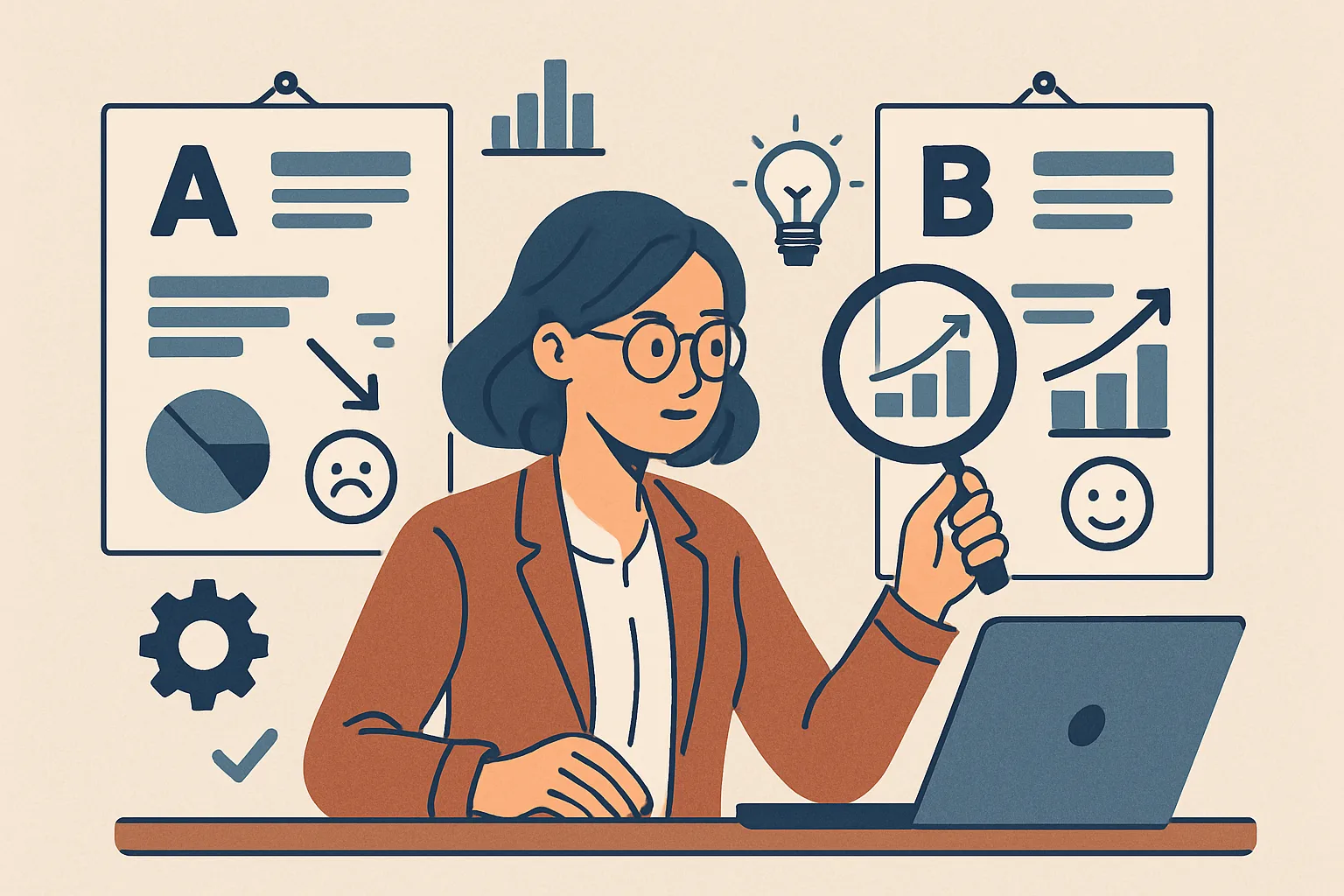
As you review sessions, tag recordings with the problem you observed. Most tools let you create collections of recordings sharing a theme. Build a collection called "Form Abandonment at Field 3" with 15 examples. This documentation makes the problem concrete when presenting to stakeholders and justifies the A/B test you'll run to fix it.
Session recording analysis is part of every CRO engagement we run. Contact us to start a structured CRO program for your business.
Need expert tracking setup?
Our Google Tag Manager experts have delivered 500+ tracking setups with a 98% success rate.
Get a Free Consultation →