GA4's Engagement vs Bounce Rate
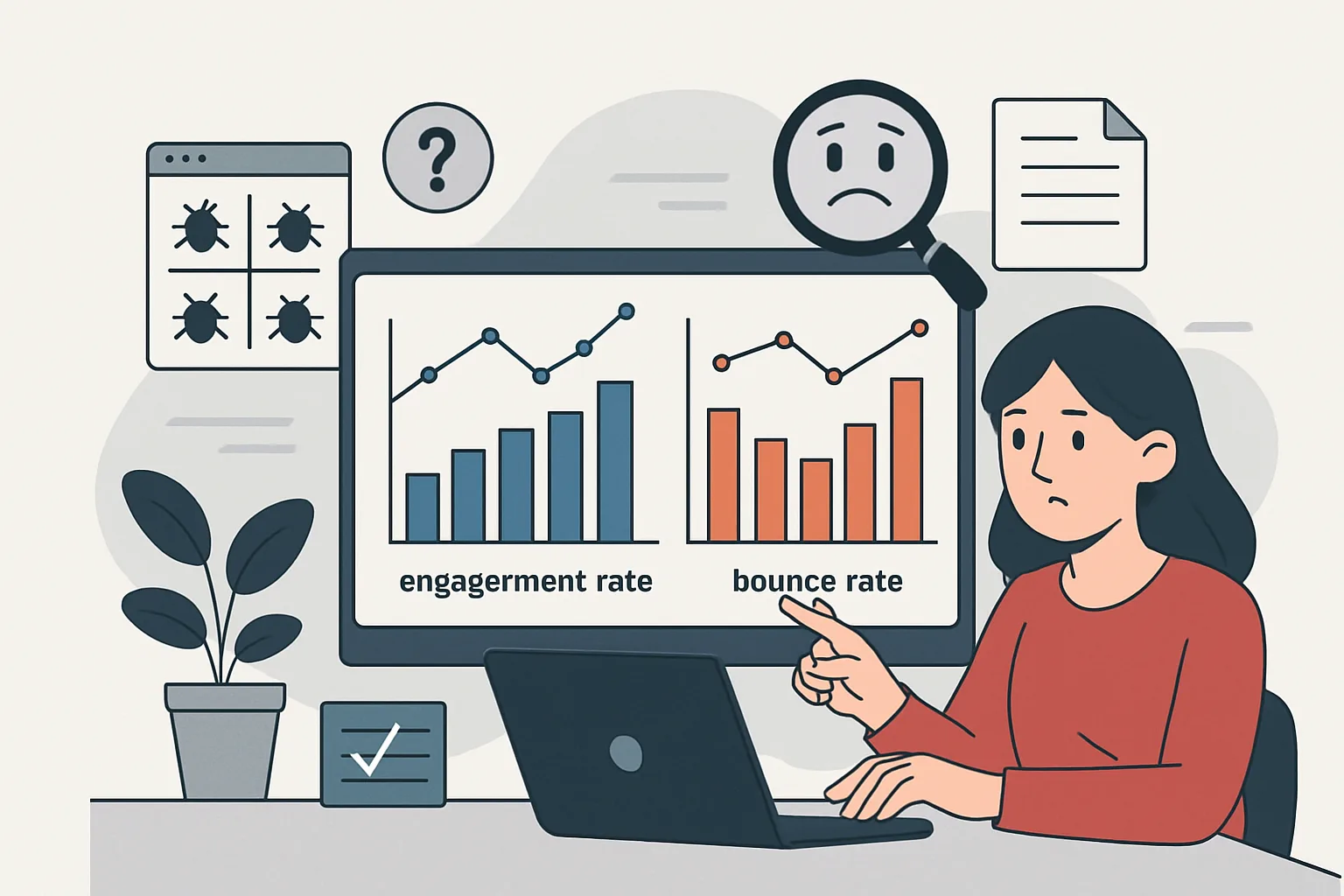
GA4 replaced the UA bounce rate metric with engagement rate. A session is "engaged" if it meets ANY of these criteria: lasted 10+ seconds, had 2+ page views, or triggered a conversion event. "Bounce rate" in GA4 is simply 1 minus the engagement rate — it means the percentage of sessions that were NOT engaged.
A typical engagement rate for most content sites is 50-70%. Landing pages with single calls-to-action may be 30-50%. If you see engagement rates near 0% or 100%, something is likely misconfigured.
Symptom: Engagement Rate Near 0%
Cause: sessions are being registered but immediately closed. This often happens when the session duration counter never starts because GA4 events are firing without the user actually being on the page.
Common cause: server-side events or measurement protocol hits are being sent to GA4 but they all count as separate sessions with 0 engagement. If you are sending events via Measurement Protocol without a session_id or without properly marking sessions, GA4 creates a new 0-duration session for each event.
Fix: ensure server-side hits include proper session parameters and do not flood GA4 with events that get counted as individual sessions.
Symptom: Engagement Rate Near 100%
Cause: something on the page triggers a conversion event immediately, making every session "engaged." Check if a page view itself is registered as a conversion event (e.g. if you marked "page_view" as a conversion), or if an automatic scroll event fires within 10 seconds of page load.
Also check: if GA4 is configured to trigger an event on every page load that you have marked as a conversion, every single-page session becomes "engaged" due to the conversion event criterion.
Symptom: Wildly Different Engagement Between Pages
Cause: some pages may have event tracking issues. A landing page with 5% engagement when similar pages have 60% suggests the GA4 tag is not loading consistently on that page. Check GTM Preview for the specific page.
Session Duration and SPA Issues
On SPAs, the 10-second engagement timer may not work correctly if virtual page views are implemented in a way that creates new sessions on each route change. Verify that virtual page views push events without client_id changes that would reset the session.
Filtering Internal Traffic
If the "people" generating your metrics are mostly your own team browsing the site (common in early stages or internal testing), internal traffic can artificially inflate or deflate engagement rates. Configure an internal IP filter:
GA4 → Admin → Data Streams → your stream → Configure Tag Settings → Define internal traffic → add your office IP ranges → Admin → Data Filters → Internal Traffic → enable filter.
Summary
Unusual engagement rates in GA4 are most commonly caused by: measurement protocol or server-side events creating 0-duration sessions (0% engagement), page view or early-firing events registered as conversions (100% engagement), inconsistent GA4 tag loading on specific pages (wildly varying engagement), or SPA route changes resetting sessions. Internal traffic with different browsing patterns can also skew metrics — always exclude internal IPs from GA4 data.
See our Conversion Tracking Fix service for GA4 configuration diagnosis.
Need GA4 metrics issues diagnosed? Contact Adslytics.
Need expert tracking setup?
Our Google Tag Manager experts have delivered 500+ tracking setups with a 98% success rate.
Get a Free Consultation →