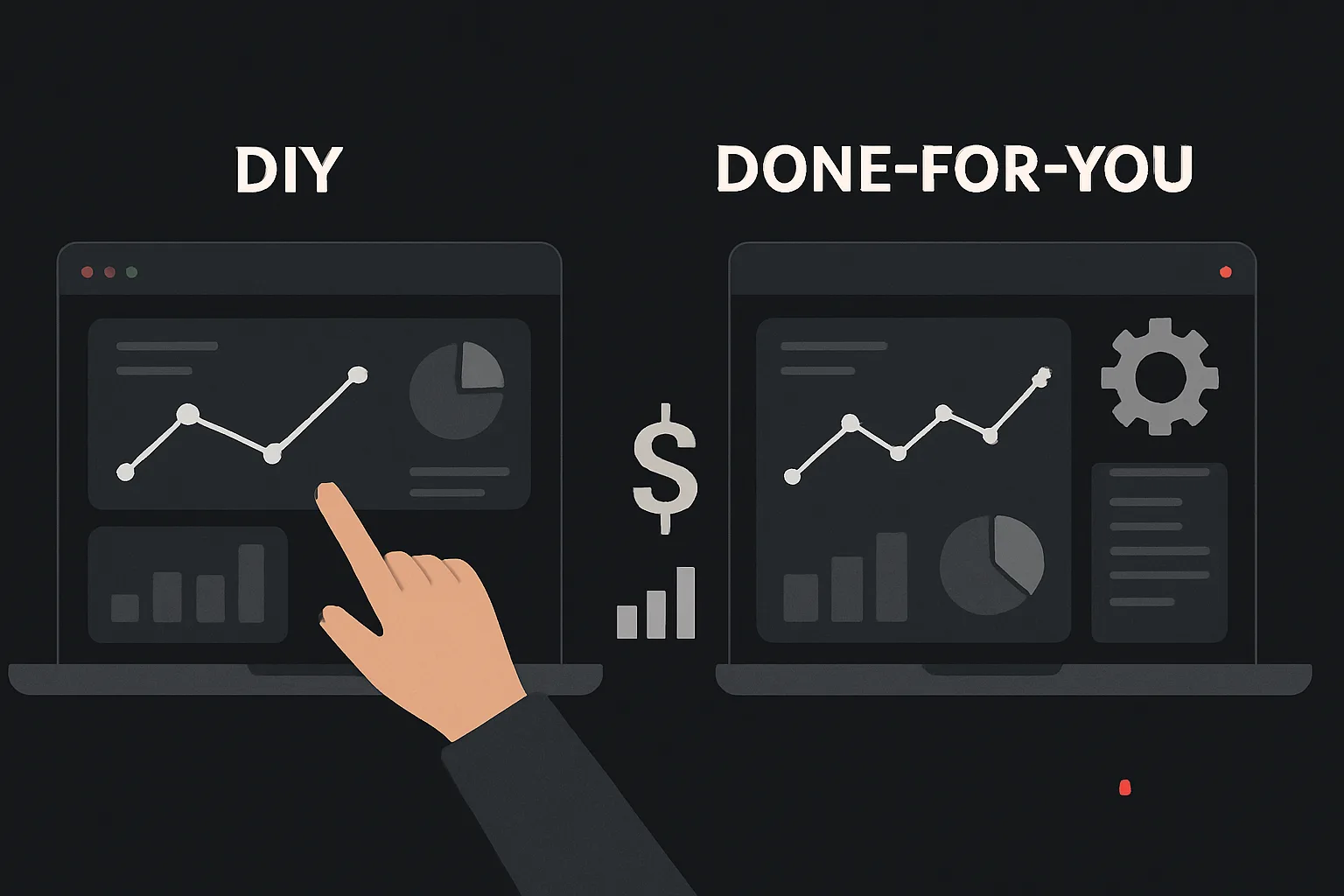
The Question Every Growth-Focused Business Faces
When you realize your conversion tracking isn't working properly -- or when you're starting from scratch -- you face a choice: tackle it yourself, or hire someone who does this every day. It's a more nuanced decision than it first appears, and the right answer depends heavily on your team, your timeline, and your tolerance for data risk.
This post gives you an honest breakdown of both paths. Not a sales pitch for either approach -- a genuine comparison of what each actually costs, what it actually delivers, and when each makes sense.
The Case for DIY Tracking
If you have a technical co-founder, an in-house developer, or a marketing ops person who's comfortable with JavaScript and GTM, DIY implementation is genuinely viable. The tools are well-documented. Google's own guides for GA4 and GTM are reasonably good. YouTube has thousands of tutorials for common setups.
Where DIY works well:
- Simple setups: basic GA4 pageview tracking, a single Google Ads conversion, a Facebook Pixel with standard events
- Companies with dedicated analytics engineers on staff
- Startups in very early stages where data precision matters less than speed
- Teams that want to build internal expertise over time
The real costs of DIY:
The tools are free, but your time isn't. A proper GA4 + GTM + Google Ads + Facebook CAPI setup takes an experienced person 15-25 hours to implement correctly. For a junior or mid-level marketer doing it for the first time, that number is often 40-80 hours -- spread across weeks of troubleshooting.
There's also the opportunity cost: those hours aren't being spent on campaigns, content, or anything that directly generates revenue. And there's the hidden cost of errors -- an incorrectly configured conversion that double-counts for six months, or a broken purchase event that causes Smart Bidding to optimize toward nothing.
The Case for Professional Implementation
A specialist who has implemented tracking for hundreds of websites has seen every edge case. They know which GTM triggers fire in the wrong order, which Shopify themes break standard dataLayer implementations, and how to configure cross-domain tracking for checkout flows that span three different domains.
Where professional implementation makes clear sense:
- Complex setups: eCommerce with multiple payment providers, multi-domain funnels, server-side GTM
- Compliance-sensitive environments where consent implementation must be correct
- Companies where marketing spend is significant -- even a 10% improvement in attribution accuracy can justify the cost many times over
- Teams that have already tried DIY and found their data unreliable
- New marketing directors or CMOs who need to trust their data before making budget decisions
The real costs of professional implementation:
A proper done-for-you tracking setup from a reputable agency typically costs between ,500 and ,000 depending on complexity. Server-side GTM setups add cost. Ongoing monthly support typically runs -/month.
The ROI calculation is usually straightforward: if your monthly ad spend is ,000+ and you're running bidding strategies on tracking data that's 30-50% inaccurate, fixing that accuracy is likely worth ten times what you'll pay for implementation.
The Hidden Middle Ground: Hybrid Approach
Many companies end up with a hybrid model that works extremely well: a professional agency handles the initial architecture -- the GTM container structure, server-side setup, consent implementation, and eCommerce data layer -- and then hands off to an internal team for day-to-day tag management.
This gets you the rigor of expert implementation without the ongoing cost of full outsourcing. The internal team can add tags, create triggers, and manage campaigns, while the agency performs quarterly audits to catch drift.
The Decision Framework
Ask yourself these questions:
- What's your monthly ad spend? Under ,000/month -- DIY is probably fine. Over ,000/month -- professional implementation pays for itself quickly.
- Do you have an eCommerce funnel? If yes, professional implementation is almost always the right call. Purchase tracking errors are expensive and difficult to debug solo.
- How much time does your team have? If your developer is already stretched thin, adding a tracking project to their plate will produce a rushed, incomplete result.
- Do you need to be GDPR/CCPA compliant? Consent Mode implementation done incorrectly creates legal exposure. This is not a place to cut corners.
- How bad is your current data? If you've been running campaigns for a year on bad data, a professional audit and rebuild will reveal what's actually been working -- which is worth a significant amount.
Our Honest Recommendation
If you're reading this trying to decide, here's our genuine take: for anything beyond a basic single-page website with one conversion goal, professional implementation will cost less in total than DIY once you account for your actual time, the cost of errors, and the months of decision-making you'll do on bad data.
That said, we regularly recommend that clients take our implementation and then manage it internally with periodic check-ins. The goal isn't to make you dependent on us -- it's to make sure your tracking is actually reliable.
Need expert tracking setup?
Our Google Tag Manager experts have delivered 500+ tracking setups with a 98% success rate.
Get a Free Consultation →