What Are Backend Events?
Not all conversion-relevant events happen in the browser. Backend events occur on your server, independent of the user's browser session:
- Payment confirmation from a payment processor (Stripe, PayPal)
- Subscription renewal from your billing system
- Order fulfilment or shipping trigger
- CRM lead status change (e.g. lead becomes qualified by a sales rep)
- Trial-to-paid conversion in a SaaS product
- Return or refund processed
These events are uniquely valuable: they are confirmed by your server, not by the browser. A "payment confirmed" event from Stripe is more reliable than a "thank-you page loaded" event from GTM — because the server confirmation means money actually changed hands, not just that the user saw a page.
How Webhooks Enable This
A webhook is an HTTP POST request sent by one system to another when an event occurs. When Stripe confirms a payment, it sends a webhook to a URL you configure. When Shopify creates an order, it sends a webhook. Your sGTM server can be the target of these webhooks.
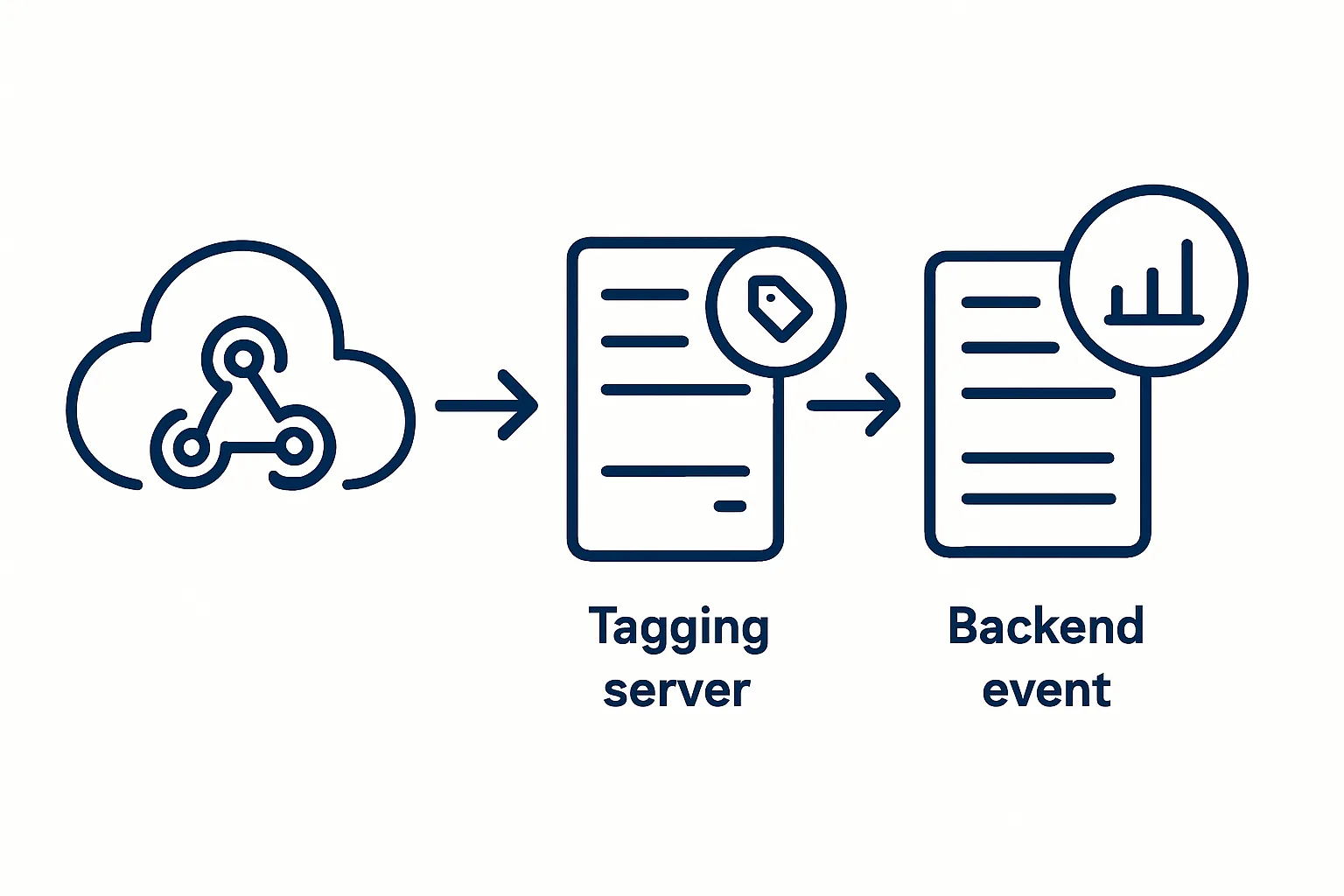
The flow:
- User completes a purchase → Stripe confirms payment → Stripe sends webhook POST to your sGTM server URL
- Your sGTM server receives the webhook payload (contains order amount, customer email, order ID)
- A Custom Client in sGTM processes the webhook and creates event data
- GA4, Google Ads, and Meta CAPI tags fire with the confirmed purchase data
Creating a Custom Webhook Client in sGTM
sGTM does not have a native "webhook" client — you need to build one using a Custom Client template or a Custom JavaScript tag that acts as the entry point for webhook requests.
The process:
- In your server GTM container: create a Custom Client
- The client script reads the incoming request:
const body = JSON.parse(getRequestBody()); - Check for the correct webhook signature (validate the request comes from Stripe/Shopify):
const signature = getRequestHeader('stripe-signature'); - Construct the event data from the webhook payload and call
runContainer(eventData, callback) - The event data is then available to your GA4 and other tags in the server container
Connecting the User Session to the Webhook Event
The challenge: a Stripe webhook arrives at your server but contains no information about the user's GA4 session, GCLID, or browser cookies. You need to link the server-confirmed event back to the user's marketing attribution.
Solution: store session data at checkout initiation and retrieve it when the webhook arrives.
- When the user initiates checkout in the browser: capture their GA4 client_id, GCLID, and _ga cookie value
- When submitting the order to your server: include these identifiers in the order record
- When Stripe sends the webhook with order confirmation: your server looks up the stored client_id and GCLID for that order
- Include the retrieved client_id in the event data sent to GA4 via the webhook handler — this reconnects the server-confirmed purchase to the user's GA4 session
Webhook Events for Google Ads Offline Conversions
For Google Ads, backend events can be used as offline conversion uploads. When a webhook confirms a conversion, store the GCLID and use the Google Ads Offline Conversion API to upload the conversion:
- GCLID: the original click ID from when the user first visited from a Google Ad
- Conversion time: when the conversion occurred (from the webhook timestamp)
- Conversion value: the confirmed order amount from the payment processor
These server-confirmed offline conversions are the most accurate signal you can give Smart Bidding.
Summary
Webhooks bring server-confirmed conversion data into your analytics and advertising platforms via sGTM. The key challenge is reconnecting server events to user sessions by storing browser identifiers at checkout initiation. Once solved, webhook-driven conversions are more reliable than any browser-based tracking approach.
See our Server-Side Tracking service for webhook integration setup.
Need to connect backend events to your analytics? Contact Adslytics.
Need expert tracking setup?
Our Google Tag Manager experts have delivered 500+ tracking setups with a 98% success rate.
Get a Free Consultation →