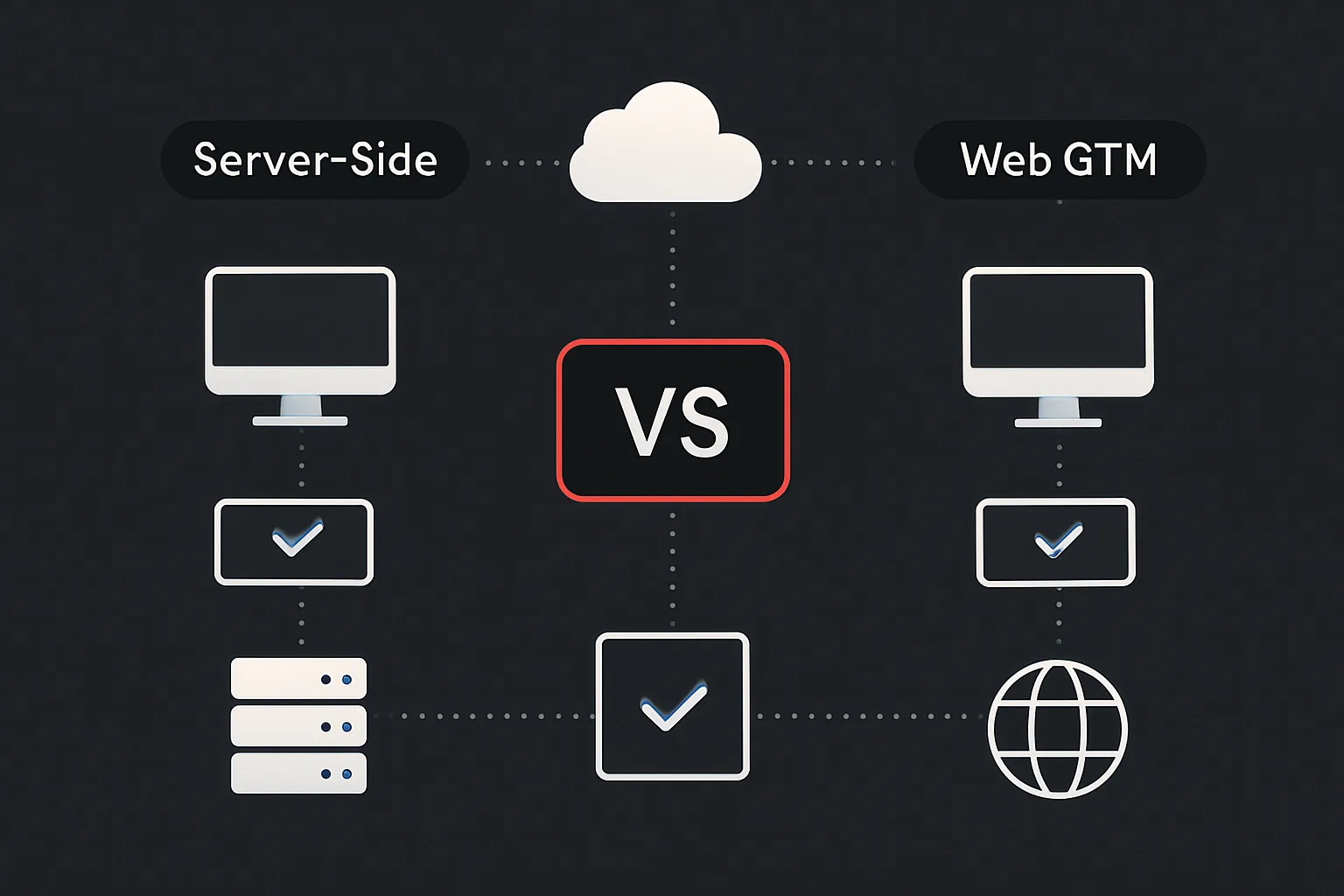
Most people who use Google Tag Manager are using the web (client-side) version — the snippet that loads in visitors' browsers and fires tags based on user interactions. Server-side GTM is a fundamentally different architecture: a separate tagging server that intercepts data from the browser and routes it to analytics platforms and ad networks. Both tools carry the GTM name, but they solve different problems and operate in completely different ways.
How Web GTM Works
Web GTM loads a JavaScript snippet in the visitor's browser. When a user visits a page, their browser:
- Downloads the GTM container snippet from
googletagmanager.com - Evaluates the container and fires applicable tags
- Each tag sends a request directly from the browser to the third-party platform (GA4, Meta, Google Ads, etc.)
All of this happens client-side. The browser does the work. Every tag is a direct connection from the visitor's device to a third-party server.
How Server-Side GTM Works
Server-side GTM introduces a tagging server — a cloud-hosted container (typically on Google Cloud Run or App Engine) that sits between the browser and the third-party platforms:
- The browser sends one request to your tagging server (e.g.
tag.yourdomain.com) - The server container processes the request and applies tag logic
- The server fans out requests to GA4, Meta, Google Ads, TikTok, etc. — server-to-server
The browser still runs a web GTM container (or a minimal gtag snippet) to collect user-level data and send it to the tagging server. Server-side GTM handles the distribution from there.
Key Differences
Ad Blockers and Browser Restrictions
Web GTM: Ad blockers and tracking prevention tools (Safari ITP, Firefox ETP) can block requests to known third-party tracking domains. A significant percentage of your visitors — 20–35% in some markets — may have data blocked at the browser level before it ever reaches GA4 or Meta.
Server-side GTM: Requests go to your own first-party subdomain (tag.yourdomain.com). Ad blockers don't block first-party requests by default. Data recovery rates of 20–40% over web-only implementations are common for businesses with tech-savvy audiences.
Cookie Lifetimes
Web GTM: Cookies set by JavaScript (client-side) are capped at 7 days in Safari (due to ITP) and 1 day in some Firefox configurations. This breaks multi-day attribution — a user who visits on day 1 and converts on day 8 appears as a new visitor.
Server-side GTM: Cookies set by a server response (HTTP Set-Cookie header) aren't subject to ITP restrictions in Safari — they can have the full duration you specify, typically 1–2 years. This fundamentally improves attribution accuracy for Safari users, who represent 20%+ of most consumer audiences.
Performance
Web GTM: Every tag is an additional third-party request from the browser. Ten tags = ten third-party domains = ten DNS lookups, ten TCP handshakes. This contributes to Total Blocking Time and LCP degradation, particularly on mobile.
Server-side GTM: The browser makes one first-party request. Third-party communication happens server-to-server. Page load speed improves measurably — research from Stape and other server-side GTM providers consistently shows 10–25% improvements in LCP scores.
Data Enrichment
Web GTM: Limited to data available in the browser — user agent, page data, data layer values pushed by the client-side code.
Server-side GTM: The server can enrich event data before forwarding it. Add CRM data (lead status, customer lifetime value, product margin), server-side session data, geolocation from IP, or consent signals — none of which are available in the browser. This creates richer, more actionable data in your analytics and ad platforms.
Cost
Web GTM: Free. GTM is a free Google product and all processing happens on the visitor's device.
Server-side GTM: Requires a hosted container. Costs typically range from $10–$50/month for low-traffic sites using managed hosting (Stape, Trackboost, etc.) to $100–$500+/month for enterprise deployments on Google Cloud. There are also implementation and maintenance costs.
Do You Need Both?
Yes — server-side GTM doesn't replace web GTM. You still need client-side code to collect user interaction data (clicks, scrolls, form submissions) and send it to your tagging server. Most implementations run a web container to collect and forward data, and a server container to distribute it to third parties.
Who Should Use Server-Side GTM?
Server-side GTM is worth the cost and complexity for businesses that:
- Have audiences with high ad-blocker rates (tech, media, B2B)
- Depend on Meta or Google Ads conversion data for bidding
- Have Safari-heavy audiences where ITP is cutting short attribution windows
- Want to run lean tracking setups without degrading page performance
- Need to send CRM enrichment data to ad platforms (enhanced conversions, CAPI)
Conclusion
Web GTM and server-side GTM are complementary, not competing. Web GTM is the right starting point for almost every business. Server-side GTM becomes compelling when browser-based tracking limitations — ad blockers, ITP, third-party script performance — are meaningfully impacting your data quality and campaign performance.
Adslytics implements server-side GTM setups on Google Cloud and managed hosting platforms. If you're evaluating whether server-side tracking is right for your business, get in touch for an honest assessment.
Need expert tracking setup?
Our Google Tag Manager experts have delivered 500+ tracking setups with a 98% success rate.
Get a Free Consultation →