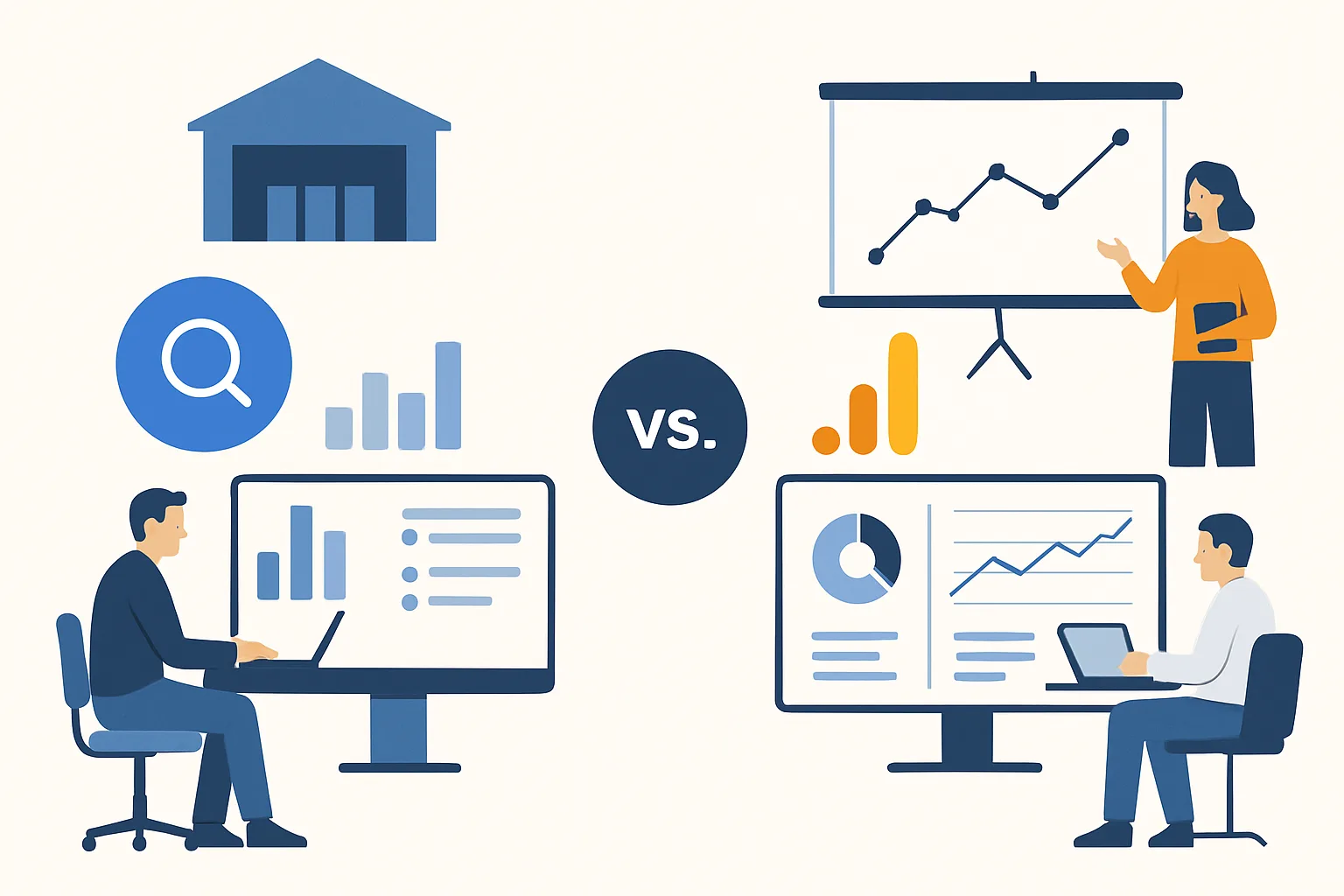
The Same Data, Two Interfaces
After setting up GA4 BigQuery export, you have access to the same underlying event data through two interfaces: GA4's web reporting interface and BigQuery SQL. The question is not which is better — they are complementary — but which is the right tool for each specific analysis.
Use GA4 Interface When:
- Standard reports suffice: acquisition sources, session counts, event counts, conversion rates — if GA4's built-in reports answer your question without sampling, use them. They are faster and require no SQL.
- Real-time data is needed: GA4 shows data within minutes. BigQuery daily export lands the morning after the event date — no same-day data in daily exports (streaming export adds same-day data at extra cost).
- Exploration is the goal: GA4's Explore module (Funnel, Path, User Explorer) provides interactive exploration without query writing.
- Standard dimensions are sufficient: if your analysis uses the dimensions GA4 provides (source, medium, device, page, event), the interface is faster.
Use BigQuery When:
- Sampling is a problem: large properties hit sampling in GA4 Explore reports. BigQuery queries always run on 100% of data.
- Data beyond 14 months: GA4 only retains 14 months. BigQuery stores data as long as you pay for storage.
- Custom calculations: user lifetime value, rolling averages, session construction, custom attribution — these require SQL logic.
- Cross-system joins: joining GA4 events to CRM data, advertising cost data, or product data requires BigQuery (or another data warehouse).
- Scheduled automated reporting: BigQuery scheduled queries can run automatically and write results to tables that feed Looker Studio dashboards with fresh data.
The Cost Consideration
GA4 interface: free for all GA4 Standard users. BigQuery: free storage up to 10GB, 1TB/month of queries free, then $5/TB. For most small-to-medium businesses, monthly BigQuery costs are $0-$20 if queries are written efficiently. Using BigQuery for analyses that GA4 can already answer is wasteful — save BigQuery queries for what GA4 cannot do.
Summary
GA4 interface: use for standard reports, real-time data, interactive exploration, and analyses that fit within GA4's dimension/metric set. BigQuery: use for unsampled analysis, historical data beyond 14 months, custom calculations, cross-system data joins, and automated reporting pipelines. Most teams use GA4 for 80% of daily reporting and BigQuery for the 20% of questions that require deeper analysis. BigQuery is an extension of GA4 capability, not a replacement.
See our BigQuery Setup service for analytics architecture advice.
Need help structuring GA4 and BigQuery together? Contact Adslytics.
Need expert tracking setup?
Our Google Tag Manager experts have delivered 500+ tracking setups with a 98% success rate.
Get a Free Consultation →