What Is a Product ID Mismatch?
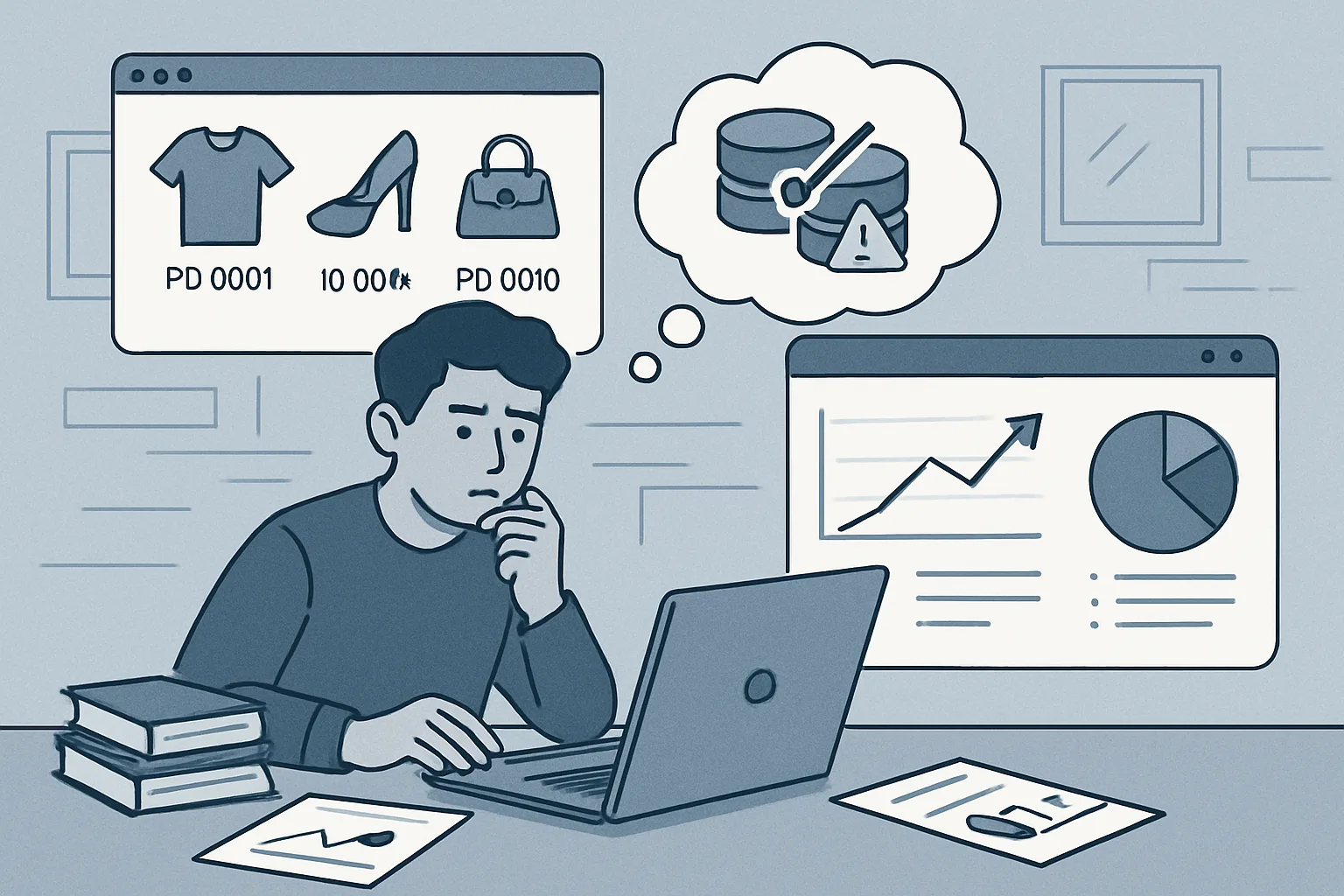
A product ID mismatch in ecommerce tracking occurs when the same product is identified by different IDs in different GA4 events. For example, a product viewed with item_id "SHOE-001" but purchased with item_id "001" — technically the same product, but GA4 treats them as two different products.
The result: GA4's product performance reports show the same product appearing in multiple rows with incomplete data — view_item attributed to "SHOE-001" and purchase attributed to "001". You cannot accurately calculate the conversion rate of that product because the event counts are split across different IDs.
Common Causes of Mismatches
- Different ID sources: product list pages use the database product ID (integer), while product detail pages use the SKU (alphanumeric). Both are unique identifiers but they are different strings.
- Platform migrations: old products carried over from a previous platform with their old ID format; new products use a new format. Both exist in the catalog simultaneously.
- Variant handling inconsistency: some events send the parent product ID, others send the variant-specific ID. "SHOE-001" (parent) vs "SHOE-001-BLUE-8" (variant).
- Manual event implementation vs plugin: the plugin sends SKU; the manually implemented purchase event on the confirmation page sends the database ID.
How to Detect Mismatches
In GA4:
- Reports then Monetisation then Ecommerce purchases
- Look for the same product appearing twice with slightly different item names or IDs
- Check if any products show high view_item count but zero purchases — this often means purchases are being attributed to a different ID
In BigQuery (most reliable detection):
SELECT
  item_id,
  item_name,
  COUNT(DISTINCT event_name) as event_types,
  SUM(IF(event_name='view_item',1,0)) as views,
  SUM(IF(event_name='purchase',1,0)) as purchases
FROM `your_project.analytics_xxxx.events_*`,
UNNEST(items) as item
WHERE _TABLE_SUFFIX >= '20260101'
GROUP BY item_id, item_name
ORDER BY views DESC
Products with many views but zero purchases that you know sold are ID mismatch candidates.
How to Fix Mismatches
- Establish a single canonical ID: choose one identifier (SKU, database ID, or custom ID) and commit to using it for all events across all pages
- Audit every event implementation: check what ID each event is sending — list pages, detail pages, cart, checkout, and confirmation pages all need to use the same ID
- Fix at the data layer level: if using GTM, ensure the data layer variable that maps to item_id is consistent across all implementations
- For variants: decide on a consistent rule — always send variant ID if a specific variant was selected, always send parent ID if no variant selection occurred
Summary
Product ID mismatches are a silent data quality issue — your reports look complete but product-level analysis is wrong. Establish one canonical product ID convention, audit every event implementation for consistency, and use BigQuery to detect mismatches across your full event history. This is one of the most impactful data quality fixes available for ecommerce GA4 properties.
See our Conversion Tracking Fix service for ecommerce data quality audits.
Suspect product ID mismatches? Contact Adslytics.
Need expert tracking setup?
Our Google Tag Manager experts have delivered 500+ tracking setups with a 98% success rate.
Get a Free Consultation →