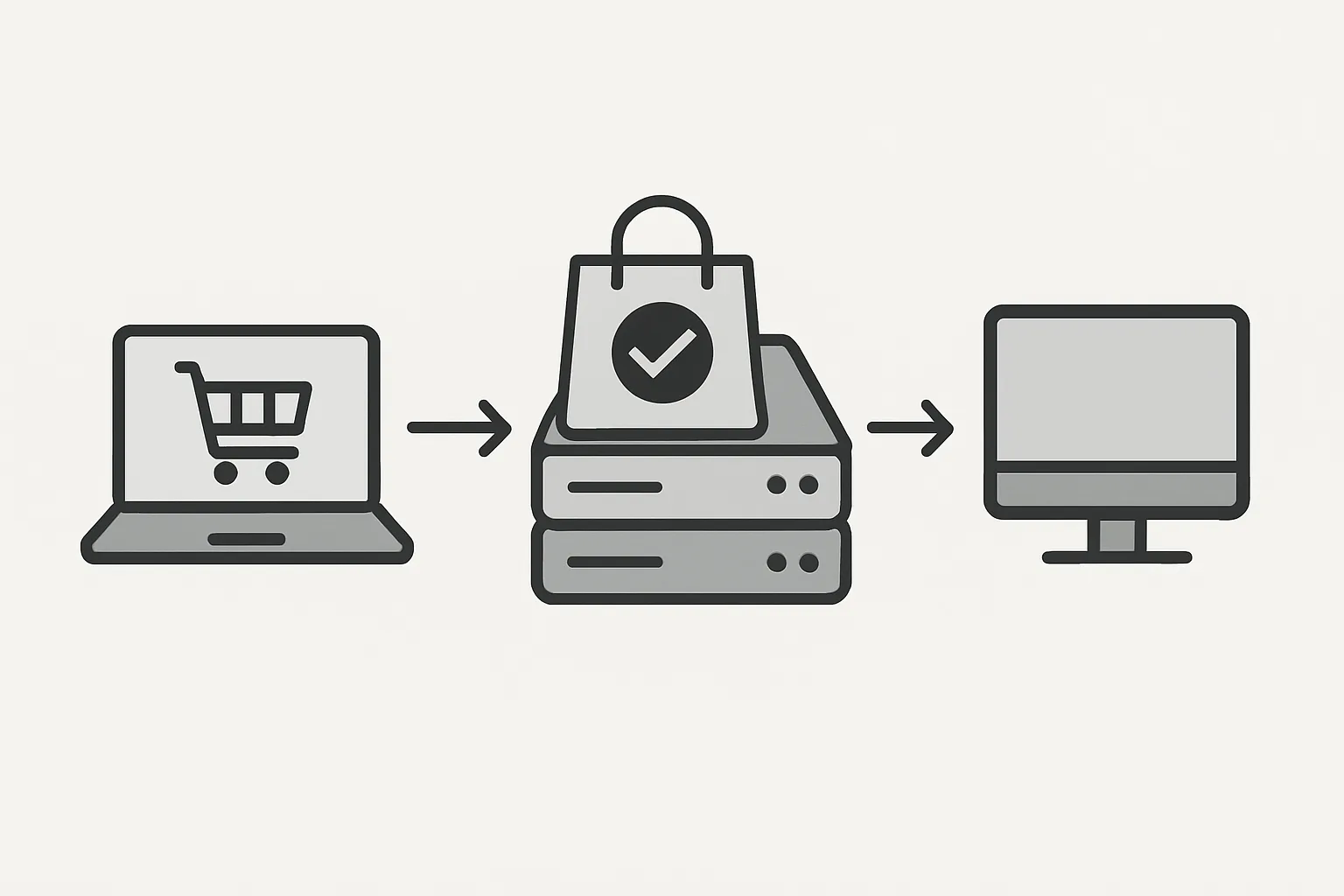
Why Backend-to-Platform Is More Reliable
The most reliable form of conversion tracking is also the simplest conceptually: your server directly confirms a purchase and sends the event to analytics platforms without involving the user's browser at all. No JavaScript required. No ad blocker risk. No browser crash during the thank-you page loading.
This is the ultimate form of server-side tracking — direct backend-to-platform event sending.
The Challenge: Connecting the Purchase to Marketing Attribution
The technical challenge is connecting a server-confirmed purchase event to the user's marketing attribution data (GCLID, client_id, fbclid). This data lives in the browser, not on your server. The solution is capturing it from the browser earlier in the journey and storing it for later use.
At session start (or when the user enters your checkout):
- Your JavaScript captures: GA4 client_id (from the _ga cookie), GCLID (from the URL or _gcl_aw cookie), Meta fbp (from the _fbp cookie), Meta fbclid (from the URL or _fbc cookie)
- This data is sent to your server via an API call and stored in your session or database linked to the user's session ID or order record
- When the purchase is confirmed server-side: retrieve the stored attribution data and include it in your platform API calls
Sending to GA4 via Measurement Protocol
GA4's Measurement Protocol allows direct server-to-GA4 event sending:
POST https://www.google-analytics.com/mp/collect?measurement_id=G-XXXXXXXX&api_secret=YOUR_SECRET

{
  "client_id": "RETRIEVED_CLIENT_ID",
  "events": [{
    "name": "purchase",
    "params": {
      "transaction_id": "ORDER-12345",
      "value": 99.00,
      "currency": "GBP",
      "items": [{
        "item_id": "PROD-001",
        "item_name": "Product Name",
        "quantity": 1,
        "price": 99.00
      }]
    }
  }]
}
Retrieve your API Secret from GA4: Admin then Data Streams then your stream then Measurement Protocol API secrets.
Sending to Meta CAPI Directly
Meta's Conversions API is designed for server-to-server purchase event sending:
POST https://graph.facebook.com/v18.0/PIXEL_ID/events?access_token=ACCESS_TOKEN

{
  "data": [{
    "event_name": "Purchase",
    "event_time": 1704067200,
    "event_id": "ORDER-12345",
    "action_source": "website",
    "user_data": {
      "em": ["HASHED_EMAIL"],
      "ph": ["HASHED_PHONE"],
      "fbc": "RETRIEVED_FBC",
      "fbp": "RETRIEVED_FBP",
      "client_ip_address": "USER_IP",
      "client_user_agent": "USER_AGENT"
    },
    "custom_data": {
      "value": 99.00,
      "currency": "GBP",
      "order_id": "ORDER-12345"
    }
  }]
}
Deduplication: Running Browser + Server Events
If you also have client-side tracking (browser Pixel, GA4 JS library), both client-side and server-side events will fire for the same purchase. For GA4 Measurement Protocol, deduplication is handled by matching client_id and transaction_id. For Meta CAPI, use the event_id parameter matching the order ID across both browser and server events.
When to Use This vs sGTM
Direct backend-to-platform sending is appropriate when:
- You have backend engineering resources to implement and maintain API integrations
- You need maximum reliability and do not want any GTM layer in the critical path
- You have a non-standard architecture (microservices, serverless functions, etc.) where sGTM setup is complex
sGTM is more appropriate when:
- You want a managed, GTM-interface-based system that marketing teams can modify
- You need easy multi-platform routing from a single event
- You want the full GTM ecosystem of pre-built clients and tags
Summary
Direct server-to-platform purchase event sending is the most reliable form of conversion tracking. The key implementation step is capturing browser-side attribution data (client_id, GCLID, fbp) early in the user journey and storing it for later retrieval when the server confirms the purchase.
See our Server-Side Tracking service for backend integration setup.
Need backend purchase event tracking implemented? Contact Adslytics.
Need expert tracking setup?
Our Google Tag Manager experts have delivered 500+ tracking setups with a 98% success rate.
Get a Free Consultation →