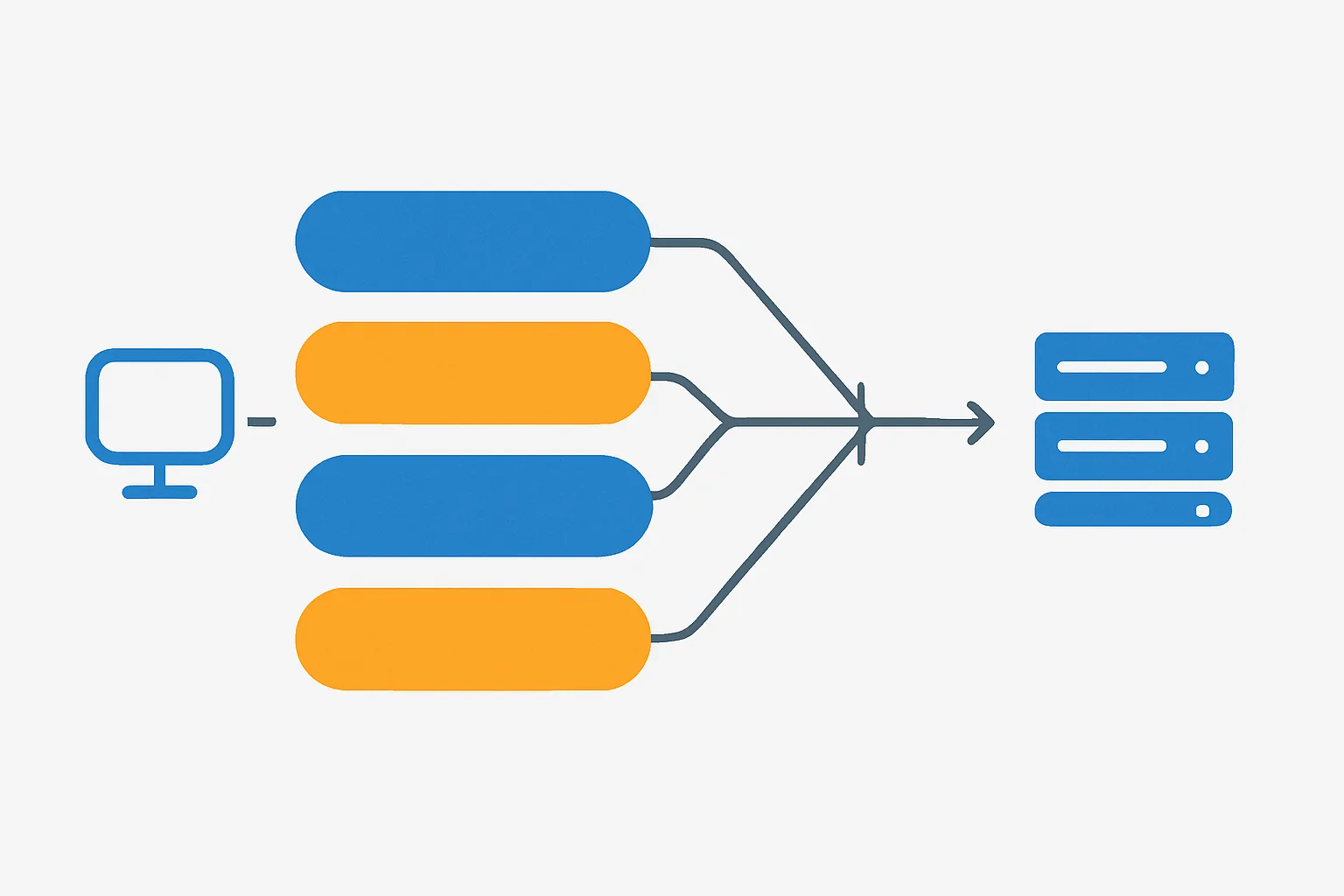
Why Migration Requires a Plan
Switching from client-side to server-side tracking is not a simple replacement — it is a parallel operation followed by a gradual cutover. If you simply turn off client-side tracking and turn on server-side tracking simultaneously, you risk:
- A data gap if server-side is not receiving events correctly before client-side is disabled
- Duplicate data if both run simultaneously without deduplication
- Smart Bidding disruption if conversion data disappears during the transition
A phased approach prevents all of these.
Phase 1: Deploy the Server Infrastructure (No Traffic Change)
- Deploy your sGTM server on a cloud host and configure the custom subdomain (collect.yoursite.com)
- Create the server GTM container with GA4 and other platform clients/tags
- Do not yet change your web GTM to route through the server
- Verify the server is running: visit collect.yoursite.com/healthy
At this stage, your tracking is entirely unchanged. You are just deploying the infrastructure.
Phase 2: Enable Parallel Tracking (Both Running Simultaneously)
- In your web GTM Google Tag: add the server_container_url parameter pointing to collect.yoursite.com
- This causes GA4 events to go to your sGTM server AND the GA4 library still sends them to Google. Wait — does this cause duplicates?
Deduplication note: When you set server_container_url on a GA4 Google Tag, the GA4 JavaScript library sends events to your sGTM server. Your sGTM server then forwards them to Google Analytics. The direct client-side GA4 requests are suppressed by the library once it receives a response from the server. In practice, this means you do not get duplicates when configured correctly — but verify this in GA4 DebugView.
- In your sGTM server container: publish the GA4 forwarding configuration
- Monitor GA4 for 48 hours — compare event volumes, session counts, and conversion counts between before and after the server_container_url change
- Check for cookie setting: confirm _ga cookies are now being set server-side by inspecting cookie attributes in DevTools
Phase 3: Add Platform-by-Platform
Migrate one platform at a time. After GA4 is confirmed working through the server:
- Add Meta CAPI to the server container and verify event deduplication with the client-side Pixel
- Add Google Ads server-side signals if applicable
- Test each platform independently before moving to the next
For Meta CAPI specifically: run both the browser Pixel and the server CAPI simultaneously. Use the event_id parameter for deduplication — Meta will count deduplicated events once, not twice.
Phase 4: Reduce Client-Side to Minimum
Once server-side tracking is confirmed stable for 2-4 weeks:
- Remove redundant client-side tags that are now handled server-side
- Keep client-side tags that capture browser-specific events (click tracking, scroll depth, form interaction) that are not replicated server-side
- The goal is not to eliminate client-side tracking — it is to move critical conversion events to the server while keeping browser-specific events client-side
Monitoring During Migration
Key metrics to watch throughout:
- GA4 event volume per day (should be stable or increase slightly from ad blocker recovery)
- GA4 session count (should be stable)
- Conversion event counts (should be stable; increases after migration indicate recovered ad-blocker traffic)
- Google Ads reported conversions (should be stable through migration)
- Smart Bidding performance (should not degrade; may improve after a learning period)
Summary
Server-side migration is a phased process: deploy infrastructure, enable parallel routing, add platforms one by one, then reduce client-side to minimum. Never cut over entirely at once. The parallel phase is your safety net — verify everything works before reducing client-side tracking.
See our Server-Side Tracking service for managed migration.
Ready to migrate to server-side tracking? Contact Adslytics.
Need expert tracking setup?
Our Google Tag Manager experts have delivered 500+ tracking setups with a 98% success rate.
Get a Free Consultation →