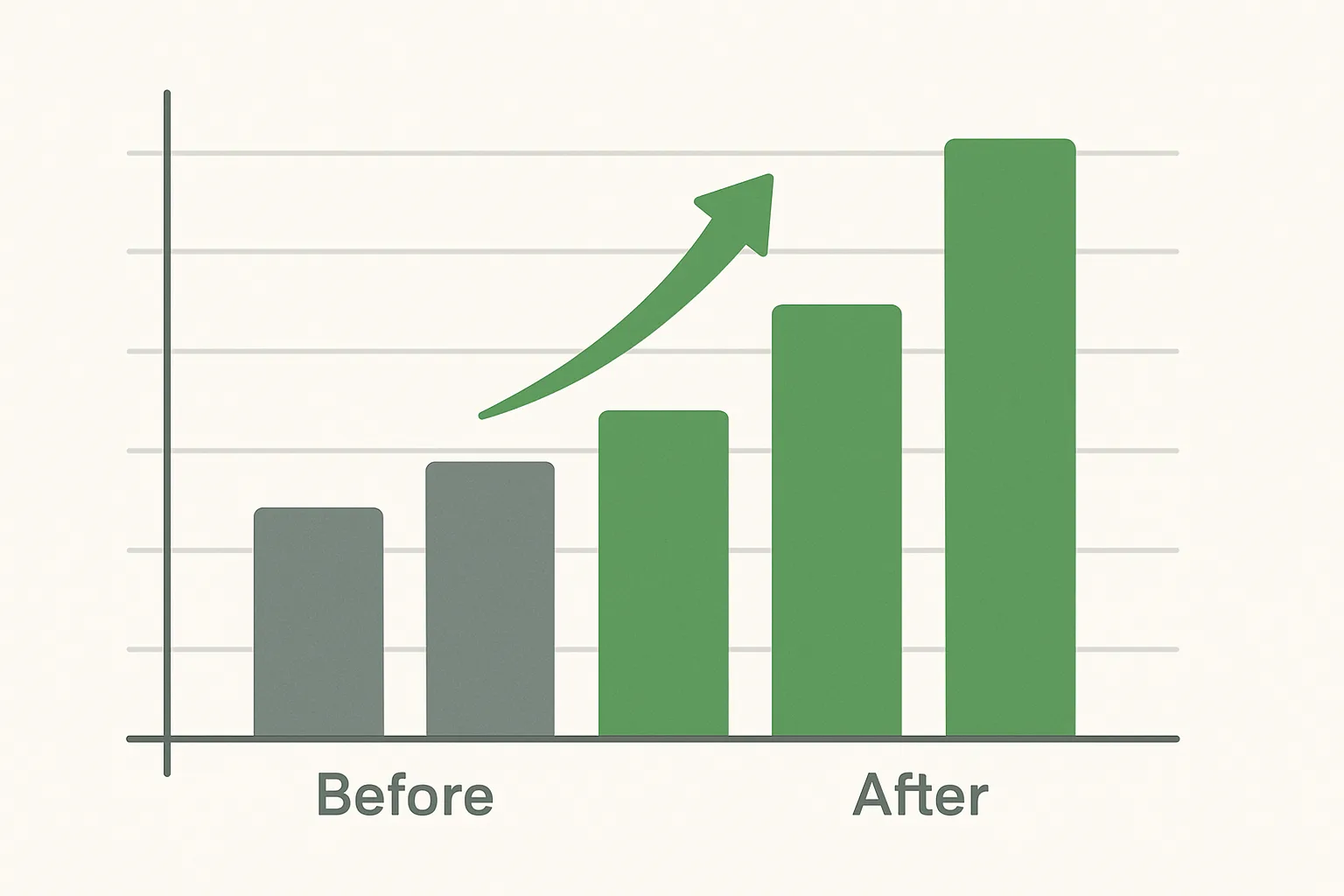
Why Measuring Uplift Is Important
After implementing server-side tracking, you need to be able to demonstrate the improvement — both to justify the investment and to understand how much data you were previously missing. If you cannot measure the uplift, you cannot manage the ongoing value of the implementation.
Baseline: Capture Pre-Implementation Metrics
Before switching on server-side routing, document these baselines over a 30-day period:
- GA4 sessions per day (from GA4 Reports then Acquisition)
- GA4 events per day for key events (page_view, purchase, lead_form_submit)
- GA4 new users per day
- Google Ads conversion count per day
- Meta conversion count per day (from Meta Events Manager)
- Google Ads click count per day (as a benchmark for expected session volume)
Export this to a spreadsheet with daily granularity — you need day-by-day data, not monthly averages, for a clean before/after comparison.
Method 1: Parallel Tracking Comparison (Most Accurate)
If you can run client-side and server-side tracking simultaneously (even briefly), compare the event counts from each:
- Add a custom parameter to server-side events:
tracking_method: "server" - Client-side events have no such parameter (or have
tracking_method: "client") - In GA4, create a custom dimension for tracking_method
- After 48 hours, compare session counts with tracking_method = "server" vs "client"
- The ratio of server to client sessions shows your ad-blocker affected population
Note: careful not to count these as separate sessions for actual reporting — use this only as a measurement technique during a diagnostic period.
Method 2: Before/After Comparison (Simpler)
Compare the 30 days before implementation to the 30 days after:
- Expected: GA4 sessions increase 10-30% (recovered ad-blocker sessions)
- Expected: purchase event count increases 5-20%
- Expected: new_user count slightly decreases (Safari users no longer appearing as new users after 7 days)
- Expected: returning_user count increases (Safari users correctly identified as returning)
- Expected: Meta purchase event count increases significantly after CAPI implementation
Account for seasonality — if your business has significant month-over-month variation, compare to the same 30 days from the previous year as a secondary check.
Method 3: Google Ads Click-to-Session Ratio
Before SST: Google Ads clicks / GA4 paid search sessions = ratio (e.g. 10,000 clicks / 7,200 sessions = 1.39 clicks per session)
After SST: 10,000 clicks / 9,000 sessions = 1.11 clicks per session
The improvement in the ratio shows how many previously untracked sessions are now captured. The ratio will never reach 1.0 (bots, redirects, and landing page errors always create some gap), but a significant improvement confirms data recovery.
Measuring Cookie Lifetime Improvement (Safari)
In GA4, segment new users who use Safari and compare the new user rate before and after SST:
- Before SST: Safari users who return after 7 days appear as new users — inflating new user count
- After SST: Safari returning users are correctly identified — new user rate should decrease for Safari segments
Summary
Measuring SST uplift requires a pre-implementation baseline, a post-implementation comparison, and an understanding of which metrics improve and why. The key signals are session recovery (ad blocker traffic), conversion count increase, and returning user recognition improvement for Safari. Document these and share them with stakeholders to demonstrate the ongoing value of server-side tracking.
See our Server-Side Tracking service for implementation and measurement.
Want help measuring your SST impact? Contact Adslytics.
Need expert tracking setup?
Our Google Tag Manager experts have delivered 500+ tracking setups with a 98% success rate.
Get a Free Consultation →