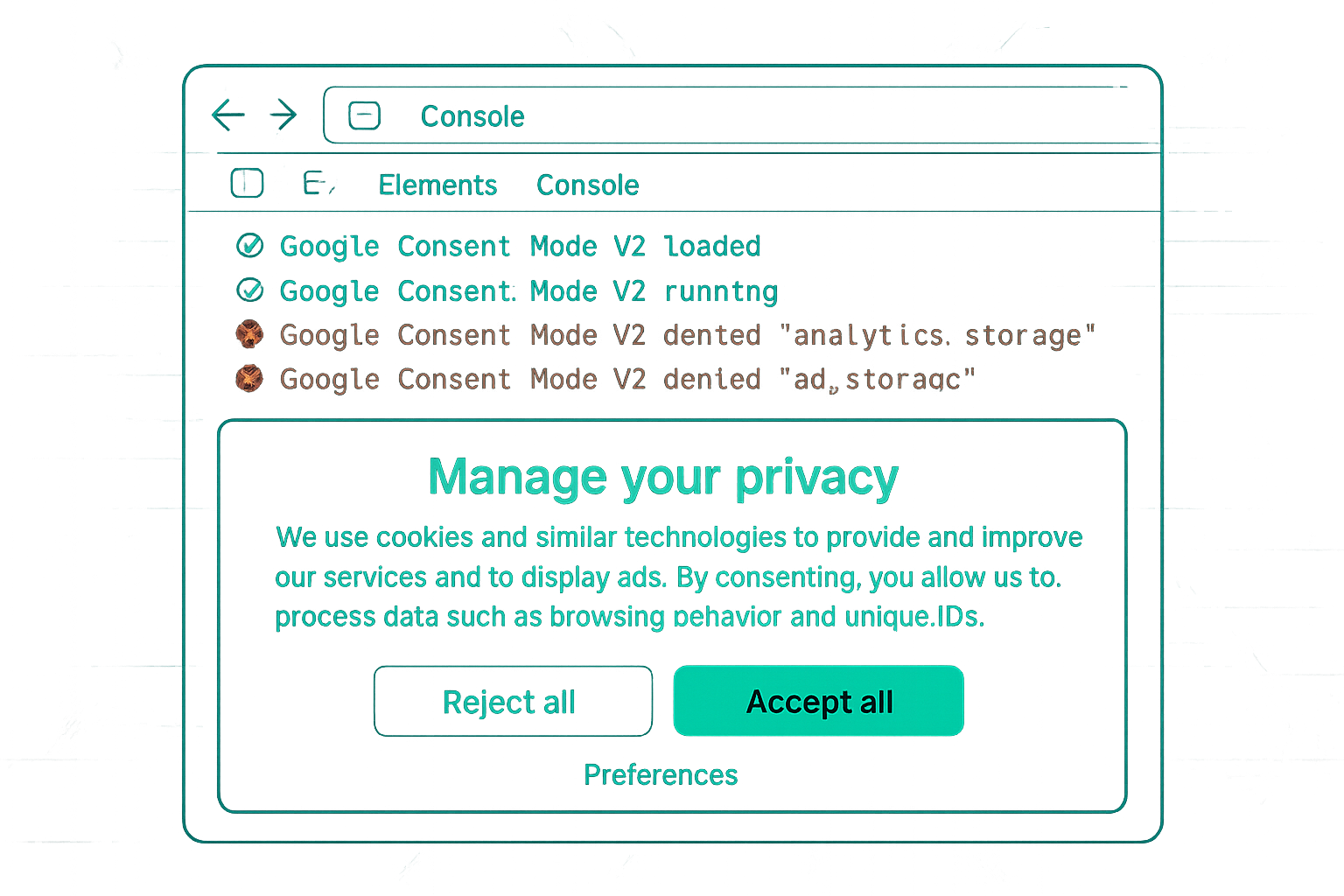
Why Combine Server-Side Tracking and Consent Mode
Client-side Consent Mode v2 sends reduced data for non-consenting users and full data for consenting users — but client-side tracking still faces ad blocker loss and browser privacy restrictions. Server-side GTM addresses those limitations: it is not blocked by browser ad blockers and is not subject to browser cookie restrictions.
Combining both creates an architecture where:
- Consent signals flow client-side (from the CMP via GTM)
- Data is forwarded server-side (bypassing ad blockers and browser restrictions)
- Consent signals are respected server-side (the server container only forwards data from consenting users)
The Architecture
- User lands on website; CMP shows consent banner
- User makes consent choice; CMP updates Consent Mode signals client-side
- For consenting users: client GTM fires GA4 events to the sGTM server container URL (not directly to Google)
- sGTM server container receives the event, reads the consent signal included in the request, and forwards to GA4 and Google Ads APIs
- For non-consenting users: client GTM sends only cookieless pings (minimal data) to sGTM; sGTM does not forward these to advertising platforms
Passing Consent Signals to the Server Container
The sGTM GA4 Client reads consent signals from incoming GA4 events. To pass consent state from the client to the server:
- The GA4 Configuration tag in client GTM automatically includes consent state in the event payload sent to sGTM
- The sGTM GA4 Client parses this and makes the consent state available to server-side tags
- Server-side tags can be configured to only fire when specific consent states are "granted"
Server-Side Consent Checks in Tags
In sGTM, add consent checks to your server-side tag configuration:
In the server-side GA4 tag or Google Ads Server Tag → Consent Settings → require "analytics_storage = granted" before firing. This ensures the server does not forward data to platforms even if the client accidentally sends it.
Benefits Over Client-Only Consent Mode
- No ad blocker loss for consenting users (server-side requests not intercepted)
- No Safari ITP limitation (server sets first-party cookies that are not subject to 7-day limit)
- Consent enforcement at two layers (client-side and server-side) reduces risk of misconfiguration sending non-consented data
- Better data quality for the users who do consent
Summary
The server-side GTM + Consent Mode v2 architecture provides compliance at the consent layer (CMP → client GTM → consent signals) while maximising data quality for consenting users (client GTM → server container → Google APIs, bypassing ad blockers). Server-side tags include consent checks as a second enforcement layer. This architecture provides the best combination of privacy compliance and data completeness currently available.
See our Consent Mode v2 Implementation service for server-side tracking setup.
Need server-side tracking with Consent Mode? Contact Adslytics.
Need expert tracking setup?
Our Google Tag Manager experts have delivered 500+ tracking setups with a 98% success rate.
Get a Free Consultation →