The Scale of the Problem
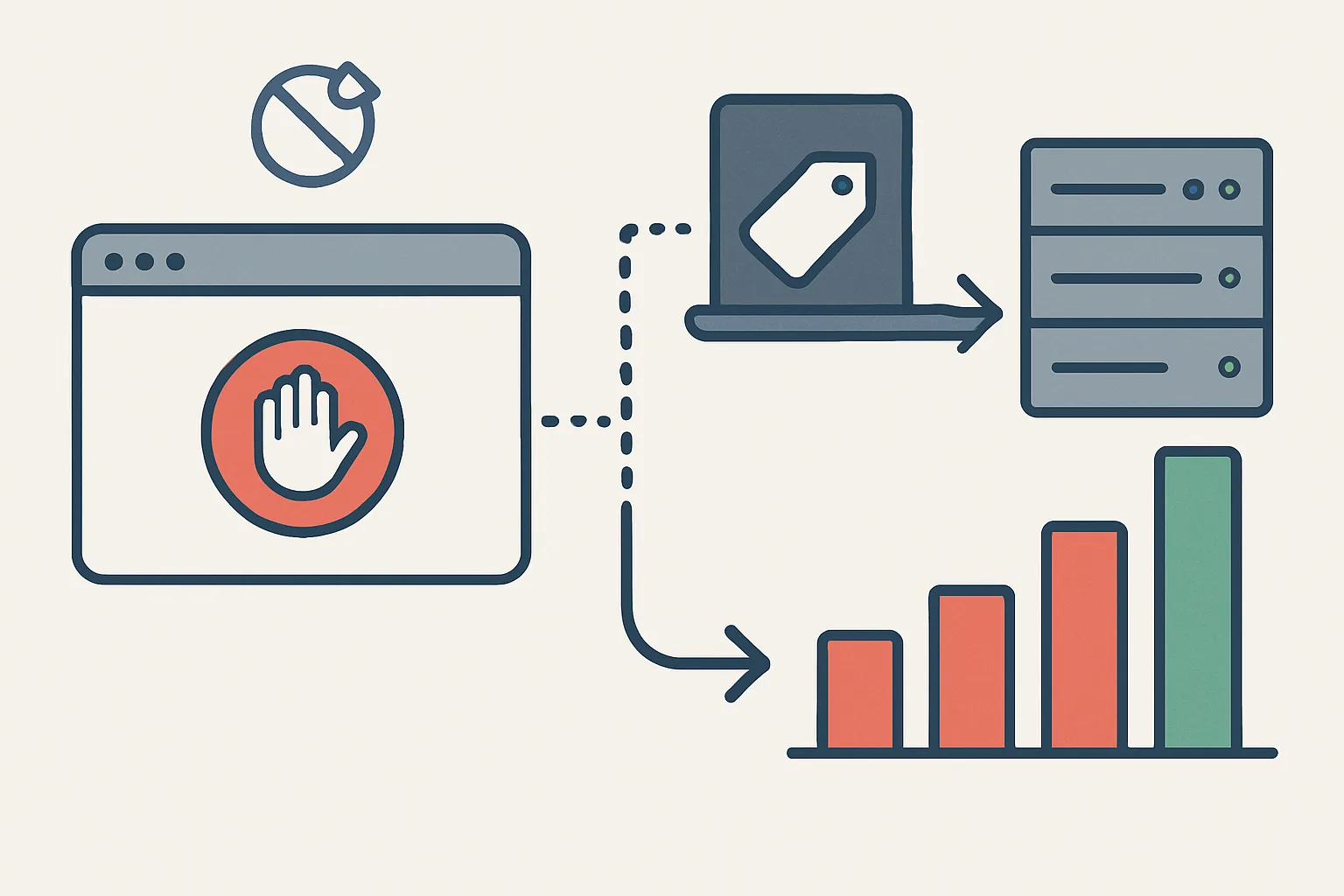
Ad blocker usage has grown consistently year over year. Current estimates suggest 27% of internet users globally use an ad blocker, rising to 35-45% among desktop users in technology-adjacent industries. For B2B companies targeting developers, marketers, and tech professionals, the rate can exceed 50%.
Every one of these users is invisible to your client-side analytics and conversion tracking. Not partially invisible — completely invisible. Their sessions do not appear in GA4. Their conversions do not fire in Google Ads. Their product page views and checkout events vanish.
What Exactly Ad Blockers Block
Modern ad blockers (uBlock Origin, AdBlock Plus, Brave's built-in blocker) work primarily through filter lists that identify tracking scripts by domain name or URL pattern. The most commonly blocked resources include:
- googletagmanager.com: the GTM container script itself is blocked by some configurations
- google-analytics.com, analytics.google.com: GA4 requests blocked
- googleadservices.com: Google Ads conversion tags blocked
- connect.facebook.net, fbevents.js: Meta Pixel blocked
- bat.bing.com: Microsoft Advertising UET tag blocked
- snap.licdn.com: LinkedIn Insight Tag blocked
uBlock Origin's default filter list blocks the GA4 analytics script outright. This means an entire session from an ad-blocker user — page views, events, conversions — is completely absent from your GA4 data.
How Much Data Are You Losing?
A rough framework for estimating your data loss:
- If your audience is general consumers: 15-25% of desktop traffic may use ad blockers
- If your audience is tech professionals, developers, marketers: 35-55% of desktop traffic
- Mobile traffic: lower — mobile ad blockers are less common (iOS content blockers affect some, but not at desktop rates)
A practical check: compare your Google Ads click volume to GA4 sessions for the same period. If you see significantly more ad clicks than GA4 sessions can account for (after excluding bots and spam), the gap is partly explained by ad blockers blocking GA4 but not the Google Ads redirect.
What Server-Side Tracking Recovers
Server-side tracking recovers data from users who block analytics scripts for two reasons:
- Custom subdomain: instead of sending data to googletagmanager.com (blocked), your website sends data to collect.yoursite.com (your own domain, not on any blocklist). Ad blockers' default lists do not block unknown first-party subdomains.
- Server-to-server forwarding: from collect.yoursite.com (your server), data is forwarded to Google/Meta in a server-to-server request that never touches the user's browser — where ad blockers operate.
The result: ad blocker users whose events were previously entirely lost now send their events to your server via your first-party domain, and your server forwards them to the analytics platforms.
What Server-Side Tracking Cannot Recover
Server-side tracking recovers events from users who have ad blockers but no other technical barriers. It does not recover:
- Users who have JavaScript disabled entirely (a very small percentage)
- Users who actively block first-party subdomains in their ad blocker configuration (a small, technically sophisticated minority)
- Users who use VPNs with DNS-level ad blocking (Pi-hole equivalents) that intercept even custom domain DNS requests
In practice, server-side tracking typically recovers 15-25% of the data lost to ad blockers — meaning a significant, measurable improvement in data completeness, even if not a perfect 100% recovery.
Summary
Ad blockers are silently removing 15-45% of your analytics data depending on your audience. Server-side tracking recovers a significant portion of this through first-party subdomain routing and server-to-server event forwarding. For businesses with significant ad spend or audiences likely to use ad blockers, the ROI on implementing server-side tracking is typically very high.
See our Server-Side Tracking service for implementation.
Want to measure how much data you are losing to ad blockers? Contact Adslytics.
Need expert tracking setup?
Our Google Tag Manager experts have delivered 500+ tracking setups with a 98% success rate.
Get a Free Consultation →