What Data Enrichment Means in Server-Side Tracking
One of the most powerful advantages of server-side tracking over client-side tracking is that your tagging server sits between your website and analytics platforms — giving you an opportunity to add data to events before they reach Google Analytics or Meta.
This "enrichment" layer can add server-side information that is impossible to collect in the browser: CRM-confirmed customer tier, lifetime value, purchase history, subscription status, or any other data your server has access to but the browser does not.
Why Enrich at the Server Level?
The browser has access only to what is in the current session. Your server has access to your entire data infrastructure. When a returning customer completes a purchase:
- Browser knows: page URL, clicked button, form data entered, current session GCLID
- Your server knows: this customer's entire order history, their subscription tier, their calculated LTV, their assigned sales territory, their CRM contact record
Enriching events server-side means GA4 and Meta receive not just "a purchase happened" but "a high-LTV enterprise customer in our Gold tier just purchased for the third time." This is significantly more useful for segmentation and bidding.
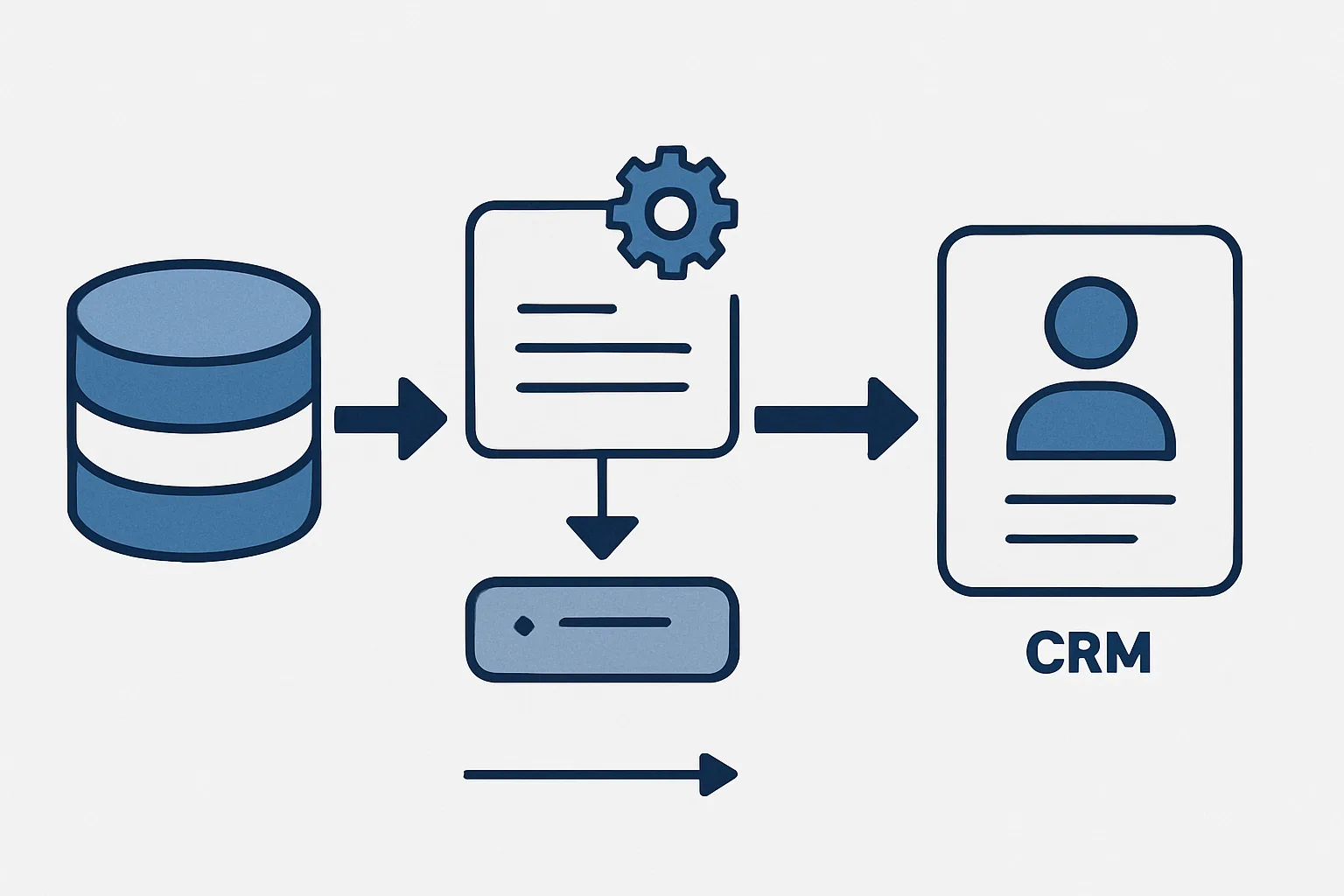
Architecture: How Enrichment Works
- Website sends a purchase event to your sGTM server (collect.yoursite.com)
- sGTM receives the event via the GA4 client
- A custom variable or lookup in sGTM queries your CRM or database using the customer's email or customer ID from the event payload
- The CRM lookup returns customer tier, LTV, and segment
- sGTM forwards the enriched event to GA4 and Meta CAPI with the additional parameters included
Implementing CRM Lookups in sGTM
There are two main approaches for CRM data access in sGTM:
Approach 1: Google Firestore Lookup
Store a simplified customer data cache in Google Firestore (a serverless NoSQL database). sGTM has native support for Firestore lookups via Custom JavaScript variables. When an event arrives with a customer ID, the variable queries Firestore for that customer's data and returns it to be used by tags.
Setup: create a Firestore collection (e.g. "customers"), populate it with customer IDs as document IDs and enrichment fields as document fields. In sGTM, create a Custom Variable that queries Firestore using the customer_id from the incoming event.
Approach 2: HTTP Request to Your API
sGTM can make HTTP requests using the sendHttpRequest API in Custom JavaScript variables. Point this at your own internal API that accepts a customer ID and returns enrichment data.
This approach gives maximum flexibility (your API can join any data source) but requires a low-latency API endpoint — sGTM processes events synchronously, so your API must respond within the event timeout window (typically 5 seconds).
Custom Dimensions in GA4 for Enriched Data
To use CRM-enriched data in GA4 reports, you need custom dimensions:
- In GA4: Admin then Custom definitions then Create custom dimension
- Name: Customer Tier (or LTV Segment, etc.)
- Scope: Event or User
- Event parameter: customer_tier (the parameter name you will send from sGTM)
- In sGTM's GA4 tag: add the customer_tier parameter mapped to your enrichment variable value
Enrichment for Meta CAPI
For Meta CAPI, CRM-enriched data improves Event Match Quality. Adding hashed email and phone from your CRM (confirmed data rather than browser form input) significantly improves the match score — because CRM data is cleaner and more consistently formatted than what users type into forms.
Privacy Considerations
Only enrich with data that is consented for analytics use. If a customer opted out of personalised analytics, their CRM segment should not be added to their analytics events. Document your enrichment logic as part of your privacy compliance record.
Summary
Server-side data enrichment is one of the most powerful capabilities server-side tracking unlocks. It transforms events from anonymised page actions into business-contextualised signals — enabling much more meaningful audience segmentation and bidding intelligence.
See our Server-Side Tracking service for enrichment implementation.
Want to add CRM data to your analytics events? Contact Adslytics.
Need expert tracking setup?
Our Google Tag Manager experts have delivered 500+ tracking setups with a 98% success rate.
Get a Free Consultation →