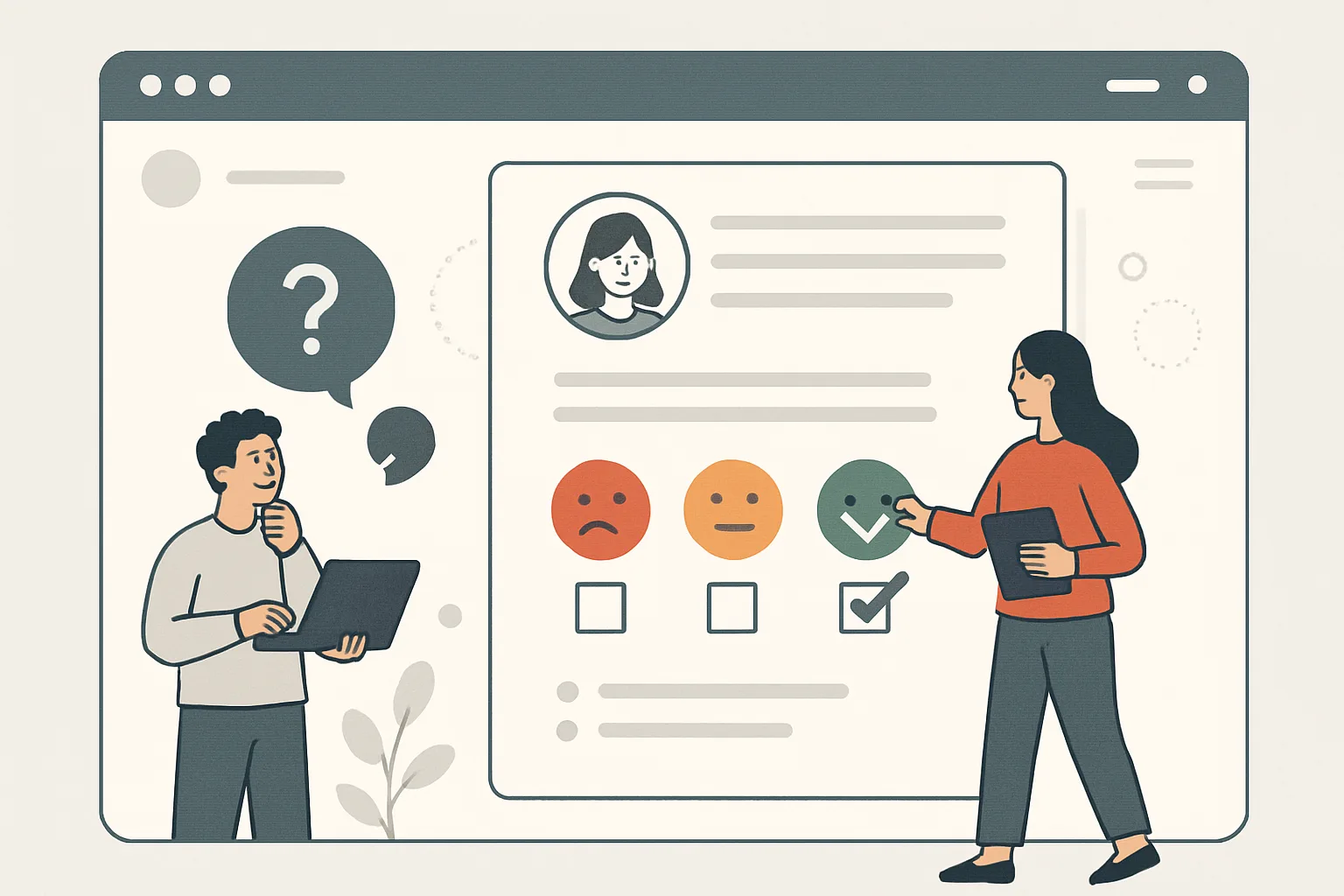
The Question Analytics Can't Answer
Session recordings show that users reach the pricing page and leave. Heatmaps show they're not clicking the CTA. But why? Analytics can't tell you. The user who left took their reason with them.
Voice of customer (VoC) research — specifically, asking users directly — fills this gap. The insights from even 50 open-text survey responses often reveal conversion blockers that months of quantitative analysis missed.
Our CRO team uses VoC research as a core component of every conversion research project.
The Four Survey Types That Work
1. Exit Surveys (Highest CRO Value)
Trigger when a user shows exit intent (mouse moves toward browser back/close button). One simple question:
"What prevented you from [completing your purchase / signing up / getting started] today?"
Multiple choice with "Other (please specify)": Pricing too high | Wasn't sure if this was right for me | Couldn't find what I was looking for | Just browsing | Technical problem | Other
Exit surveys on high-value pages (checkout, pricing, product) with 50+ responses reveal the most important conversion blockers. Implement via Hotjar or a simple GTM-triggered JavaScript.
2. Post-Purchase Surveys
Ask customers who just converted: "What almost stopped you from purchasing today?"
This identifies objections that customers overcame — but which are preventing others from converting. Common discoveries: "almost left because I wasn't sure about returns policy" → prominently feature returns policy → conversion lift.
3. Long-Visit Engagement Survey
Trigger for users who have been on a key page for 60+ seconds:
"Can't find what you're looking for? We can help." with a free-text field.
Reveals navigation confusion and missing information that session recordings might show but not explain.
4. NPS + Open Text
Net Promoter Score (0–10 likelihood to recommend) followed by: "What's the main reason for your score?"
Detractors (0–6 score) give you the most actionable conversion-relevant feedback.
Writing Questions That Get Useful Answers
Bad survey questions produce useless answers:
- ❌ "Was this page helpful?" → Yes/No tells you nothing actionable
- ❌ "Rate your experience 1–10" → Numbers without context
- ❌ Multiple questions at once → Users abandon
Good survey questions:
- ✅ One question at a time
- ✅ Open text or limited specific options (not vague scales)
- ✅ Ask about behavior ("What did you do next?") not opinion ("Did you like this?")
- ✅ Use the customer's language — read responses for the words customers use to describe problems, then use those words in copy and CTAs
Analyzing VoC Responses
Once you have 50+ responses per question, categorize them:
- Code each response into a category (price concern, trust concern, navigation issue, missing information, etc.)
- Count frequency of each category
- Prioritize: most frequent category = most important to address
- Extract exact language customers use — this is gold for copy testing
Connect VoC insights to your GA4 funnel data: if exit surveys on the pricing page show "pricing too high" as #1 reason, check GA4 for pricing page conversion rate trend and quantify the impact. Our CRO team builds VoC research into every engagement. Contact us for a VoC research program setup.
Need expert tracking setup?
Our Google Tag Manager experts have delivered 500+ tracking setups with a 98% success rate.
Get a Free Consultation →