Why Hashing Is Required
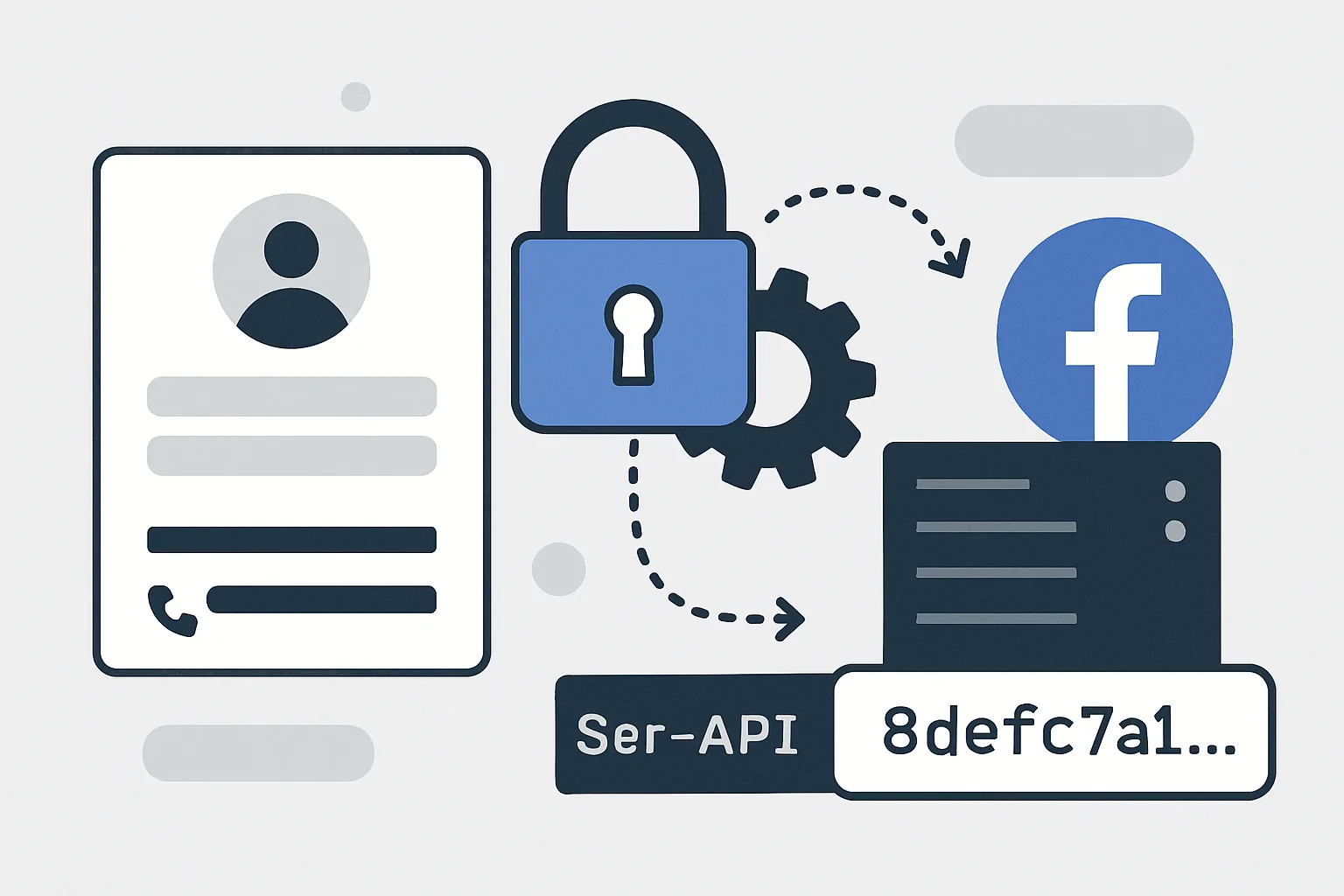
Meta's Conversions API handles personally identifiable information (PII) — email addresses, phone numbers, names, and addresses. Sending this data in plaintext to Meta's servers would violate GDPR, CCPA, and other privacy regulations. SHA256 hashing transforms the data into an irreversible fingerprint that Meta can use for matching without receiving the actual personal data.
SHA256 is a one-way hash: you can hash an email and Meta can hash the same email from their user database and compare the fingerprints to find a match — without either party needing to share the actual email address in plaintext.
Fields That MUST Be Hashed
- em: email address
- ph: phone number
- fn: first name
- ln: last name
- db: date of birth
- ge: gender
- ct: city
- st: state/region
- zp: postal/zip code
- country: country code
- external_id: your internal customer ID (recommended to hash)
Fields That Are NOT Hashed
- client_ip_address: send plaintext
- client_user_agent: send plaintext
- fbp: send plaintext (the cookie value)
- fbc: send plaintext (the cookie value)
Normalisation Rules Before Hashing
Meta uses the same normalisation rules when hashing their user database. If your normalisation differs from Meta's, the hashes will not match even for the same email/phone, and matching will fail.
Email (em):
- Convert to lowercase: "USER@Example.COM" → "user@example.com"
- Remove leading/trailing whitespace
- Do NOT remove dots from the username part (john.doe@gmail.com stays as-is)
Phone (ph):
- Remove all non-numeric characters: "+44 7911 123456" → "447911123456"
- Include country code: UK numbers must start with 44, not 0
- Do NOT include the + prefix
First/Last Name (fn, ln):
- Convert to lowercase: "John" → "john"
- Remove leading/trailing whitespace
- Remove non-printable characters
City (ct):
- Convert to lowercase, remove spaces: "New York" → "newyork"
Postal Code (zp):
- US: use only the 5-digit ZIP (not ZIP+4)
- UK: remove spaces: "SW1A 2AA" → "sw1a2aa" (lowercase)
Country (country):
- 2-letter ISO 3166-1 alpha-2 code, lowercase: "gb" not "UK" or "United Kingdom"
Hashing in Practice (PHP)
$user_data = [
    'em' => [hash('sha256', strtolower(trim($email)))],
    'ph' => [hash('sha256', preg_replace('/[^0-9]/', '', $phone))],
    'fn' => [hash('sha256', strtolower(trim($first_name)))],
    'ln' => [hash('sha256', strtolower(trim($last_name)))],
    'ct' => [hash('sha256', strtolower(str_replace(' ', '', $city)))],
    'zp' => [hash('sha256', strtolower(str_replace(' ', '', $postcode)))],
    'country' => [hash('sha256', strtolower($country_code))],
];
Summary
SHA256 hashing with correct normalisation is the single most important technical detail in CAPI implementation — incorrect normalisation means no matching even when data is present. Email must be lowercase trimmed, phone must be numeric-only with country code, postal codes must have spaces removed. Fields are sent as arrays (even with one value) in the CAPI payload. Verify your hashing is correct by testing in the Test Events tool and checking EMQ scores.
See our Facebook CAPI Setup service for correct implementation.
Need CAPI with correct PII hashing implemented? Contact Adslytics.
Need expert tracking setup?
Our Google Tag Manager experts have delivered 500+ tracking setups with a 98% success rate.
Get a Free Consultation →