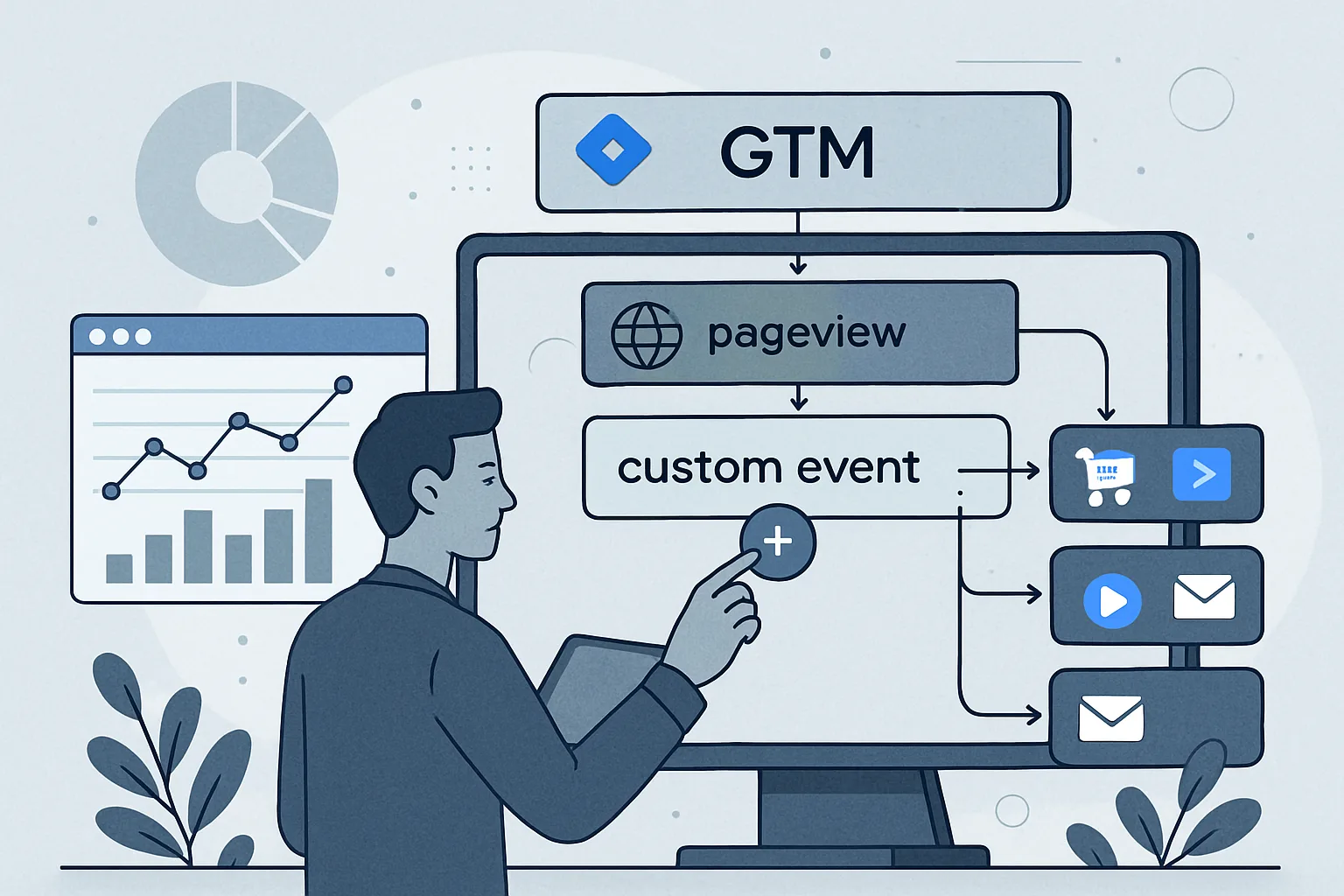
Why Custom Events Matter
The default GTM page view and built-in click/form variables only get you so far. For meaningful analytics, you need events that carry business-specific data: which CTA button was clicked, which pricing plan was selected, what the user searched for, whether the video was watched past 50%. Custom data layer events deliver this information with the context that auto-event triggers cannot provide.
Basic Custom Event Pattern
// On a button click handler:
document.getElementById('request-quote-btn').addEventListener('click', function() {
  window.dataLayer.push({
    'event': 'cta_click',
    'cta_text': 'Request a Quote',
    'cta_location': 'hero_section',
    'cta_destination': '/contact/'
  });
});
GTM fires any tag with a "Custom Event" trigger matching cta_click, and the additional fields (cta_text, cta_location) are available as Data Layer Variables for use in GA4 event parameters.
Common Custom Events and Their Data
Form Submission
window.dataLayer.push({
  'event': 'form_submit',
  'form_id': 'contact-form',
  'form_name': 'Contact Form',
  'form_type': 'lead_capture'
});
File Download
window.dataLayer.push({
  'event': 'file_download',
  'file_name': 'case-study-abc.pdf',
  'file_extension': 'pdf',
  'link_url': '/downloads/case-study-abc.pdf'
});
Pricing Plan Selection
window.dataLayer.push({
  'event': 'plan_select',
  'plan_name': 'Professional',
  'plan_price': 299,
  'plan_billing_cycle': 'monthly'
});
Live Chat Initiated
window.dataLayer.push({
  'event': 'chat_start',
  'chat_source': 'homepage',
  'chat_type': 'live_chat'
});
Search (Internal Site Search)
window.dataLayer.push({
  'event': 'search',
  'search_term': userSearchQuery,
  'search_results_count': resultCount
});
Triggering Custom Events Correctly
Custom events should fire at the moment of user action, not on page load (unless it is a page-level event). Common trigger points:
- Click event listeners (as above)
- Form
submitevent handler - After AJAX callbacks complete (not on form submit, but after server confirms receipt)
- Intersection Observer callbacks (for scroll-based events)
- Video player event callbacks (onplay, onpause, onended)
GTM Configuration for Custom Events
For each custom event:
- Create Data Layer Variables for each additional field you need (cta_text, form_id, etc.)
- Create a Custom Event trigger: event name matches exactly the 'event' value you push
- Create a GA4 Event tag: event name is the GA4 event name, add event parameters from Data Layer Variables
Summary
Custom data layer events extend GTM tracking beyond pageviews to any user interaction. Push an object with 'event' as the trigger field and additional contextual fields as data. Create Data Layer Variables in GTM for each contextual field. Use Custom Event triggers in GTM to fire tags when specific events are pushed. This pattern provides precise, context-rich tracking that cannot be achieved with GTM's built-in auto-event listeners alone.
See our GTM Data Layer Implementation service for custom event setup.
Need custom data layer events implemented? Contact Adslytics.
Need expert tracking setup?
Our Google Tag Manager experts have delivered 500+ tracking setups with a 98% success rate.
Get a Free Consultation →