The Basic Syntax
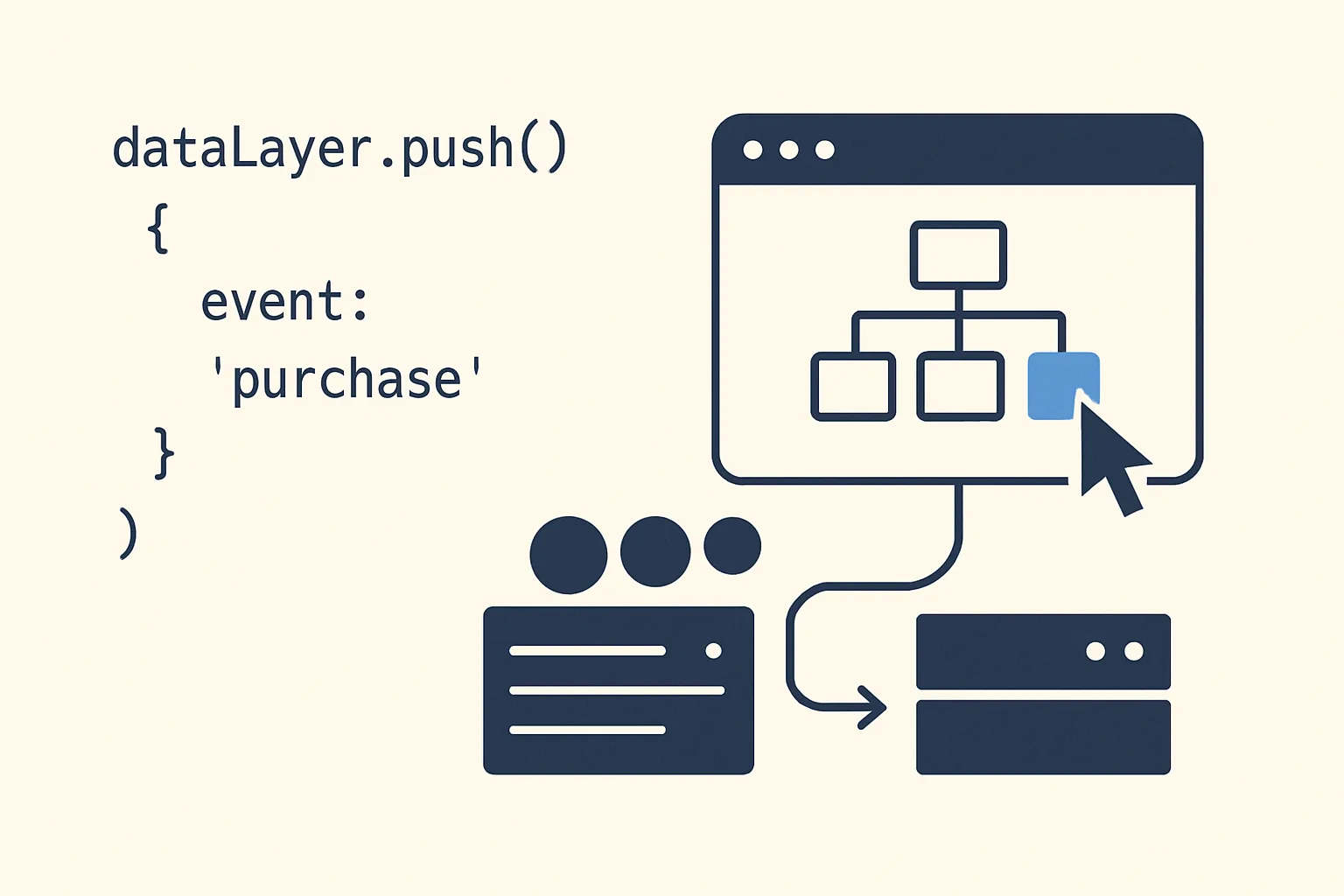
The data layer is a global JavaScript array. The push() method adds a new object to it, which GTM immediately processes:
window.dataLayer = window.dataLayer || [];
window.dataLayer.push({
  'event': 'your_event_name',
  'key1': 'value1',
  'key2': 'value2'
});
The event Field
The event field is special — it is the trigger signal. When GTM sees a push with an event field, it checks if any triggers are configured to fire on that event name. Other fields in the push are data payloads that tags and variables can read.
Naming conventions for event values:
- Use lowercase with underscores:
'event': 'purchase','event': 'add_to_cart' - GA4-style event names are the standard: no spaces, no hyphens, no uppercase
- Avoid generic names like
'event': 'click'— use specific names like'event': 'cta_click'
Data Persistence
Data pushed to the data layer persists across subsequent pushes until overwritten. If you push {userId: '123'} on page load and later push {'event': 'purchase'}, the userId is still available in the data layer when the purchase event fires. This is important for user-level data that should be available throughout a session.
To explicitly clear a value, push null:
window.dataLayer.push({userId: null}); // Clears userId from data layer stateNested Objects
The data layer supports nested objects:
window.dataLayer.push({
  'event': 'purchase',
  'ecommerce': {
    'transaction_id': 'T12345',
    'value': 59.99,
    'currency': 'GBP',
    'items': [
      {'item_id': 'SKU-001', 'item_name': 'Product A', 'quantity': 1, 'price': 59.99}
    ]
  }
});
In GTM, you read nested values with dot notation in a Data Layer Variable: set the Variable Name to ecommerce.transaction_id to read the nested transaction ID.
Resetting ecommerce Object
A critical pattern for GA4 ecommerce: always push {'ecommerce': null} before pushing an ecommerce event. This prevents previous event data from bleeding into the next event:
// Always do this before any ecommerce event
window.dataLayer.push({ecommerce: null});
// Then push the event
window.dataLayer.push({
  'event': 'view_item',
  'ecommerce': { ... }
});
The eventCallback Field
The eventCallback field lets you run a function after GTM has finished processing the event. Useful for navigations where you need to ensure the tag fires before the page unloads:
window.dataLayer.push({
  'event': 'form_submit',
  'eventCallback': function() {
    document.getElementById('contact-form').submit();
  },
  'eventTimeout': 2000  // Fallback: proceed after 2 seconds even if tags haven't fired
});
Summary
dataLayer.push takes a JavaScript object. The event field triggers GTM; all other fields are data the tags and variables can read. Data persists across pushes until overwritten. For ecommerce, always reset the ecommerce object with {'ecommerce': null} before each event. Use eventCallback when you need to wait for tags to fire before executing the next action (e.g. form submission, navigation).
See our GTM Data Layer Implementation service for setup.
Need help with data layer implementation? Contact Adslytics.
Need expert tracking setup?
Our Google Tag Manager experts have delivered 500+ tracking setups with a 98% success rate.
Get a Free Consultation →