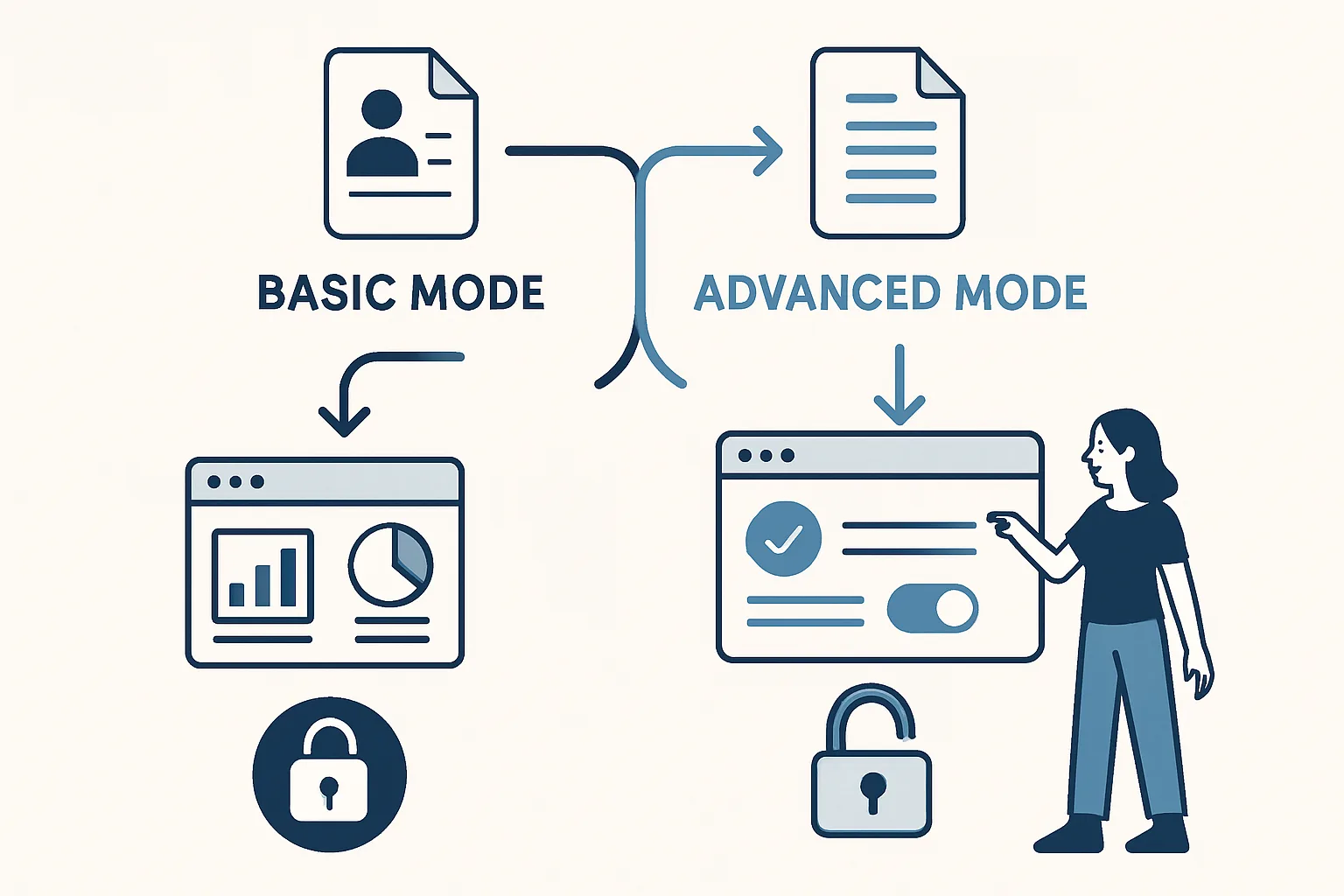
The Two Modes of Consent Mode v2
Consent Mode v2 can be implemented in two different ways, with significantly different consequences for your data completeness and compliance approach. Choosing the wrong mode is one of the most common Consent Mode implementation mistakes.
Basic Mode
How it works: In basic mode, Google tags do NOT fire at all until the user has made a consent choice. If the user dismisses the banner or doesn't interact with it, no tags fire — no cookieless pings, no modelled conversions, no data of any kind.
Data implication: You receive no data from users who do not engage with the consent banner. On many websites, 5-15% of users close banners without choosing or navigate away during the banner display. All of these users are invisible to your analytics and advertising measurement.
When to use basic mode: Basic mode is typically chosen when legal counsel requires that no Google infrastructure (not even cookieless pings) contacts Google before consent is given. This is the more conservative interpretation of GDPR ePrivacy requirements. Some Data Protection Authorities (particularly in France and Germany) have taken positions consistent with basic mode being necessary.
Advanced Mode
How it works: In advanced mode, Google tags fire immediately on page load, but in a restricted cookieless state. Without consent, they send only cookieless pings — minimal signals without personal identifiers. When consent is granted, tags switch to full functionality with cookies.
Data implication: You receive cookieless pings from all users including those who decline or don't engage with the banner. Google uses these pings for conversion modelling, providing estimates of total conversions including non-consenting users. Data completeness is significantly higher than basic mode.
When to use advanced mode: Advanced mode is appropriate when your legal basis allows minimal data processing (the cookieless pings) before consent. Google's documentation supports advanced mode as the standard implementation. Most large European businesses use advanced mode.
Comparing Data Completeness
For a website with 70% consent rate:
- Basic mode: 70% of users tracked fully; 30% completely invisible
- Advanced mode: 70% tracked fully; 30% contribute cookieless pings that feed modelling; total estimated conversions may reach 85-90% of actual conversions via modelling
Summary
Advanced mode provides substantially better data than basic mode because cookieless pings from non-consenting users feed Google's conversion modelling. Basic mode provides maximum privacy but at significant cost to data completeness. Choose based on your legal requirements: if counsel requires zero contact with Google before consent, use basic mode. If minimal cookieless data is permissible, advanced mode is strongly recommended for data quality.
See our Consent Mode v2 Implementation service for mode selection guidance.
Need help choosing the right Consent Mode implementation? Contact Adslytics.
Need expert tracking setup?
Our Google Tag Manager experts have delivered 500+ tracking setups with a 98% success rate.
Get a Free Consultation →