What Is Conversion Lag?
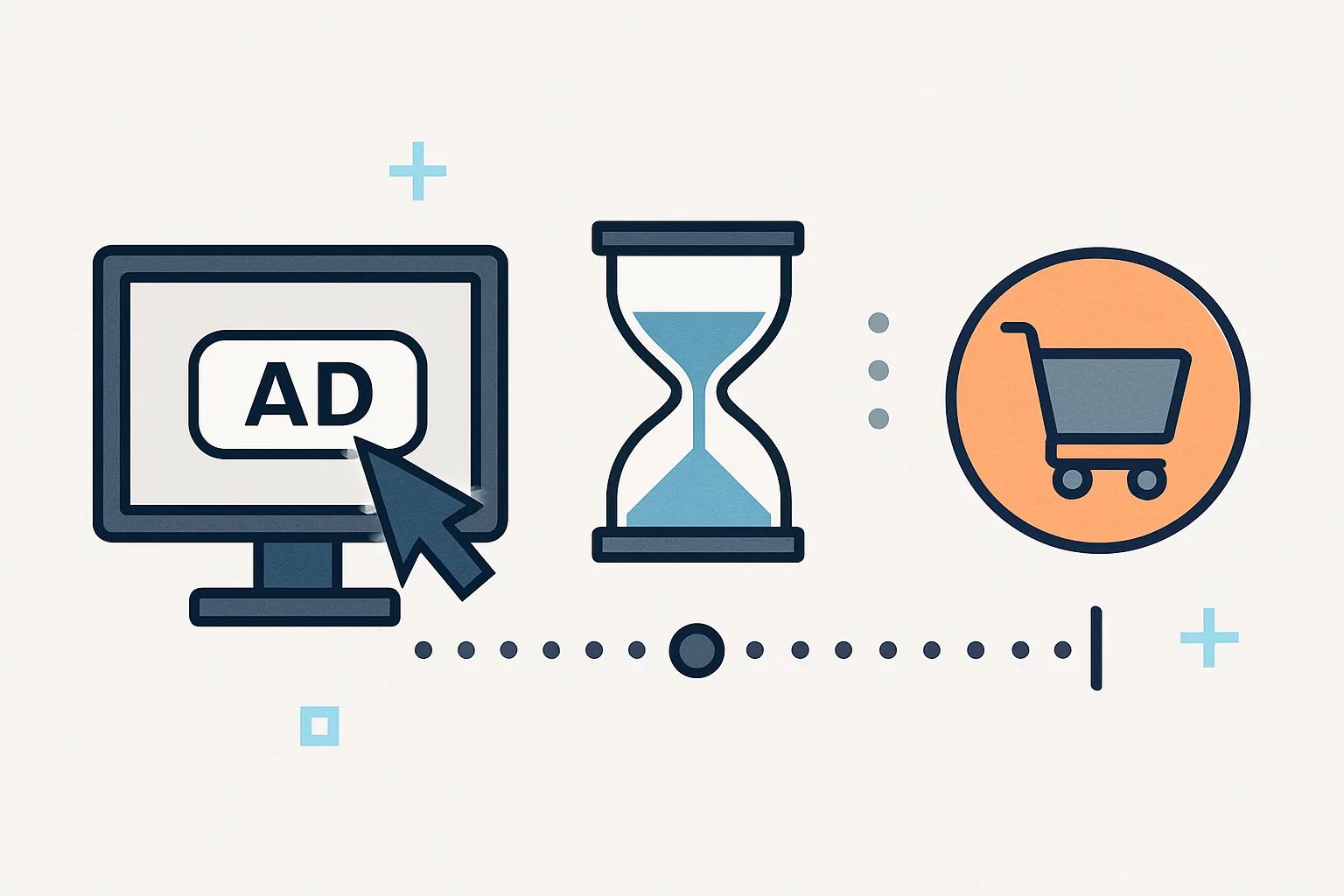
Conversion lag is the time between when a user clicks an ad and when they complete the conversion. For impulse purchases, lag may be minutes. For high-consideration purchases (software subscriptions, B2B products, large ecommerce orders), lag can be days or weeks. In Google Ads, the conversion does not appear in reports until it occurs — and it is attributed back to the date of the click, not the date of conversion.
The Reporting Impact
Suppose a user clicks your Google Ads ad on January 1st and converts on January 8th. In Google Ads reports:
- The conversion appears attributed to January 1st (the click date)
- If you run a report on January 5th covering "last 7 days," the conversion does NOT appear yet (it has not happened)
- If you run the same report on January 15th, it now shows the conversion on January 1st
This is why week-over-week performance reports often look worse for the most recent week — recent conversions are still "in flight" and have not yet happened or been attributed.
Attribution Windows in Google Ads
Attribution windows define how far back a conversion can be attributed to a click. Default windows:
- Click-through attribution: 30 days (a conversion within 30 days of a click is attributed to that click)
- View-through attribution: 1 day (a conversion within 1 day of seeing (but not clicking) an ad)
You can adjust these per conversion action in Google Ads → Tools → Conversions → the conversion action → Attribution Window. Options: 1, 7, 14, 21, 30 days (up to 90 days for some campaign types).
The Lag Report in Google Ads
Google Ads shows your specific conversion lag distribution in Tools → Attribution → Time Lag. This report shows what percentage of conversions happen within 1 day, 1-7 days, 7-30 days of the click. Use this data to:
- Set your attribution window appropriately (if 95% of conversions happen within 14 days, a 30-day window is fine; if 20% happen after 14 days, extend to 30)
- Understand why recent periods look weaker — if your business has a 14-day average lag, the last 14 days of data are always incomplete
Practical Implications for Reporting
- Always compare complete periods (last month vs month before) rather than recent incomplete periods
- When evaluating campaign performance changes, wait 2-3 weeks before drawing conclusions — the full conversion volume has not yet been attributed
- For automated bidding (Target CPA, Target ROAS), Google accounts for conversion lag in its modelling — do not manually adjust bids for lag effects
Summary
Conversion lag means recent reporting periods always appear to have fewer conversions than they ultimately will. The Time Lag report in Google Ads shows your specific distribution. Set attribution windows long enough to capture 95%+ of your conversions. Always compare fully-settled periods (complete months) for accurate performance comparison, and allow 2-3 weeks after any campaign change before evaluating results — especially for businesses with multi-day consideration cycles.
See our Conversion Tracking Fix service for attribution window configuration.
Need help with Google Ads attribution setup? Contact Adslytics.
Need expert tracking setup?
Our Google Tag Manager experts have delivered 500+ tracking setups with a 98% success rate.
Get a Free Consultation →